We Use CookiesWe use cookies to enhance the security, performance, functionality and for analytical and promotional activities. By continuing to browse this site you are agreeing to our privacy policy

10 Best Xbox Controller Accessories 2026 in the United States

#1

Winner

10.0 score

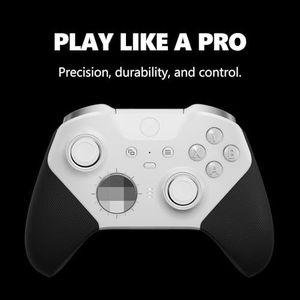
Xbox Wireless Gaming Controller | Elite Series 2 Core | Robot White | Console, PC, and Cloud Devices | Adjustable Thumbsticks | Trigger Locks
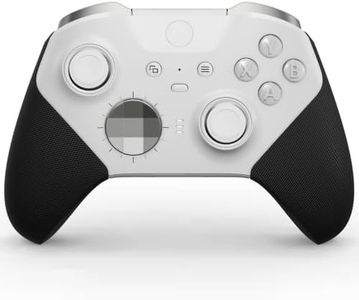
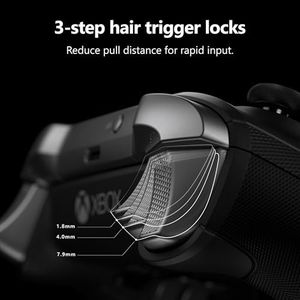
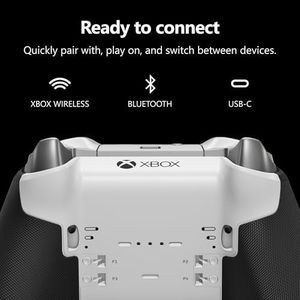
The Xbox Elite Wireless Controller Series 2 Core in Robot White is designed for gamers who want high-level control and comfort across Xbox consoles and PC. It offers excellent compatibility, working seamlessly with Xbox Series X|S, Xbox One, Windows PCs, and cloud gaming via Bluetooth, USB-C, or Xbox Wireless. Its ergonomics shine with a wrap-around rubber grip that feels comfortable for long gaming sessions, and shorter hair trigger locks help you react faster in competitive play.

Rating
10.0
Chosen by1,131
Customization Options
Functionality Enhancements
Ease of Installation

Most important from
46871 reviews

Customization Options
The controller’s customizable back paddles and three profile settings transform gameplay, offering tailored control that truly elevates performance.
Functionality Enhancements
Long gaming sessions are supported by a reliable built-in battery that holds up even during 12-16 hour streams without dying mid-match.
Ease of Installation
Using the included slow USB-C charger preserves battery life and prevents overcharging, ensuring the controller’s longevity.
Ergonomics
The controller’s textured grips and curved rear triggers provide excellent comfort and grip, especially for sweaty hands and shooter games.
#2
9.7 score

Xbox Wireless Gaming Controller | Deep Pink | Console, PC, & Cloud Devices | Textured Grip | Wireless, Bluetooth, USB-C Connectivity
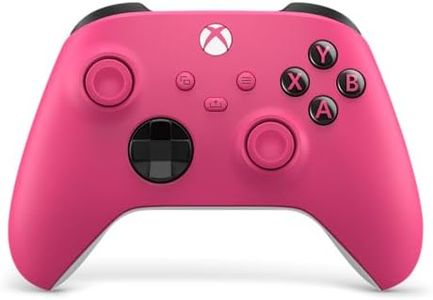
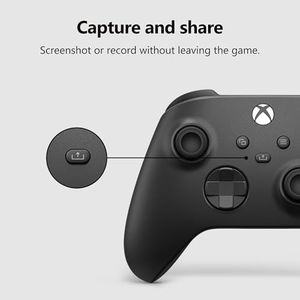
The Xbox Wireless Gaming Controller in Deep Pink is a solid choice for Xbox Series X|S players and PC gamers who want a comfortable, versatile controller. Its modern design includes sculpted surfaces and textured grips that make long gaming sessions easier on your hands. You can connect it easily via USB-C, Bluetooth, or Xbox Wireless, allowing quick switching between console, PC, and even mobile devices. The controller features a hybrid D-pad and textured triggers that help improve accuracy and control during gameplay. A handy Share button lets you capture screenshots and clips without interrupting your game.

Rating
9.7
Ergonomics
Ease of Installation
Functionality Enhancements

Most important from
934 reviews

Ergonomics
The controller feels solid and comfortable in hand, with smooth thumbsticks and responsive buttons.
Ease of Installation
Setup is quick and easy, connecting seamlessly without any issues.
Functionality Enhancements
Gameplay feels precise, delivering exactly the control and responsiveness expected.
Build Quality
The triggers have held up remarkably well even after extended use.
#3
9.7 score

XBOX Wireless Gaming Controller + USB-C Cable | Carbon Black | Console, PC, & Cloud Devices | Textured Grip | Wireless, Bluetooth, USB-C Connectivity
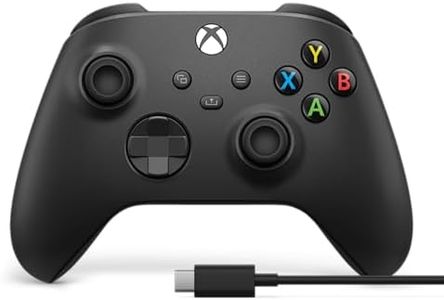
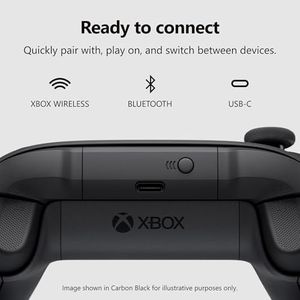
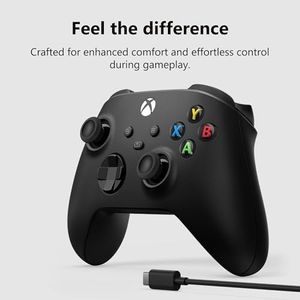
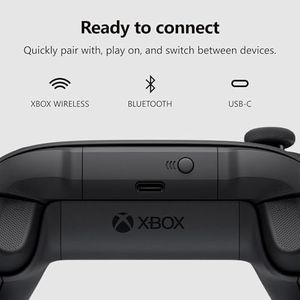
The Xbox Wireless Gaming Controller in Carbon Black is a solid choice for anyone looking to upgrade or replace their Xbox controller. It works seamlessly with Xbox consoles (One, Series S, Series X) and Windows PCs, and even supports cloud gaming across various devices, making it very versatile. You can play wirelessly via Bluetooth or plug in the included 9-foot USB-C cable for a wired connection, which is great for zero-lag gaming or when batteries run low. Speaking of batteries, the controller offers up to 40 hours of wireless play on standard AA batteries, which is quite convenient, though you may need to buy batteries separately.

Rating
9.7
Build Quality
Ergonomics
Functionality Enhancements

Most important from
1049 reviews

Build Quality
The controller is impressively durable, surviving drops and rough handling without any issues.
Ergonomics
Its textured grips and balanced weight make long gaming sessions comfortable and prevent slipping even when hands get sweaty.
Functionality Enhancements
The hybrid D-pad delivers precise and responsive control, ideal for fighting games and platformers.
Compatibility
Bluetooth connectivity is seamless and reliable across multiple devices including PC, laptop, and iPad.

Top 10 Best Xbox Controller Accessories 2026 in the United States
#1

Winner

10.0  score

Xbox Wireless Gaming Controller | Elite Series 2 Core | Robot White | Console, PC, and Cloud Devices | Adjustable Thumbsticks | Trigger Locks
Compatibility: Xbox Series X|S, One, Windows, cloud
Ergonomics: wrap-around grip, short hair trigger locks
Build Quality: solid, refined parts, 1-year warranty
Customization Options: remap buttons, adjust dead zones, light
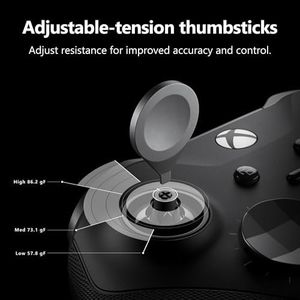
Functionality Enhancements: adjustable-tension thumbsticks
Ease of Installation: plug-and-play, easy Bluetooth pairing

Chosen by 1131 this week

Xbox Wireless Gaming Controller | Deep Pink | Console, PC, & Cloud Devices | Textured Grip | Wireless, Bluetooth, USB-C Connectivity
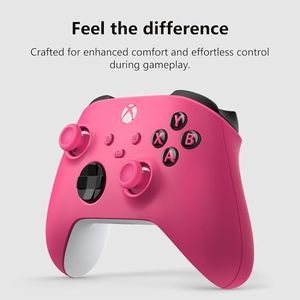
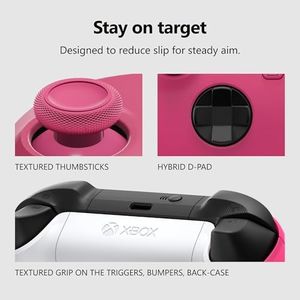
Compatibility: Xbox Series S/X, Android, iOS, Windows
Ergonomics: Sculpted surfaces, textured grips
Build Quality: Sturdy
Customization Options: Xbox app for button remapping
Functionality Enhancements: Hybrid D-pad, textured triggers, Share
Ease of Installation: Plug-and-play USB-C, easy Bluetooth

XBOX Wireless Gaming Controller + USB-C Cable | Carbon Black | Console, PC, & Cloud Devices | Textured Grip | Wireless, Bluetooth, USB-C Connectivity
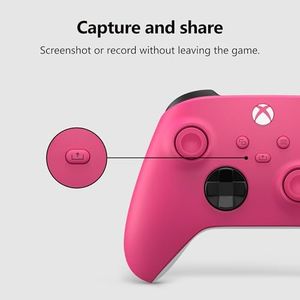
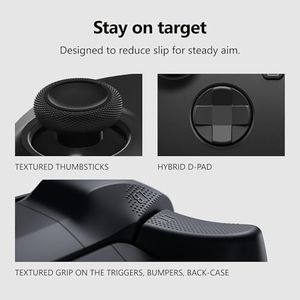
Compatibility: Xbox One, Series S/X, Windows, Android, IOS
Ergonomics: Textured triggers, bumpers, sculpted shape, D-pad
Build Quality: Dependable, sturdy
Customization Options: Button remapping, profiles via Xbox app
Functionality Enhancements: Wireless Bluetooth, wired USB-C, 3.5mm jack
Ease of Installation: Plug and play, quick Bluetooth pairing

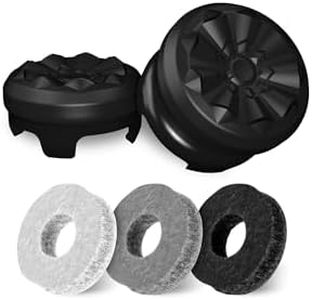
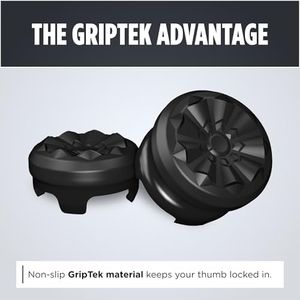
KontrolFreek Aim Boost Kit for Xbox One and Xbox Series X Controller | Includes Performance Thumbsticks and Precision Rings | Black Galaxy Edition
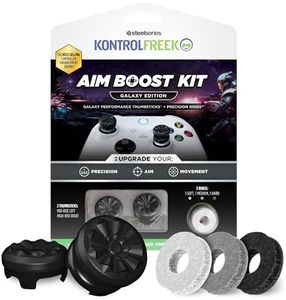
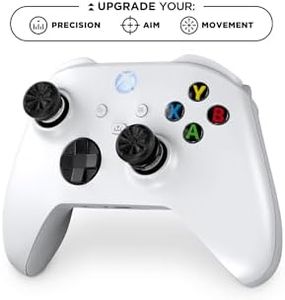
Compatibility: Xbox One, Xbox Series X
Ergonomics: Ergonomic thumbsticks for comfort, less fatigue
Build Quality: Rubber materials for grip and durability
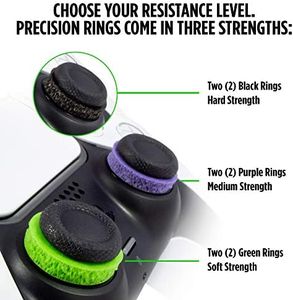
Customization Options: Precision rings with three resistance levels
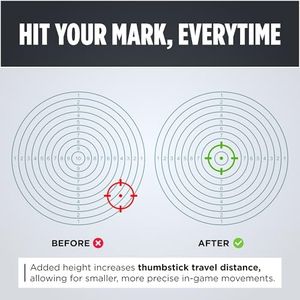
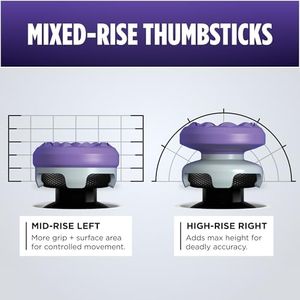
Functionality Enhancements: Mixed height sticks, resistance, shock absorption
Ease of Installation: Snaps onto thumbsticks without tools

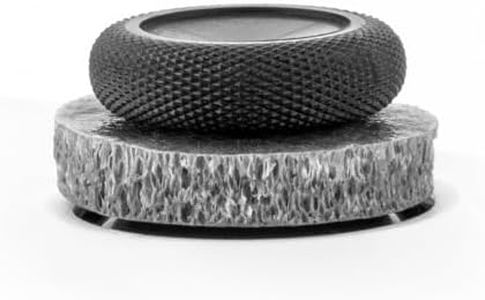
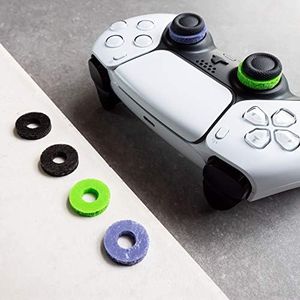
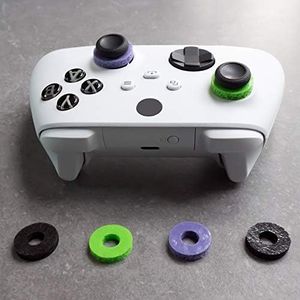
KontrolFreek Precision Rings | Aim Assist Motion Control for PlayStation 4 (PS4), PS5, Xbox One, XBX, Switch Pro & Scuf Controller (Black/Purple/Green)
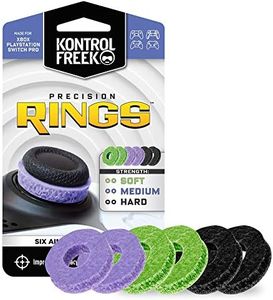
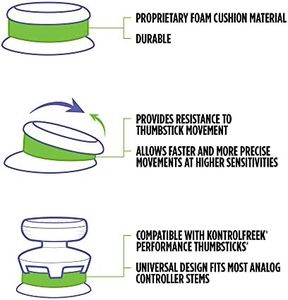
Compatibility: Xbox One, Series X, PS4, PS5, Switch
Ergonomics: Soft, moisture-wicking rubber; comfortable, oil-resistant
Build Quality: Good quality; rubber material
Customization Options: Six rings; three resistance levels
Functionality Enhancements: Adds thumbstick resistance; improves control
Ease of Installation: Snaps on without tools

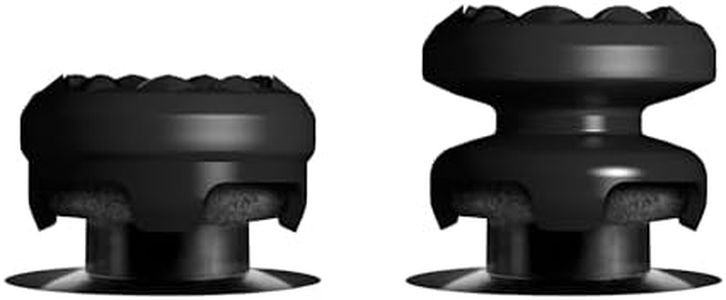
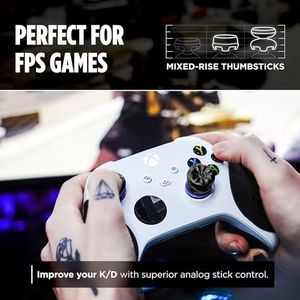
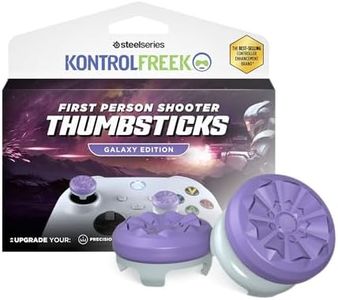
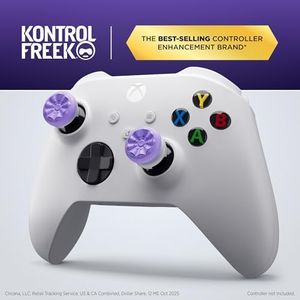
KontrolFreek FPS Freek Galaxy Black for Xbox One and Xbox Series X Controller | 2 Performance Thumbsticks | 1 High-Rise, 1 Mid-Rise | Black (Limited Edition)
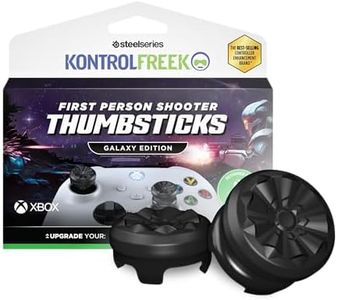
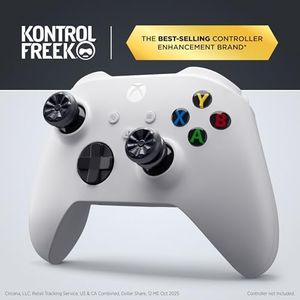
Compatibility: Xbox One, Series X
Ergonomics: Taller right stick, shorter left stick
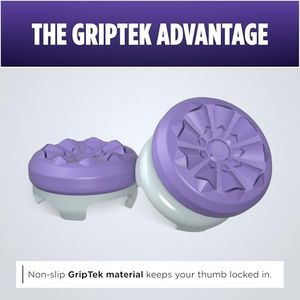
Build Quality: Rubber material
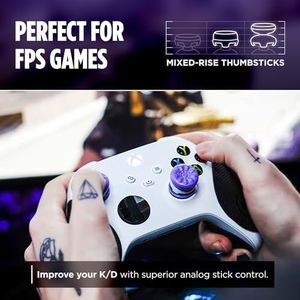
Functionality Enhancements: Improves precision, comfort, reduces fatigue
Ease of Installation: Simple, pops onto controller sticks

Racing Wheel Overdrive Designed for Xbox Series X|S By HORI - Officially Licensed by Microsoft
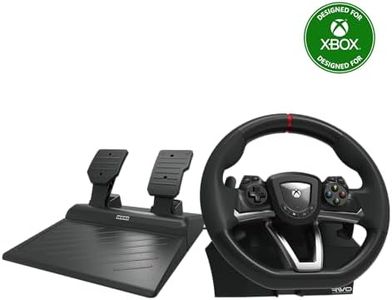
Compatibility: Xbox One, One S, One X, Series X, Windows 10
Ergonomics: Full-size wheel, pedals, 270-degree turn
Build Quality: Decent, weighs 7 pounds
Customization Options: Adjustable sensitivity
Ease of Installation: USB wired connection
How do we rank products for you?

Our technology thoroughly searches through the online shopping world, reviewing hundreds of sites. We then process and analyze this information, updating in real-time to bring you the latest top-rated products. This way, you always get the best and most current options available.

headphones-stars

Buying Guide for the Best Xbox Controller Accessories

When it comes to enhancing your gaming experience with Xbox controllers, choosing the right accessories can make a significant difference. Whether you're looking to improve comfort, performance, or simply add a personal touch, there are several key specifications to consider. Understanding these specs will help you make an informed decision and ensure that the accessories you choose are the best fit for your gaming needs.
CompatibilityCompatibility refers to whether the accessory works with your specific Xbox controller model. This is crucial because not all accessories are universally compatible with every version of the Xbox controller. To navigate this, check the product description to see if it lists your controller model. If you have an older or newer version of the Xbox controller, make sure the accessory is designed to work with it. Your need here is straightforward: ensure the accessory will function with your controller to avoid any compatibility issues.
ErgonomicsErgonomics is about how comfortable and user-friendly the accessory is during extended gaming sessions. This is important because a well-designed accessory can reduce strain and improve your overall gaming experience. Ergonomic accessories often feature designs that fit naturally in your hands or provide additional support. When choosing, consider how the accessory feels in your hands and whether it alleviates any discomfort you might experience during long play sessions. Your need should guide you to select accessories that enhance comfort and reduce fatigue.
Build QualityBuild quality refers to the materials and construction of the accessory. High build quality means the accessory is durable and can withstand regular use. This is important because a well-built accessory will last longer and provide a better experience. To navigate this, look for accessories made from sturdy materials like high-grade plastics or metals. Read reviews to see if other users have had issues with durability. Your need here is to find an accessory that will endure your gaming habits and provide consistent performance over time.
Customization OptionsCustomization options refer to the ability to personalize the look and feel of your controller. This is important for gamers who want to express their style or improve their gaming setup's aesthetics. Customization can include things like interchangeable thumbsticks, D-pads, or faceplates. When choosing, consider what aspects of your controller you want to change and look for accessories that offer those options. Your need should guide you to select accessories that allow you to personalize your controller to your liking.
Functionality EnhancementsFunctionality enhancements are accessories that add new features or improve existing ones on your controller. This can include things like additional buttons, paddles, or improved grips. These enhancements are important for gamers looking to gain a competitive edge or improve their gameplay. To navigate this, think about what features you feel are lacking in your current setup and look for accessories that address those needs. Your need here is to find accessories that enhance your gaming performance and provide a better overall experience.
Ease of InstallationEase of installation refers to how simple it is to attach or set up the accessory with your controller. This is important because a complicated installation process can be frustrating and time-consuming. To navigate this, look for accessories that come with clear instructions or require minimal effort to install. Some accessories might be plug-and-play, while others could require tools or more detailed setup. Your need should guide you to select accessories that you can easily install and start using without hassle.

FAQ