10 Best Video Conferencing Equipment 2026 in the United States
Winner
Logitech Rally Bar Mini + Tap IP Graphite Bundle for Video Meeting Rooms
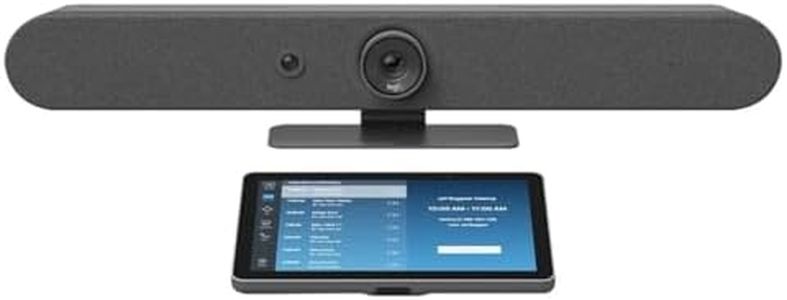
The Logitech Rally Bar Mini + Tap IP bundle is designed as a complete video conferencing solution for small to medium meeting rooms. Its 1080p camera with motorized pan, tilt, and 4x digital zoom offers clear video and a wide field of view, enhanced by AI-powered RightSight technology that keeps participants in frame automatically. The beamforming microphone array and room-filling speakers deliver clear audio with the help of RightSound AI, which focuses on voice clarity and reduces background noise. This setup is certified to work seamlessly with Microsoft Teams Rooms, Zoom Rooms, and Google Meet on Android, ensuring broad compatibility.
Meeting Owl 4+ 360-Degree, 4K Smart Video Conference Camera, Microphone, and Speaker (Automatic Focus, Zooming, Noise Equalizing, Certified for Microsoft Teams)
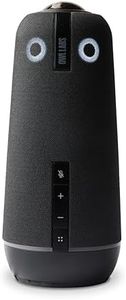
The Meeting Owl 4+ is designed to offer an immersive video conferencing experience with its standout 4K camera that captures a full 360-degree view of the room. This wide field of view ensures everyone in the meeting space can be seen, which is a big plus for hybrid meetings. Its automatic focus and zoom capabilities help spotlight whoever is speaking, making conversations easier to follow for remote participants. The microphone array captures audio clearly across an 18-foot radius, and the device’s noise equalizing technology reduces background distractions, creating a more natural sound experience. The built-in speaker is decent for medium-sized rooms, but larger spaces might require additional audio equipment for optimal sound.
Most important from
83 reviews
Logitech Rally Bar All-in-One Video Bar (Graphite, TAA Compliant)

The Logitech Rally Bar is designed as an all-in-one video bar tailored for medium to large conference rooms. Its standout feature is the 4K UHD camera, which ensures very sharp and clear video quality, ideal for professional meetings where image clarity matters. Logitech's Rally series typically offers wide-angle lenses to capture an entire room, helping everyone stay in frame. The device includes automatic exposure control and manual shooting modes, allowing for flexible camera adjustments in varying lighting conditions.
Most important from
3 reviews
Top 10 Best Video Conferencing Equipment 2026 in the United States
Winner
Logitech Rally Bar Mini + Tap IP Graphite Bundle for Video Meeting Rooms
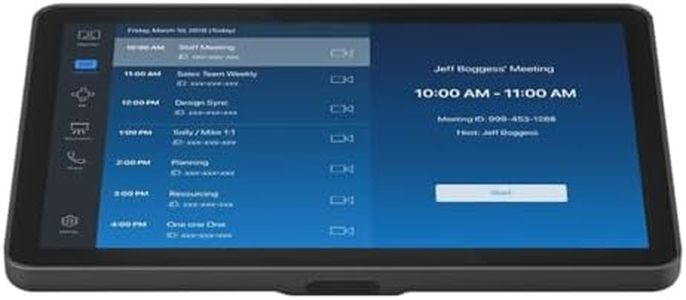
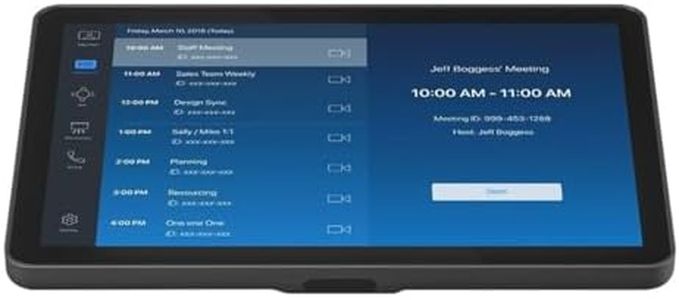
Logitech Rally Bar Mini + Tap IP Graphite Bundle for Video Meeting Rooms
Chosen by 1302 this week
Meeting Owl 4+ 360-Degree, 4K Smart Video Conference Camera, Microphone, and Speaker (Automatic Focus, Zooming, Noise Equalizing, Certified for Microsoft Teams)
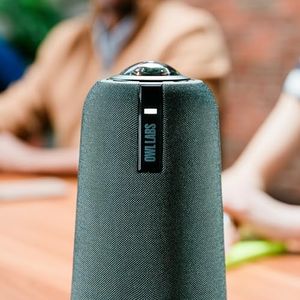
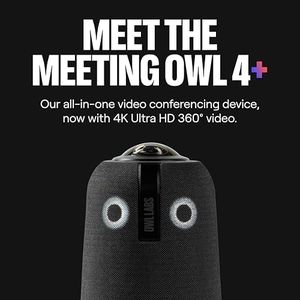
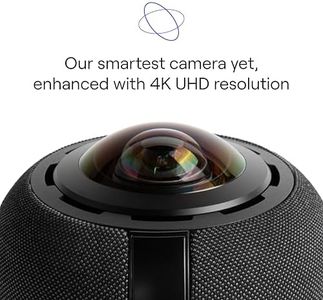
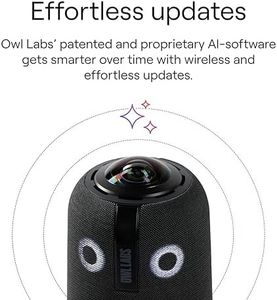
Meeting Owl 4+ 360-Degree, 4K Smart Video Conference Camera, Microphone, and Speaker (Automatic Focus, Zooming, Noise Equalizing, Certified for Microsoft Teams)
Logitech Rally Bar All-in-One Video Bar (Graphite, TAA Compliant)
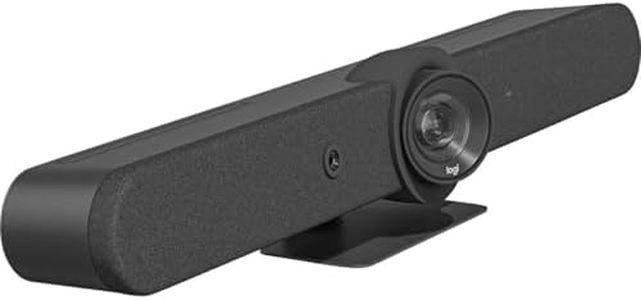
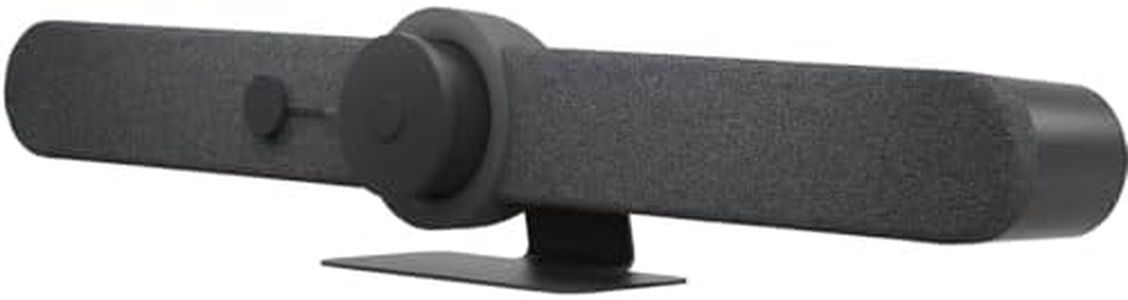
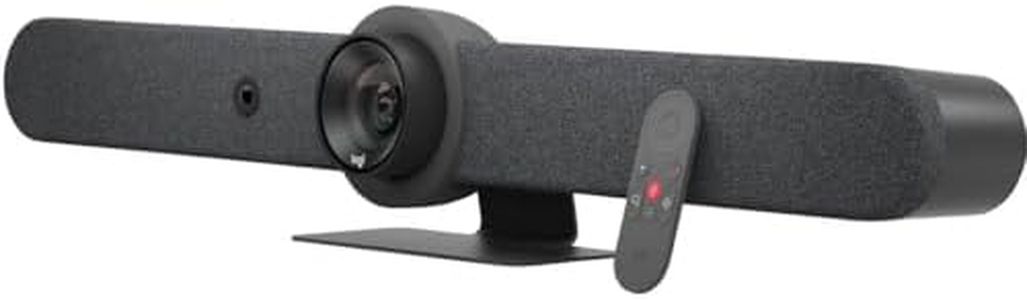
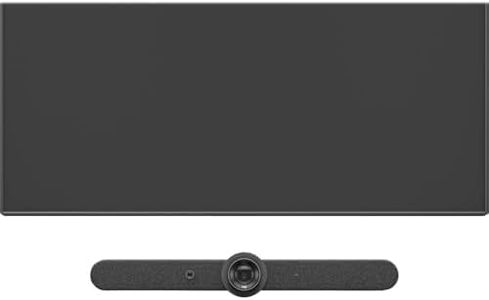
Logitech Rally Bar All-in-One Video Bar (Graphite, TAA Compliant)
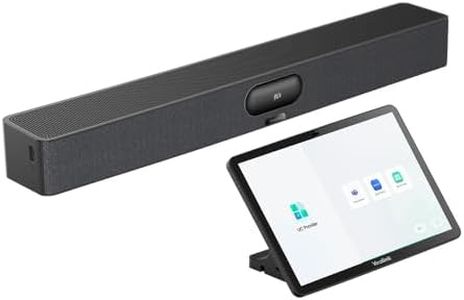
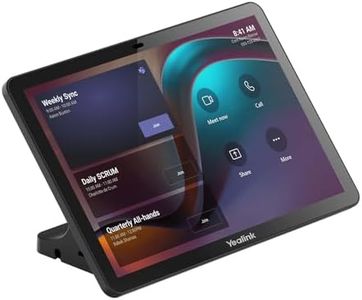
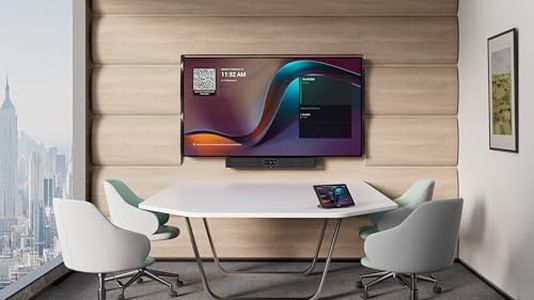
Yealink MeetingBar A40-031 - All-in-One 4K Video Conferencing Solution with Dual 48MP Cameras, 120° Field of View, 8MEMS Microphone Array, CTP25 Touch Panel, Compatible with Microsoft Teams and Zoom
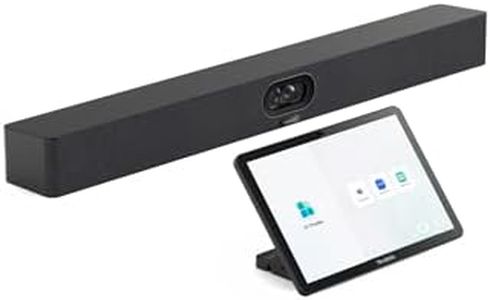

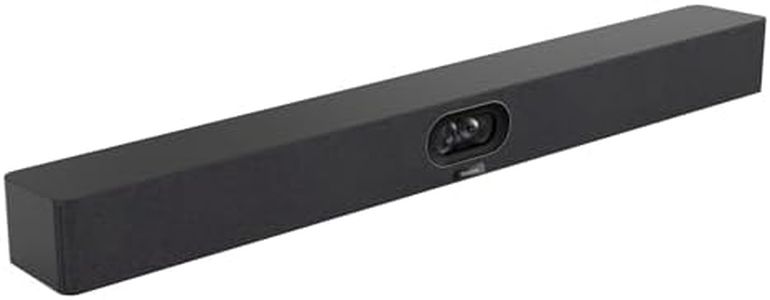

Yealink MeetingBar A40-031 - All-in-One 4K Video Conferencing Solution with Dual 48MP Cameras, 120° Field of View, 8MEMS Microphone Array, CTP25 Touch Panel, Compatible with Microsoft Teams and Zoom
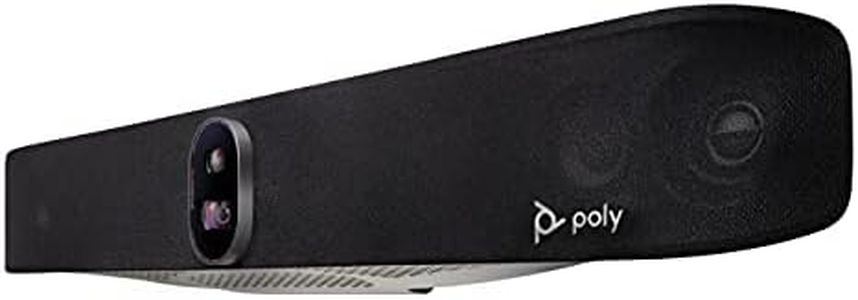
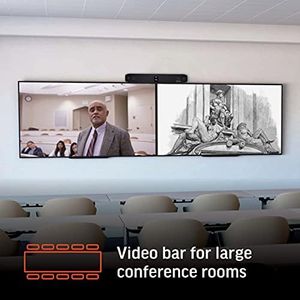
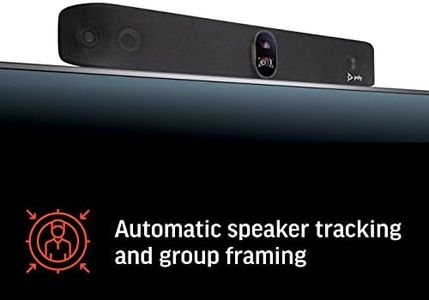
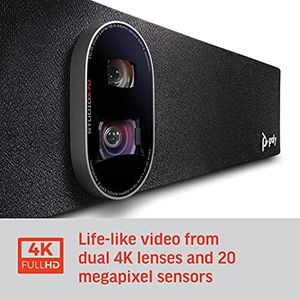
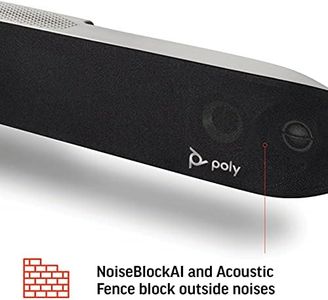
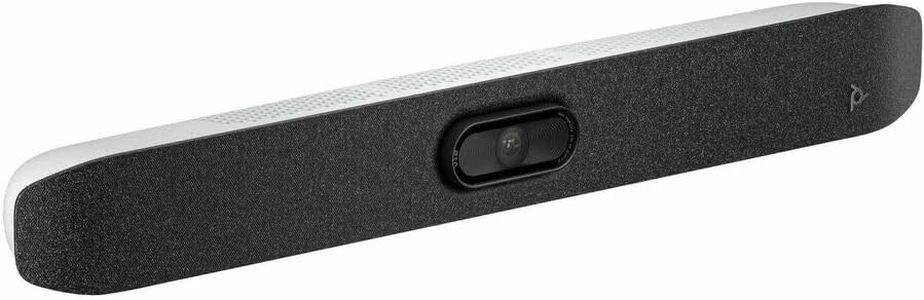
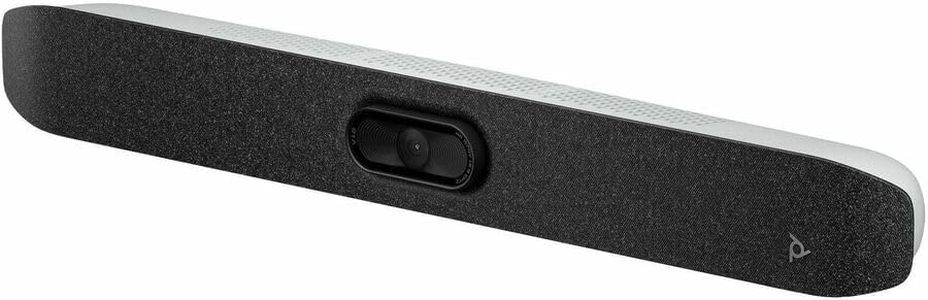
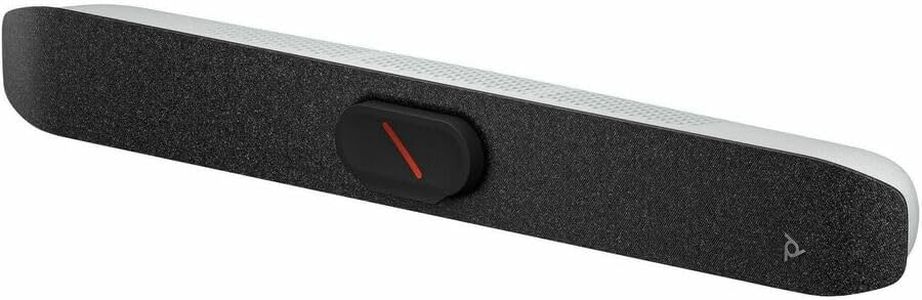
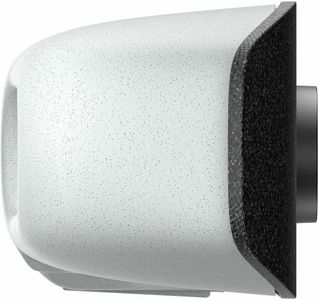
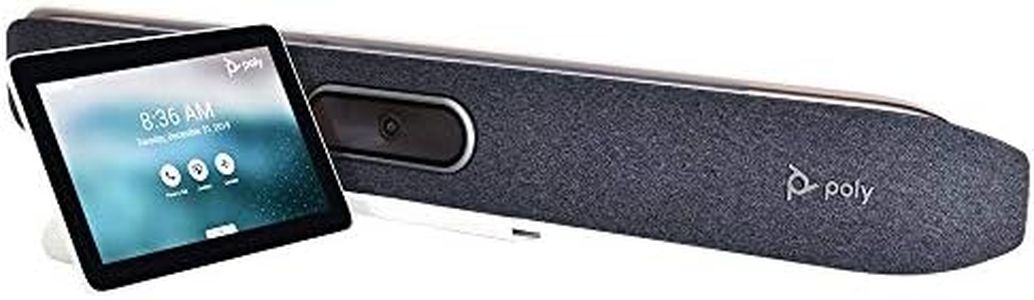
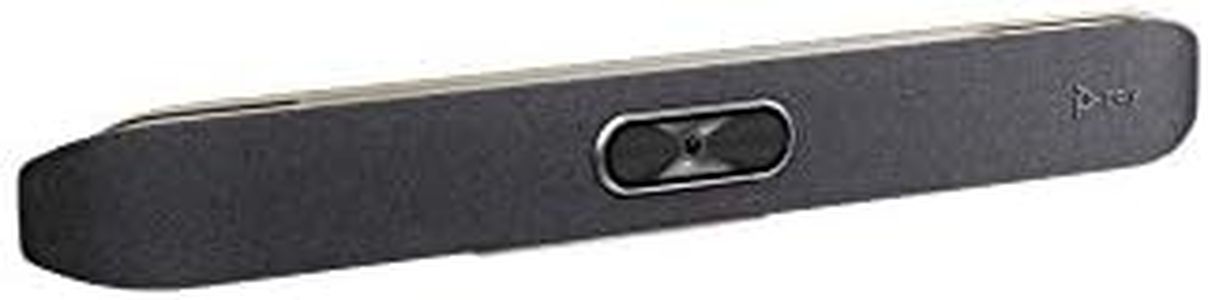
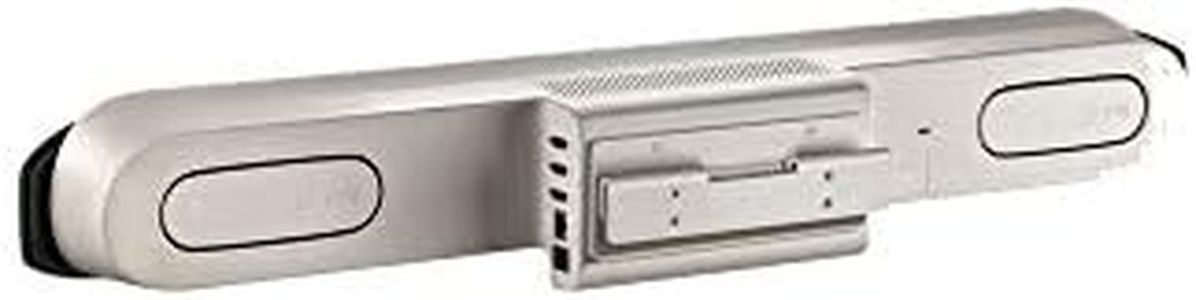
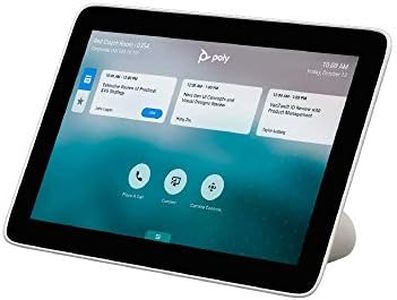
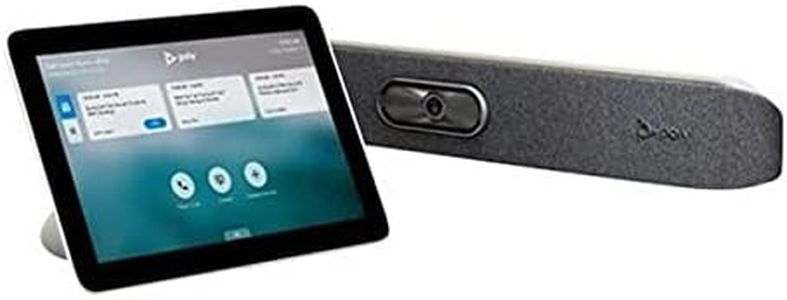
Poly Studio X52 All-in-One Video Bar with TC10 Controller Kit
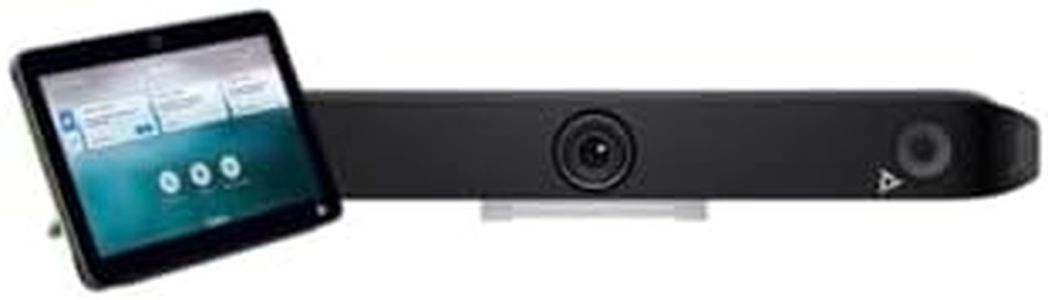
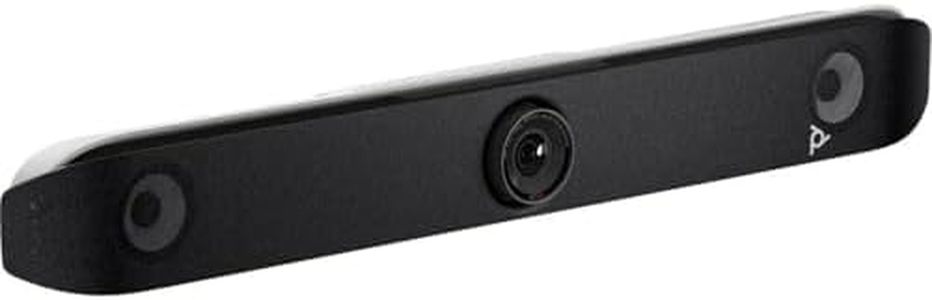
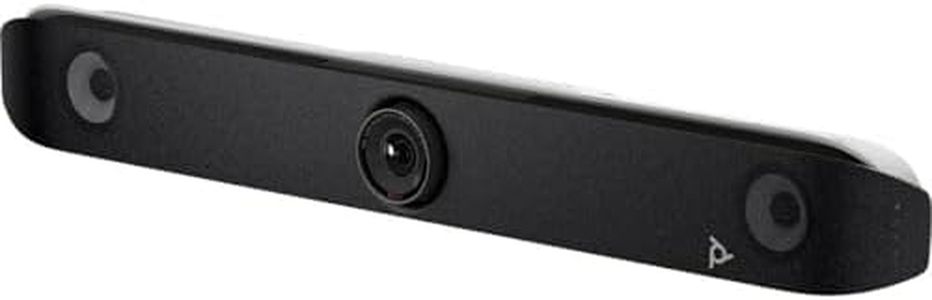


Poly Studio X52 All-in-One Video Bar with TC10 Controller Kit
Related Products
Up to 9% off



Our technology thoroughly searches through the online shopping world, reviewing hundreds of sites. We then process and analyze this information, updating in real-time to bring you the latest top-rated products. This way, you always get the best and most current options available.
