10 Best Second Monitor 2026 in the United States
Winner
Dell 32 Plus 4K Monitor - S3225QS - 31.5-inch 4K (3840 x 2160) up to 120Hz 16:9 Display, VA Panel, AMD FreeSync Premium, 99% sRGB, 95% DCI-P3, 1500:1 Contrast Ratio, Comfortview - Ash White

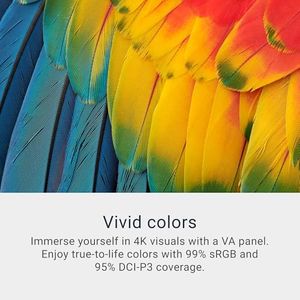
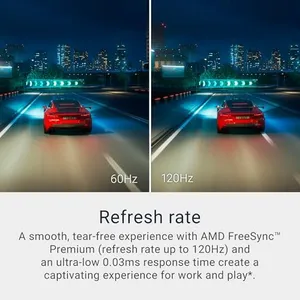
The Dell 32 Plus 4K Monitor (S3225QS) is a strong choice if you want a large, sharp secondary screen. Its 31.5-inch size with a 3840 x 2160 (4K) resolution provides plenty of workspace and clear visuals, making it great for multitasking or detailed work. The VA panel gives good contrast (1500:1), so blacks look deep and colors pop, enhanced by wide color coverage (99% sRGB and 95% DCI-P3), which is a plus if you care about color accuracy for photos or videos. The monitor supports a refresh rate up to 120Hz with AMD FreeSync Premium, offering smooth motion that can benefit gaming or video playback, although the 0.03ms response time mentioned may be marketing-speak since VA panels usually have slightly slower response times than IPS panels.
Most important from
409 reviews
Samsung 32-Inch Flat Computer Monitor, 75Hz, Borderless Display, AMD FreeSync, Game Mode, Advanced Eye Care, HDMI and DisplayPort, LS32B304NWNXGO, 2024
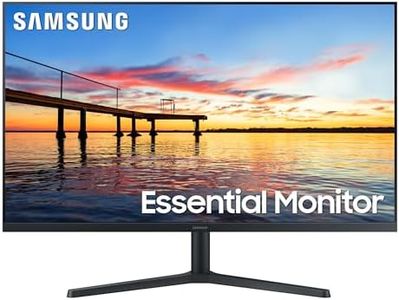
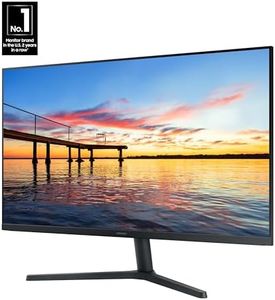
The SAMSUNG 32-Inch Flat Computer Monitor is a solid choice for those needing a second monitor. Its 32-inch screen provides ample space for multitasking, and the Full HD 1080p resolution ensures clear, detailed images. The 75Hz refresh rate is a nice touch, offering smoother visuals compared to standard 60Hz monitors, and the AMD FreeSync technology helps reduce image tearing during fast-paced scenes, making it suitable for both work and casual gaming.
Most important from
1592 reviews
BenQ MA320U 32” 4K 3840x2160 Monitor for MacBook® Pro/Air, Dual USB-C, 90W Power Delivery, Mac Color Match, USB Hub, Brightness & Volume Control on Mac, Height & Tilt Adjustable Stand, P3 Color Gamut
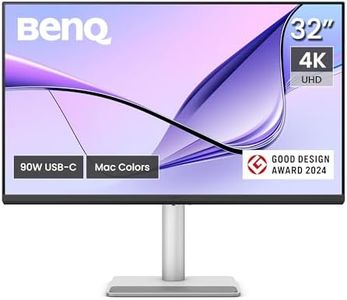
The BenQ MA320U is a 32-inch 4K monitor that stands out as a great second screen, especially if you use a MacBook Pro or Air. Its 3840x2160 resolution means you get a very sharp and detailed picture, perfect for multitasking or viewing high-res content. The screen uses a matte surface, which helps reduce glare and reflections, making it easier on the eyes during long work sessions. One of its strongest points is the color accuracy tailored specifically for Mac users, with a wide P3 color gamut that ensures vibrant and true-to-life colors, which is ideal if you do any photo or video editing.
Most important from
151 reviews
Top 10 Best Second Monitor 2026 in the United States
Winner
Dell 32 Plus 4K Monitor - S3225QS - 31.5-inch 4K (3840 x 2160) up to 120Hz 16:9 Display, VA Panel, AMD FreeSync Premium, 99% sRGB, 95% DCI-P3, 1500:1 Contrast Ratio, Comfortview - Ash White
Dell 32 Plus 4K Monitor - S3225QS - 31.5-inch 4K (3840 x 2160) up to 120Hz 16:9 Display, VA Panel, AMD FreeSync Premium, 99% sRGB, 95% DCI-P3, 1500:1 Contrast Ratio, Comfortview - Ash White
Chosen by 1266 this week
Samsung 32-Inch Flat Computer Monitor, 75Hz, Borderless Display, AMD FreeSync, Game Mode, Advanced Eye Care, HDMI and DisplayPort, LS32B304NWNXGO, 2024
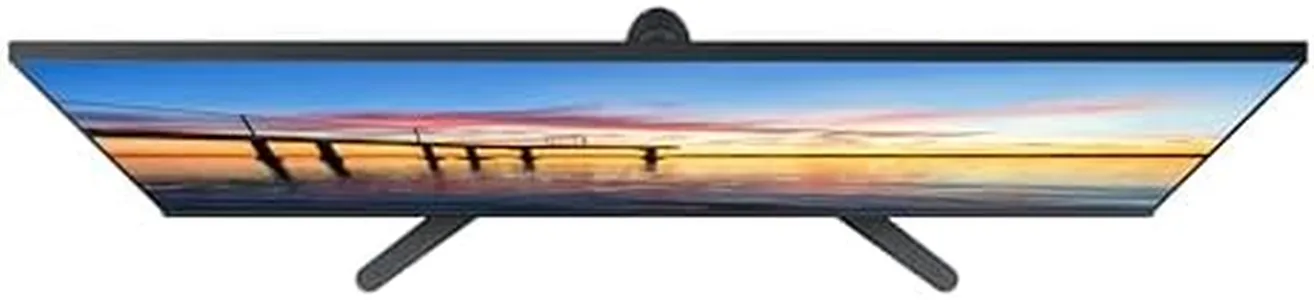
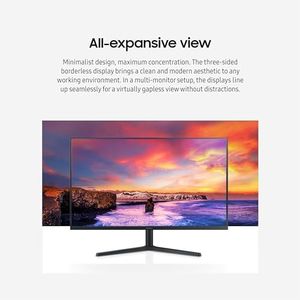
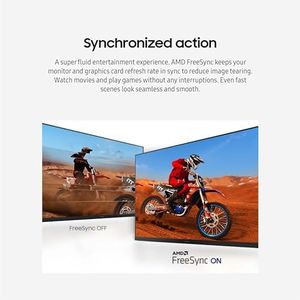
Samsung 32-Inch Flat Computer Monitor, 75Hz, Borderless Display, AMD FreeSync, Game Mode, Advanced Eye Care, HDMI and DisplayPort, LS32B304NWNXGO, 2024
BenQ MA320U 32” 4K 3840x2160 Monitor for MacBook® Pro/Air, Dual USB-C, 90W Power Delivery, Mac Color Match, USB Hub, Brightness & Volume Control on Mac, Height & Tilt Adjustable Stand, P3 Color Gamut

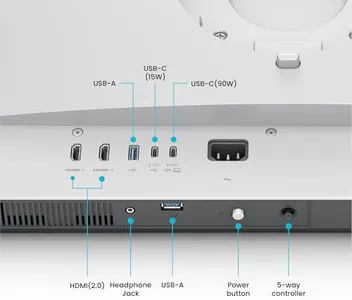
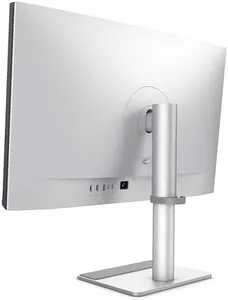
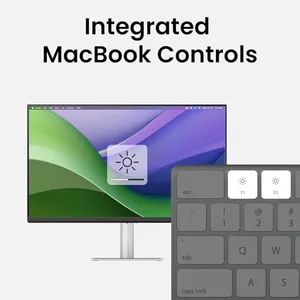
BenQ MA320U 32” 4K 3840x2160 Monitor for MacBook® Pro/Air, Dual USB-C, 90W Power Delivery, Mac Color Match, USB Hub, Brightness & Volume Control on Mac, Height & Tilt Adjustable Stand, P3 Color Gamut
LG 27GS93QE 27-inch Ultragear OLED Gaming Monitor QHD 1440p 240Hz 0.03ms DisplayHDR True Black 400 AMD FreeSync Premium Pro NVIDIA G-Sync HDMI 2.1 DisplayPort Tilt/Height/Pivot Stand Black
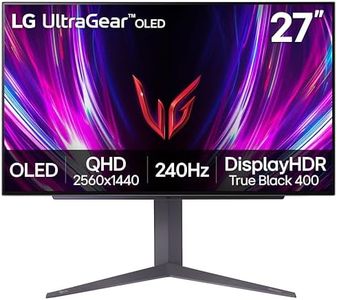


LG 27GS93QE 27-inch Ultragear OLED Gaming Monitor QHD 1440p 240Hz 0.03ms DisplayHDR True Black 400 AMD FreeSync Premium Pro NVIDIA G-Sync HDMI 2.1 DisplayPort Tilt/Height/Pivot Stand Black
Samsung 24" (S30GD) Essential Monitor with IPS Panel and Tilt Only Stand, 100Hz Refresh Rate, Ergonomic Design, Advanced Eye Care, Game Mode, LS24D304GANXZA

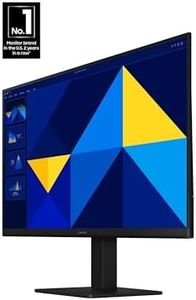
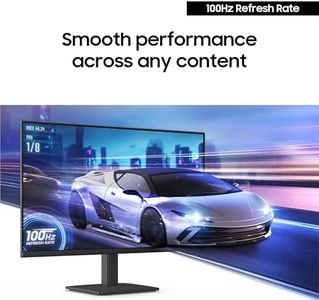
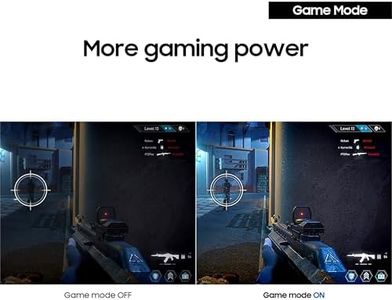
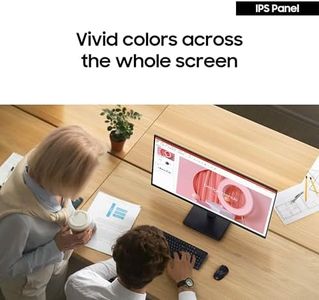
Samsung 24" (S30GD) Essential Monitor with IPS Panel and Tilt Only Stand, 100Hz Refresh Rate, Ergonomic Design, Advanced Eye Care, Game Mode, LS24D304GANXZA
Related Products
Up to 21% off
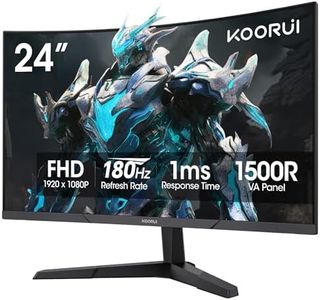




SAMSUNG 34" ViewFinity S50GC Series Ultra-WQHD Monitor, 100Hz, 5ms, HDR10, AMD FreeSync, Eye Care, Borderless Design, PIP, PBP, LS34C502GANXZA, 2023, Black
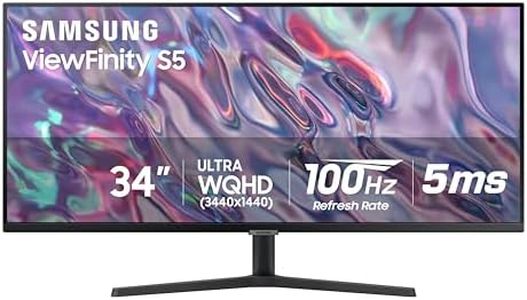


SAMSUNG 34" ViewFinity S50GC Series Ultra-WQHD Monitor, 100Hz, 5ms, HDR10, AMD FreeSync, Eye Care, Borderless Design, PIP, PBP, LS34C502GANXZA, 2023, Black
Dell S2725DS Monitor - 27 Inch, QHD (2560x1440) Display, 100Hz refresh rate, 1500:1 contrast ratio, TÜV Rheinland Eye comfort 4 Star,Integrated 2x5W speaker, Height/Tilt/Swivel/Pivot- Ash White color
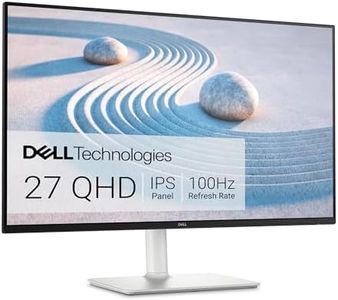

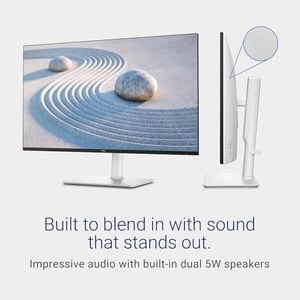
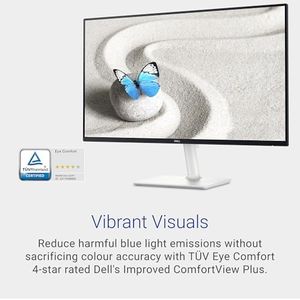
Dell S2725DS Monitor - 27 Inch, QHD (2560x1440) Display, 100Hz refresh rate, 1500:1 contrast ratio, TÜV Rheinland Eye comfort 4 Star,Integrated 2x5W speaker, Height/Tilt/Swivel/Pivot- Ash White color
LG 27UP850K-W 27-inch Ultrafine 4K UHD (3840 x 2160) IPS Computer Monitor, 60Hz, 5ms, DisplayHDR 400, Built-in Speaker, HDMI, DisplayPort, USB Type-C 90W PD, Tilt/Height/Pivot Adjustable Stand, White
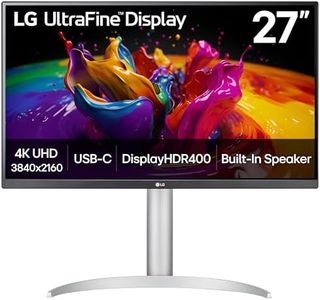
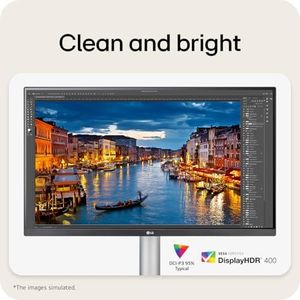
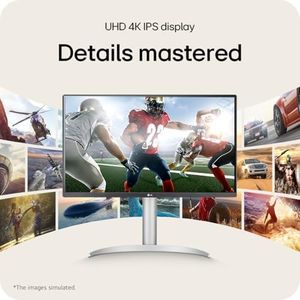
LG 27UP850K-W 27-inch Ultrafine 4K UHD (3840 x 2160) IPS Computer Monitor, 60Hz, 5ms, DisplayHDR 400, Built-in Speaker, HDMI, DisplayPort, USB Type-C 90W PD, Tilt/Height/Pivot Adjustable Stand, White
Samsung 22" (S30GD) Essential Monitor with IPS Panel and Tilt Only Stand, 100Hz Refresh Rate, Ergonomic Design, Advanced Eye Care, Game Mode, LS22D304GANXZA
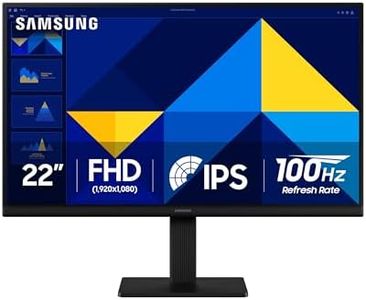
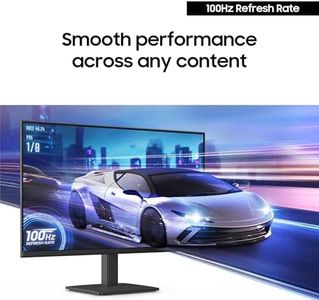
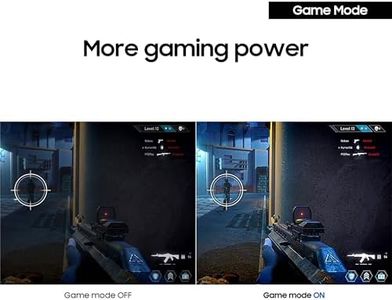
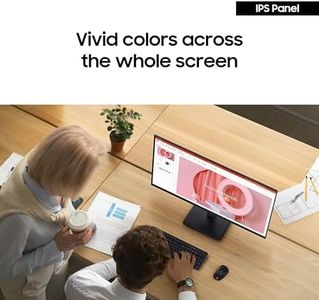
Samsung 22" (S30GD) Essential Monitor with IPS Panel and Tilt Only Stand, 100Hz Refresh Rate, Ergonomic Design, Advanced Eye Care, Game Mode, LS22D304GANXZA
Philips 24E2N2100 24 inch IPS FHD (1920 x 1080) 120Hz Gaming Office Monitor, VESA, HDMI x1, VGA Port x1, Eye Care, 4 Year Advance Replacement Warranty
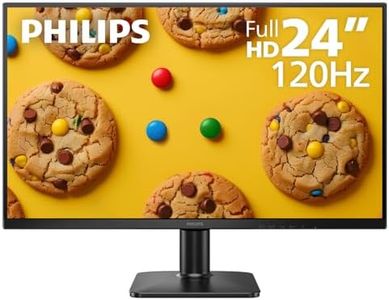
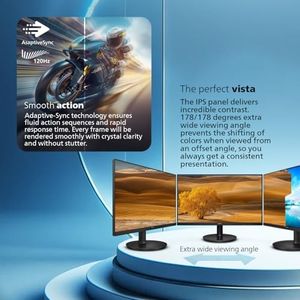
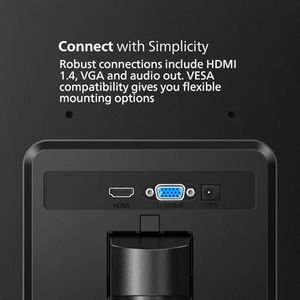
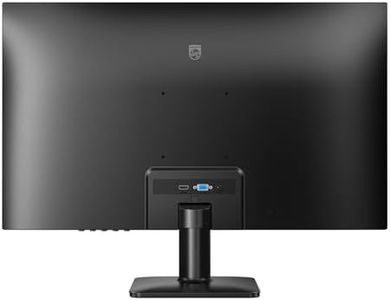
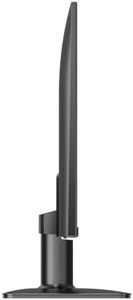
Philips 24E2N2100 24 inch IPS FHD (1920 x 1080) 120Hz Gaming Office Monitor, VESA, HDMI x1, VGA Port x1, Eye Care, 4 Year Advance Replacement Warranty
Recommended lists

bp monitor
Our technology thoroughly searches through the online shopping world, reviewing hundreds of sites. We then process and analyze this information, updating in real-time to bring you the latest top-rated products. This way, you always get the best and most current options available.
