10 Best Monitor For Video Editing 2026 in the United States
Winner
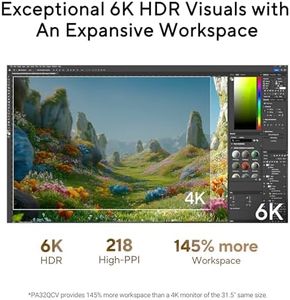
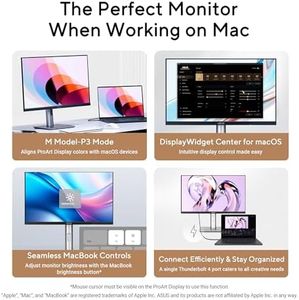
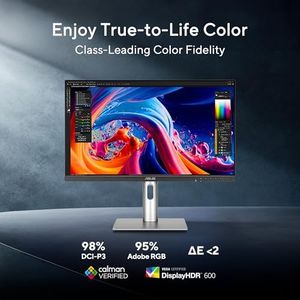
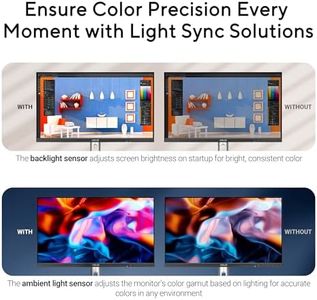
ASUS ProArt Display 32” 6K Professional Monitor (PA32QCV) - IPS, 6K (6016 x 3384), 98% DCI-P3, LuxPixel™, ΔE < 2, Calman Verified, Thunderbolt 4, DisplayHDR600, DisplayWidget, 3 yr Warranty

The ASUS ProArt Display PA32QCV is a strong contender for video editors who need a high-resolution and color-accurate monitor. Its 32-inch IPS panel offers a sharp 6K resolution (6016 x 3384), providing plenty of screen space and detail for editing high-quality video content. The IPS technology ensures wide 178-degree viewing angles, so colors and brightness stay consistent even if you’re not sitting perfectly in front of the screen. Covering 98% of the DCI-P3 color space along with 100% sRGB, it aligns well with industry standards for video production, and its factory calibration guarantees a very accurate Delta E of less than 2. This ensures the colors you see are close to how your final video will look.
Most important from
65 reviews
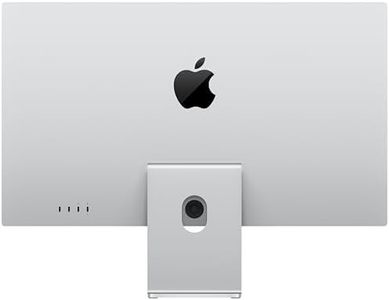
Apple Studio Display: Standard Glass, Tilt-Adjustable Stand
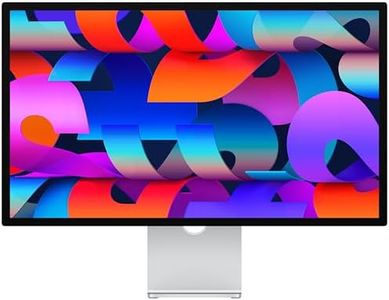
The Apple Studio Display is a high-end 27-inch 5K Retina monitor that offers exceptional resolution (5120x2880) and excellent color accuracy with support for 1 billion colors and the P3 wide color gamut. This makes it a strong choice for video editors who need precise and vibrant color representation. The 600-nit brightness helps maintain clarity even in brighter workspaces, although the default standard glass is glossy, which may produce some reflections. Apple offers a nano-texture glass option to reduce glare in challenging lighting. The display runs at a 60Hz refresh rate, which is sufficient for video editing but not designed for fast gaming.
Most important from
39 reviews
LG 45GX950A-B 45-inch Ultragear 5K2K WUHD (5120 x 2160) OLED Curved Gaming Monitor, Dual-Mode, 165Hz, 0.03ms, NVIDIA G-Sync, AMD FreeSync Premium Pro, HDR True Black 400, USB Type-C 90W, DP2.1
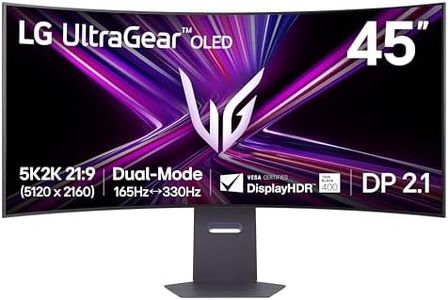
The LG 45GX950A-B is an impressive 45-inch ultrawide monitor that stands out with its sharp 5K2K resolution (5120 x 2160), giving video editors plenty of screen space and detail to work on wide timelines or multiple windows. Its OLED panel offers excellent color accuracy, boasting 98.5% DCI-P3 color coverage and deep true blacks, which is great for color grading and seeing subtle image details. The matte screen surface helps reduce reflections, making it easier to work in various lighting conditions.
Most important from
587 reviews
Top 10 Best Monitor For Video Editing 2026 in the United States
Winner
ASUS ProArt Display 32” 6K Professional Monitor (PA32QCV) - IPS, 6K (6016 x 3384), 98% DCI-P3, LuxPixel™, ΔE < 2, Calman Verified, Thunderbolt 4, DisplayHDR600, DisplayWidget, 3 yr Warranty
ASUS ProArt Display 32” 6K Professional Monitor (PA32QCV) - IPS, 6K (6016 x 3384), 98% DCI-P3, LuxPixel™, ΔE < 2, Calman Verified, Thunderbolt 4, DisplayHDR600, DisplayWidget, 3 yr Warranty
Chosen by 1292 this week
Apple Studio Display: Standard Glass, Tilt-Adjustable Stand
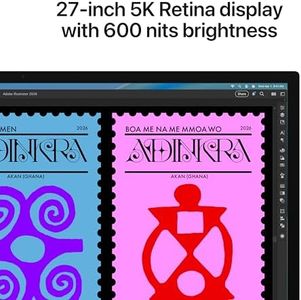
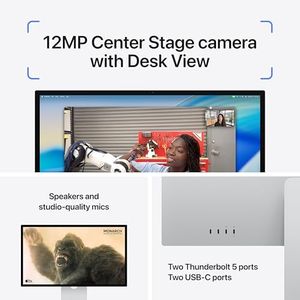
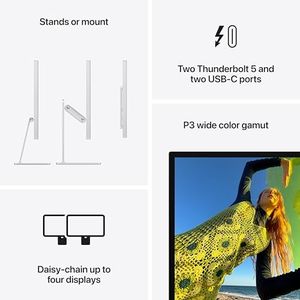
Apple Studio Display: Standard Glass, Tilt-Adjustable Stand
LG 45GX950A-B 45-inch Ultragear 5K2K WUHD (5120 x 2160) OLED Curved Gaming Monitor, Dual-Mode, 165Hz, 0.03ms, NVIDIA G-Sync, AMD FreeSync Premium Pro, HDR True Black 400, USB Type-C 90W, DP2.1
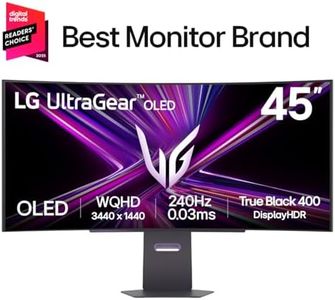



LG 45GX950A-B 45-inch Ultragear 5K2K WUHD (5120 x 2160) OLED Curved Gaming Monitor, Dual-Mode, 165Hz, 0.03ms, NVIDIA G-Sync, AMD FreeSync Premium Pro, HDR True Black 400, USB Type-C 90W, DP2.1
Dell 27 Plus 4K USB-C Monitor - S2725QC - 27-inch 4K (3840 x 2160) 120Hz 16:9 Display, AMD FreeSync Premium, sRGB 99%, Integrated Speakers, 1500:1 Contrast Ratio, Comfortview - Ash White

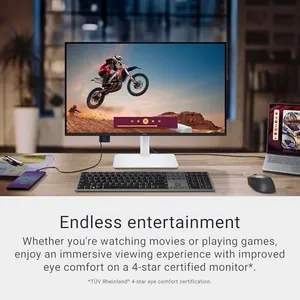
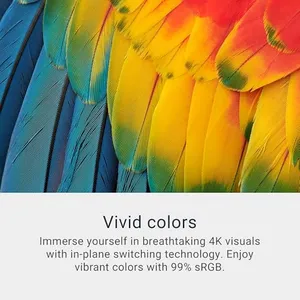
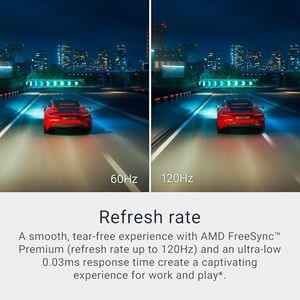
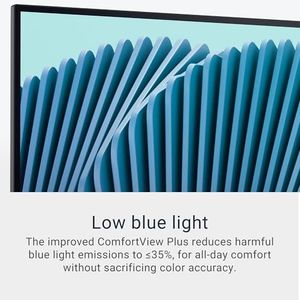
Dell 27 Plus 4K USB-C Monitor - S2725QC - 27-inch 4K (3840 x 2160) 120Hz 16:9 Display, AMD FreeSync Premium, sRGB 99%, Integrated Speakers, 1500:1 Contrast Ratio, Comfortview - Ash White
Dell 32 Plus 4K Monitor - S3225QS - 31.5-inch 4K (3840 x 2160) up to 120Hz 16:9 Display, VA Panel, AMD FreeSync Premium, 99% sRGB, 95% DCI-P3, 1500:1 Contrast Ratio, Comfortview - Ash White


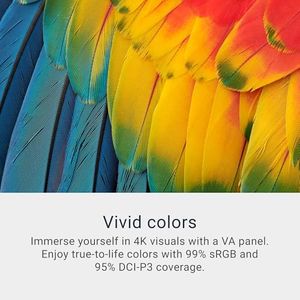
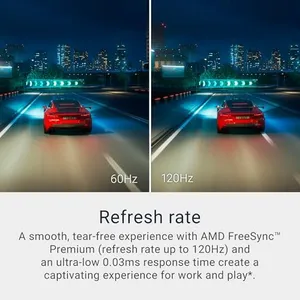
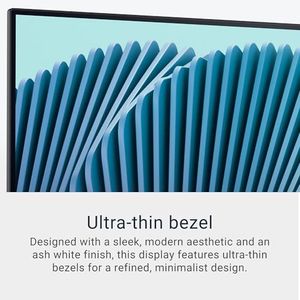
Dell 32 Plus 4K Monitor - S3225QS - 31.5-inch 4K (3840 x 2160) up to 120Hz 16:9 Display, VA Panel, AMD FreeSync Premium, 99% sRGB, 95% DCI-P3, 1500:1 Contrast Ratio, Comfortview - Ash White
Related Products
Up to 21% off
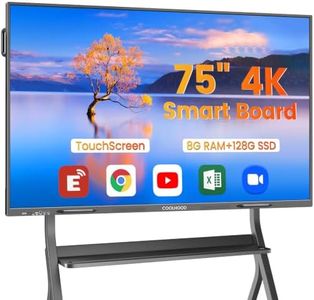



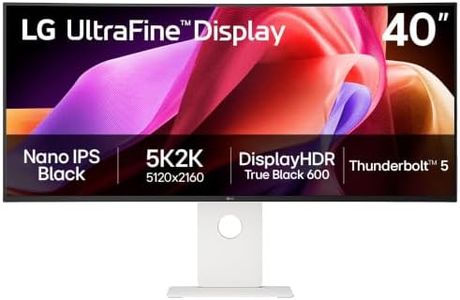
LG 40U990A-W 40-inch Ultrafine evo 5K2K WUHD (5120 x 2160) Nano IPS Curved Monitor, Thunderbolt 5, DisplayHDR 600, Built-in Speaker, 120Hz, HDMI 2.1, DP 2.1, USB C, Tilt/Height/Swivel Stand, White
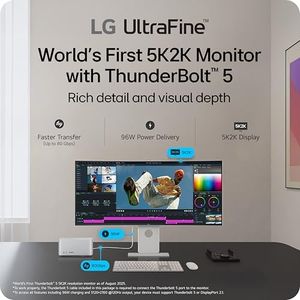
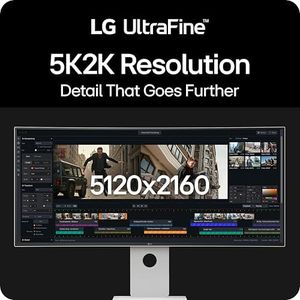
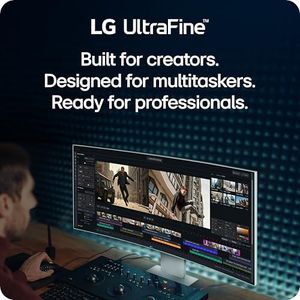
LG 40U990A-W 40-inch Ultrafine evo 5K2K WUHD (5120 x 2160) Nano IPS Curved Monitor, Thunderbolt 5, DisplayHDR 600, Built-in Speaker, 120Hz, HDMI 2.1, DP 2.1, USB C, Tilt/Height/Swivel Stand, White
Dell 27 Plus 4K Monitor - S2725QS - 27-inch 4K (3840 x 2160) 120Hz 16:9 Display, IPS Panel, AMD FreeSync Premium, sRGB 99%, Integrated Speakers, 1500:1 Contrast Ratio, Comfortview - Ash White


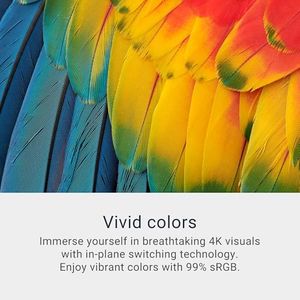
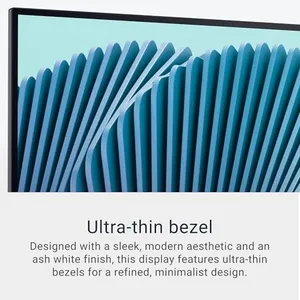
Dell 27 Plus 4K Monitor - S2725QS - 27-inch 4K (3840 x 2160) 120Hz 16:9 Display, IPS Panel, AMD FreeSync Premium, sRGB 99%, Integrated Speakers, 1500:1 Contrast Ratio, Comfortview - Ash White
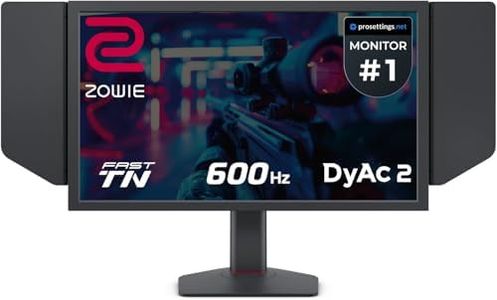

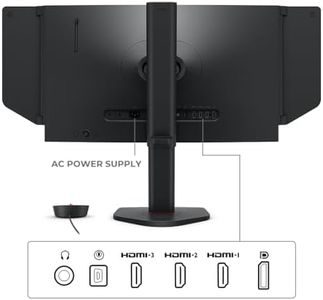
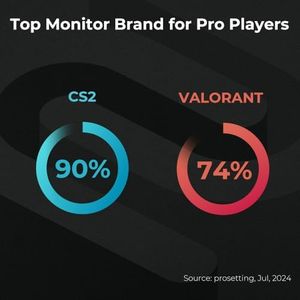

LG 32U990A-S 32-Inch Ultrafine 6K (6144 x 3456) Nano IPS Black Thunderbolt 5 Professional Monitor, 60Hz, DisplayHDR 600, Speakers, HDMI 2.1, DisplayPort 2.1, USB-C, Tilt/Height/Pivot Stand, Silver
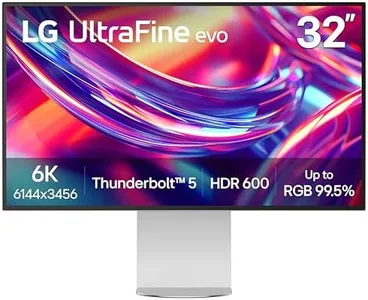
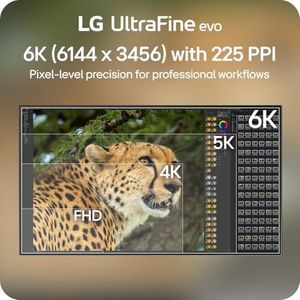
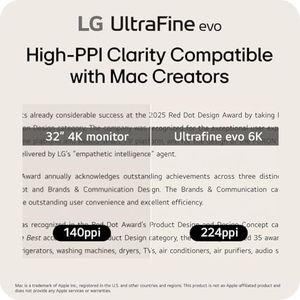
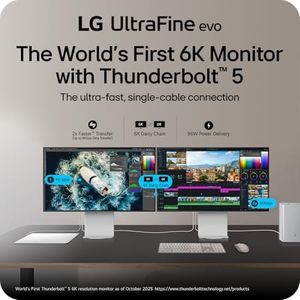
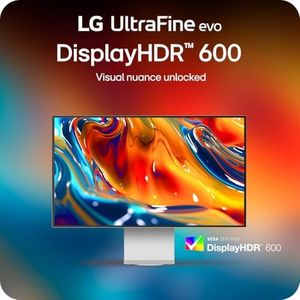
LG 32U990A-S 32-Inch Ultrafine 6K (6144 x 3456) Nano IPS Black Thunderbolt 5 Professional Monitor, 60Hz, DisplayHDR 600, Speakers, HDMI 2.1, DisplayPort 2.1, USB-C, Tilt/Height/Pivot Stand, Silver



Our technology thoroughly searches through the online shopping world, reviewing hundreds of sites. We then process and analyze this information, updating in real-time to bring you the latest top-rated products. This way, you always get the best and most current options available.
