10 Best Monitor For Photo Editings 2026 in the United States
Winner
ASUS ProArt Display 32” 6K Professional Monitor (PA32QCV) - IPS, 6K (6016 x 3384), 98% DCI-P3, LuxPixel™, ΔE < 2, Calman Verified, Thunderbolt 4, DisplayHDR600, DisplayWidget, 3 yr Warranty

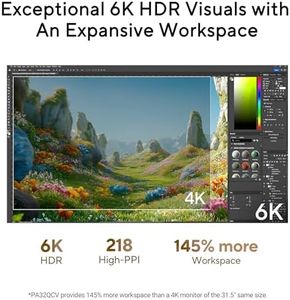
The ASUS ProArt PA32QCV is a strong choice for photo editing thanks to its impressive 32-inch 6K resolution (6016 x 3384), which delivers sharp and detailed images crucial for precise work. Its IPS panel offers wide 178° viewing angles, helping maintain color consistency when viewed from different positions. Color accuracy is excellent, with factory calibration and Calman verification ensuring a Delta E below 2, meaning colors are very true-to-life. It covers 98% of the DCI-P3 and 100% of sRGB color spaces, matching professional color standards needed for photo and video editing.
Most important from
65 reviews
ASUS ROG Swift PG27UCDM 27 Inch 4K 240Hz OLED Gaming Monitor QD-OLED
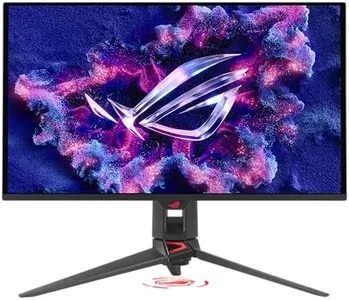
The ASUS ROG Swift PG27UCDM is a 26.5-inch 4K UHD (3840x2160) monitor featuring advanced QD-OLED technology, delivering excellent color accuracy and exceptional contrast—both essential for photo editing. It covers 99% of the DCI-P3 color gamut and supports true 10-bit color depth, ensuring vibrant and precise colors with minimal color difference (Delta E < 2), which meets professional standards for color-critical work. Its matte screen surface reduces glare, facilitating longer productive sessions. The 16:9 aspect ratio and 27-inch size provide a good balance between screen space and pixel density.
Most important from
188 reviews
Apple Studio Display: Standard Glass, Tilt-Adjustable Stand
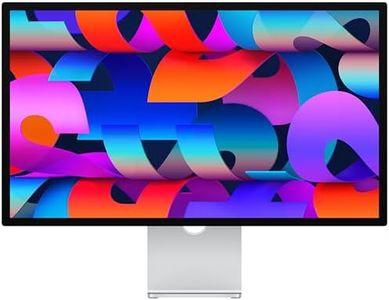
The Apple Studio Display is a strong contender for photo editing with its stunning 27-inch 5K Retina screen that offers a sharp 5120-by-2880 resolution and 218 pixels per inch. This high resolution helps capture fine details in photos clearly. Its P3 wide color support and ability to display 1 billion colors mean colors appear vibrant and accurate, which is crucial for photo editing. The screen's brightness at 600 nits ensures good visibility even in well-lit rooms, and the True Tone technology adjusts colors for a more natural look. The glossy screen surface enhances sharpness, but it can reflect light, though the optional nano-texture glass reduces glare if you work in bright environments. The aspect ratio is a common 16:9, which works well for typical photo workflows.
Most important from
39 reviews
Top 10 Best Monitor For Photo Editings 2026 in the United States
Winner
ASUS ProArt Display 32” 6K Professional Monitor (PA32QCV) - IPS, 6K (6016 x 3384), 98% DCI-P3, LuxPixel™, ΔE < 2, Calman Verified, Thunderbolt 4, DisplayHDR600, DisplayWidget, 3 yr Warranty
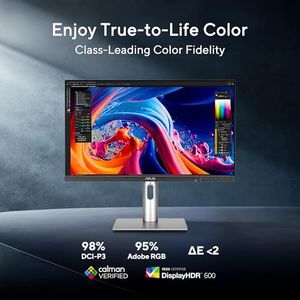
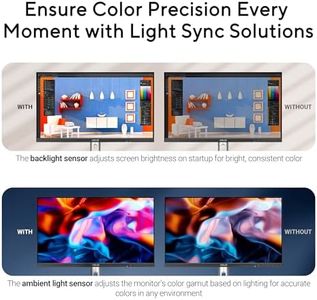
ASUS ProArt Display 32” 6K Professional Monitor (PA32QCV) - IPS, 6K (6016 x 3384), 98% DCI-P3, LuxPixel™, ΔE < 2, Calman Verified, Thunderbolt 4, DisplayHDR600, DisplayWidget, 3 yr Warranty
Chosen by 1304 this week
ASUS ROG Swift PG27UCDM 27 Inch 4K 240Hz OLED Gaming Monitor QD-OLED
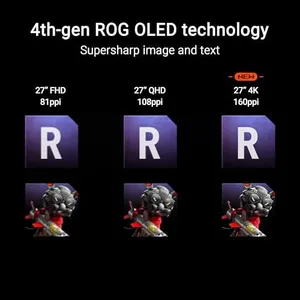
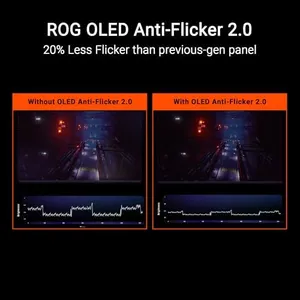
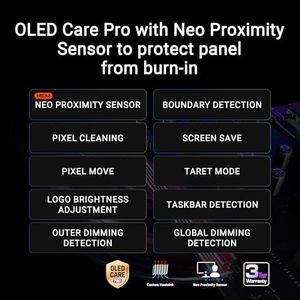

ASUS ROG Swift PG27UCDM 27 Inch 4K 240Hz OLED Gaming Monitor QD-OLED
Apple Studio Display: Standard Glass, Tilt-Adjustable Stand
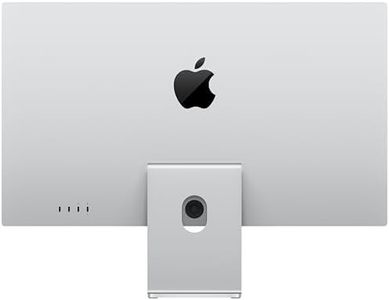
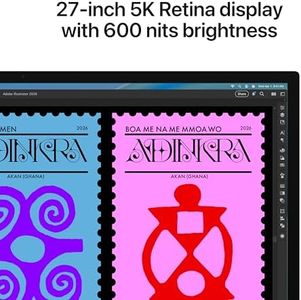
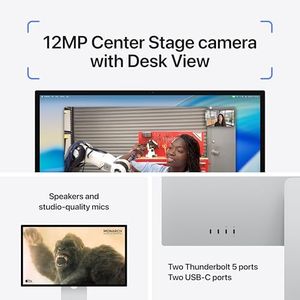
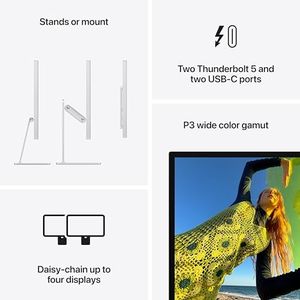
Apple Studio Display: Standard Glass, Tilt-Adjustable Stand
Apple 27 Inches Studio Display - Standard Glass - Tilt-Adjustable Stand (Renewed)
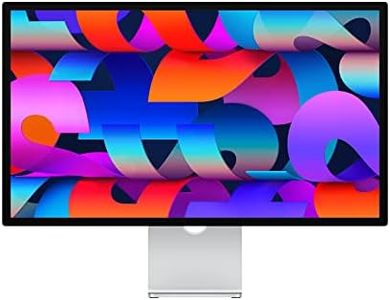
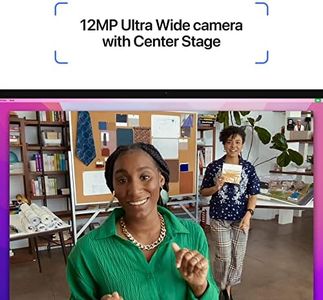
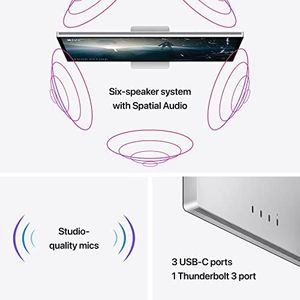
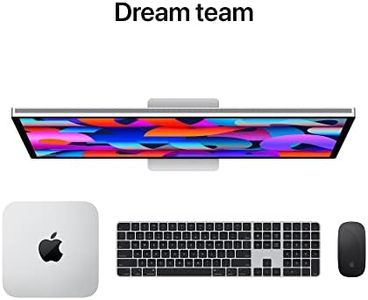
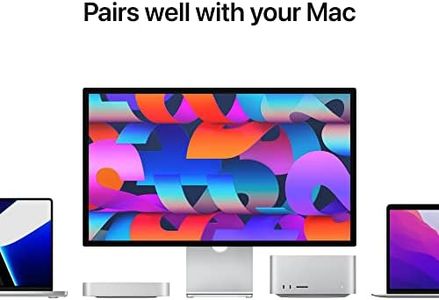
Apple 27 Inches Studio Display - Standard Glass - Tilt-Adjustable Stand (Renewed)
BenQ PD2770U 27” 4K Color Management Monitor, Hardware Calibration, 99% Abobe RGB/DCI-P3, 100% Rec.709, 96W USB-C, Daisy Chain, KVM, Height Adjustable, for Graphic & Video Editing Studio
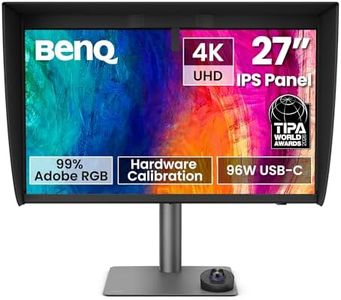
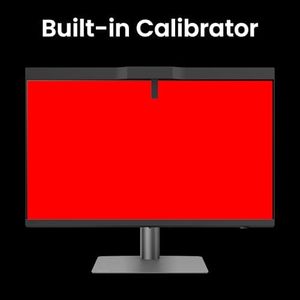
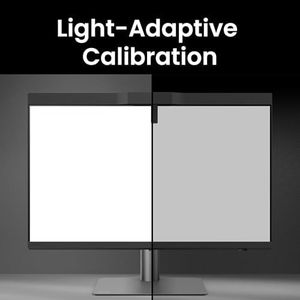
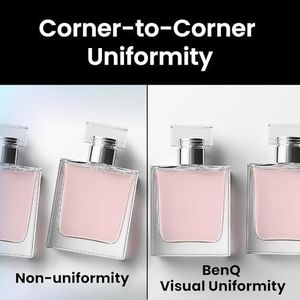
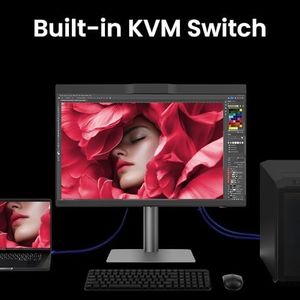
BenQ PD2770U 27” 4K Color Management Monitor, Hardware Calibration, 99% Abobe RGB/DCI-P3, 100% Rec.709, 96W USB-C, Daisy Chain, KVM, Height Adjustable, for Graphic & Video Editing Studio
Related Products
Up to 21% off


ASUS ROG Swift 32” 4K OLED Gaming Monitor (PG32UCDP) - WOLED, Dual Mode (4K 240Hz, FHD 480Hz), 0.03ms, G-SYNC Compatible, Custom Heatsink, AI Gaming, 99% DCI-P3,True 10-bit, USB-C 90W, 3yr Warranty
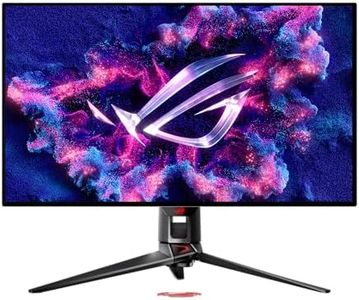
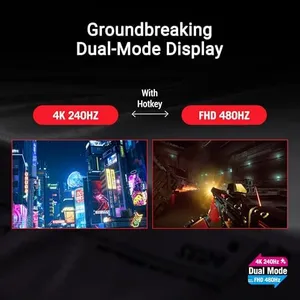
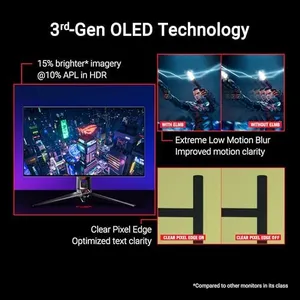
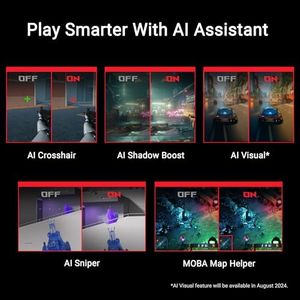
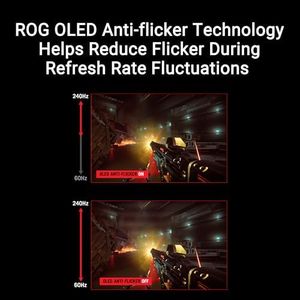
ASUS ROG Swift 32” 4K OLED Gaming Monitor (PG32UCDP) - WOLED, Dual Mode (4K 240Hz, FHD 480Hz), 0.03ms, G-SYNC Compatible, Custom Heatsink, AI Gaming, 99% DCI-P3,True 10-bit, USB-C 90W, 3yr Warranty
Samsung 57" Odyssey Neo G9 Dual 4K UHD Quantum Mini-LED Curved Gaming Monitor Bundle with Tech Smart USA Elite Suite 18 Standard Editing Software Bundle + 2 Year CPS Enhanced Protection Pack
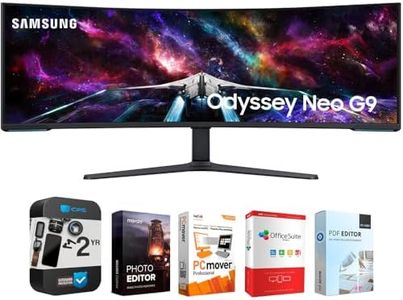
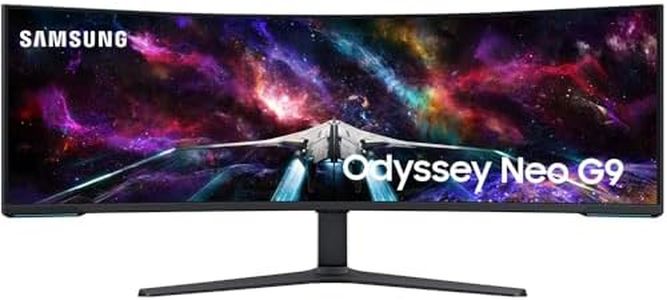
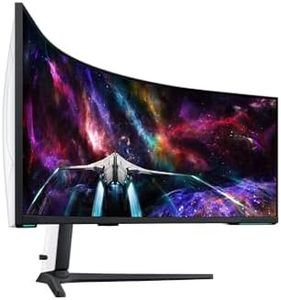
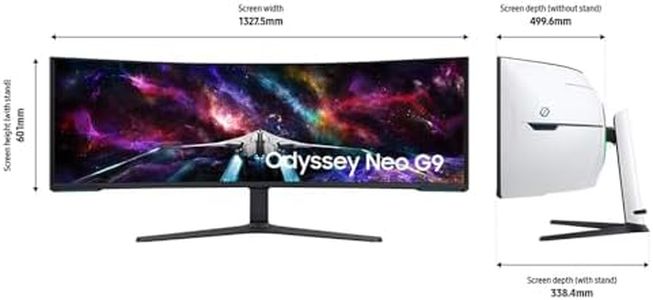
Samsung 57" Odyssey Neo G9 Dual 4K UHD Quantum Mini-LED Curved Gaming Monitor Bundle with Tech Smart USA Elite Suite 18 Standard Editing Software Bundle + 2 Year CPS Enhanced Protection Pack
LG 32U990A-S 32-Inch Ultrafine 6K (6144 x 3456) Nano IPS Black Thunderbolt 5 Professional Monitor, 60Hz, DisplayHDR 600, Speakers, HDMI 2.1, DisplayPort 2.1, USB-C, Tilt/Height/Pivot Stand, Silver
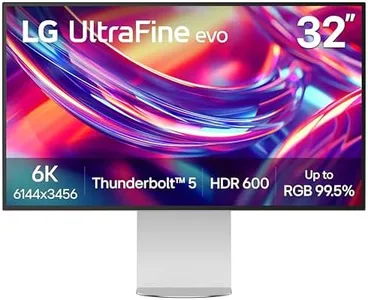
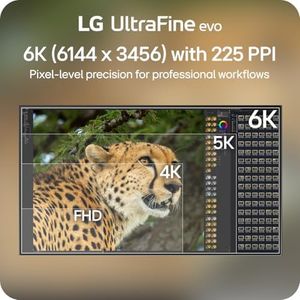
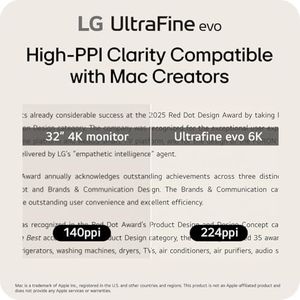
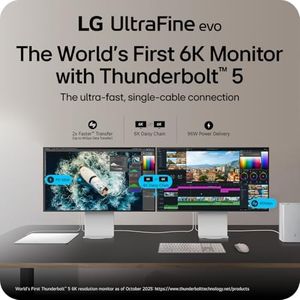
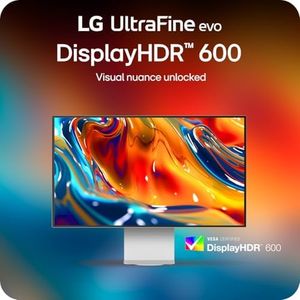
LG 32U990A-S 32-Inch Ultrafine 6K (6144 x 3456) Nano IPS Black Thunderbolt 5 Professional Monitor, 60Hz, DisplayHDR 600, Speakers, HDMI 2.1, DisplayPort 2.1, USB-C, Tilt/Height/Pivot Stand, Silver
ASUS ProArt Display 34” Ultrawide Curved Professional HDR Monitor (PA34VCNV) - IPS, 21:9 3440 x 1440, 3800R Curve, 100% sRGB/Rec709, ΔE<2, Calman Verified, USB-C Docking PD 96W, RJ45, 3 Year Warranty
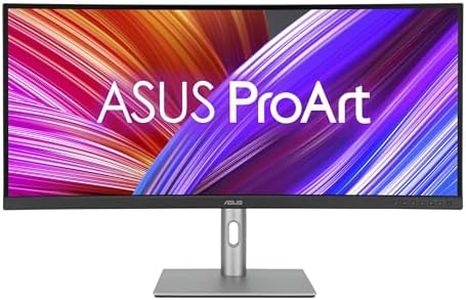
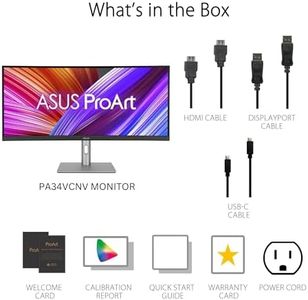
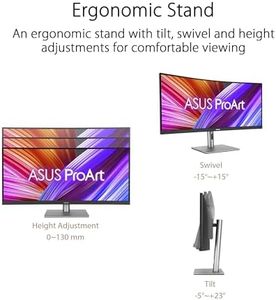

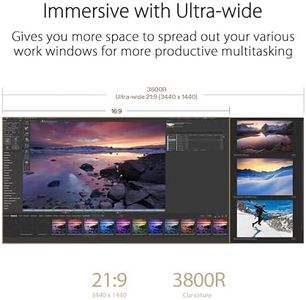
ASUS ProArt Display 34” Ultrawide Curved Professional HDR Monitor (PA34VCNV) - IPS, 21:9 3440 x 1440, 3800R Curve, 100% sRGB/Rec709, ΔE<2, Calman Verified, USB-C Docking PD 96W, RJ45, 3 Year Warranty
msi PRO MAX 271UPXW12G 27 inch 4K UHD QD-OLED (3840x2160) Hub Monitor,120Hz, DisplayHDR True Black 400, 98W PD, Dual USB-C,Mac Color Match,Brightness&Volume Control,Height Adjustable, Speakers, White
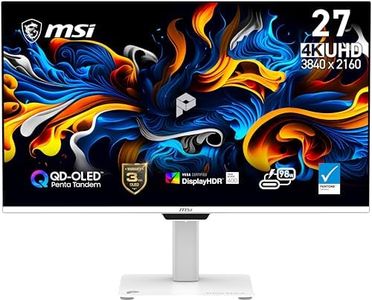
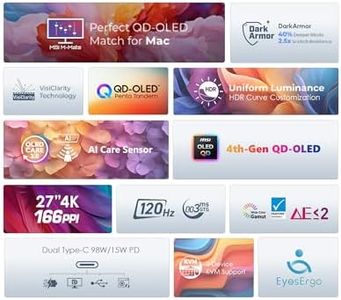
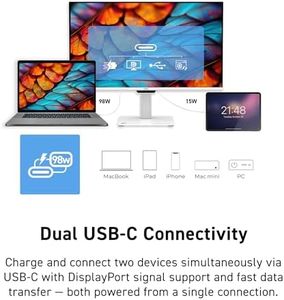
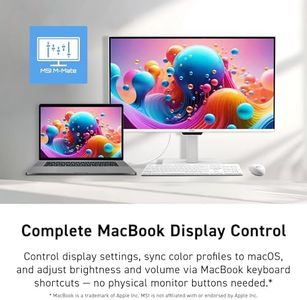
msi PRO MAX 271UPXW12G 27 inch 4K UHD QD-OLED (3840x2160) Hub Monitor,120Hz, DisplayHDR True Black 400, 98W PD, Dual USB-C,Mac Color Match,Brightness&Volume Control,Height Adjustable, Speakers, White
Recommended lists

Photo Editing Monitors
Our technology thoroughly searches through the online shopping world, reviewing hundreds of sites. We then process and analyze this information, updating in real-time to bring you the latest top-rated products. This way, you always get the best and most current options available.
