10 Best Drawing Tablets 2026 in the United States
Winner
Microsoft Surface Pro 2-in-1 Laptop/Tablet (2025), Windows 11 Copilot+ PC, 12" Touchscreen Display, Snapdragon X Plus (8 Core), 16GB RAM, 512GB Storage, Violet
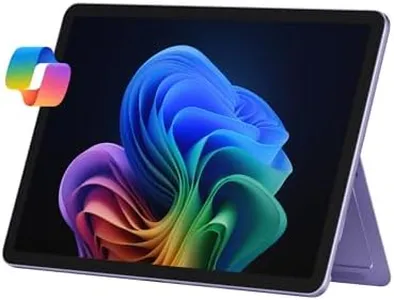
The Microsoft Surface Pro 2-in-1 offers a versatile device suitable for those who want a mix of tablet portability and laptop power, with a 12-inch touchscreen and a sharp 2196x1464 resolution. Its PixelSense display delivers vibrant colors and crisp details, which is good for drawing and creative work. The device supports stylus input and is compatible with the Surface Slim Pen (sold separately). Connectivity includes Wi-Fi and Bluetooth, allowing easy connection to accessories and the internet.
Most important from
191 reviews
Samsung Galaxy Tab S10 FE 256GB WiFi Android Tablet, US Version, Gray
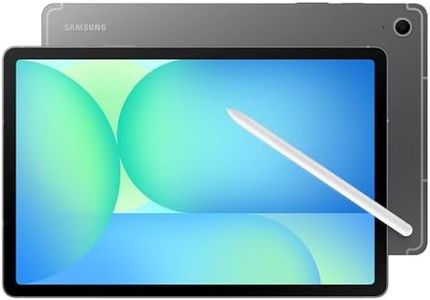
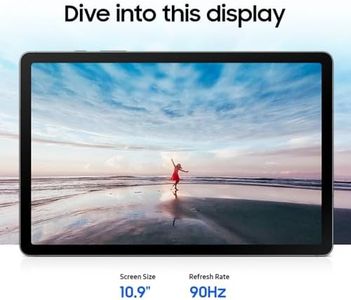
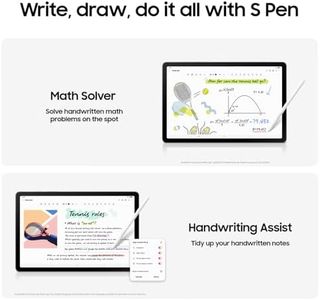
The Samsung Galaxy Tab S10 FE is a solid choice for those looking for a drawing tablet with a large, bright 10.9-inch screen and a high resolution of 2304x1440 pixels. This sharp display, combined with its 90 Hz refresh rate, provides smooth visuals that make sketching and note-taking feel responsive and natural. The included S Pen is a key feature, offering stylus support that works well for drawing and handwriting.
Samsung Galaxy Tab S10 FE 128GB WiFi Android Tablet, US Version, Silver
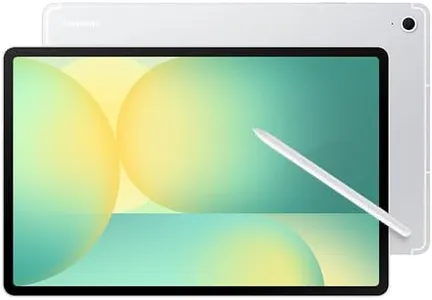
The Samsung Galaxy Tab S10 FE is a solid choice for those interested in a drawing tablet with a large, bright screen. Its 10.9-inch LCD display offers a sharp resolution of 2304 x 1440 pixels and a smooth 90Hz refresh rate, making visuals clear and responsive, which is helpful when sketching or drawing. The included S Pen is a major plus for drawing and note-taking, offering good precision and pressure sensitivity for detailed work.
Most important from
932 reviews
Top 10 Best Drawing Tablets 2026 in the United States
Winner
Microsoft Surface Pro 2-in-1 Laptop/Tablet (2025), Windows 11 Copilot+ PC, 12" Touchscreen Display, Snapdragon X Plus (8 Core), 16GB RAM, 512GB Storage, Violet
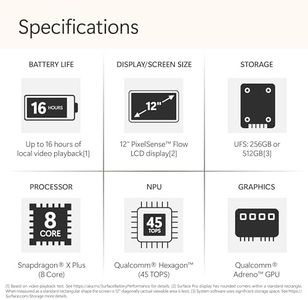



Microsoft Surface Pro 2-in-1 Laptop/Tablet (2025), Windows 11 Copilot+ PC, 12" Touchscreen Display, Snapdragon X Plus (8 Core), 16GB RAM, 512GB Storage, Violet
Chosen by 1325 this week
Samsung Galaxy Tab S10 FE 256GB WiFi Android Tablet, US Version, Gray
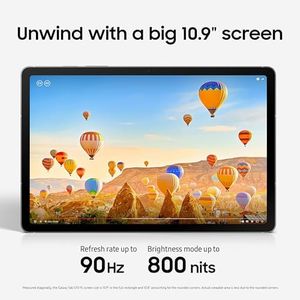

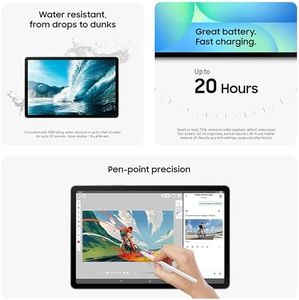

Samsung Galaxy Tab S10 FE 256GB WiFi Android Tablet, US Version, Gray
Samsung Galaxy Tab S10 FE 128GB WiFi Android Tablet, US Version, Silver
Samsung Galaxy Tab S10 FE 128GB WiFi Android Tablet, US Version, Silver
Samsung Galaxy Tab S10 Lite, 8GB RAM, 256GB, 2TB Expand, Long Battery Life, 10.9” LCD, S Pen for Note-Taking, Exynos 1380, Circle to Search, AI Tools, Coral Red

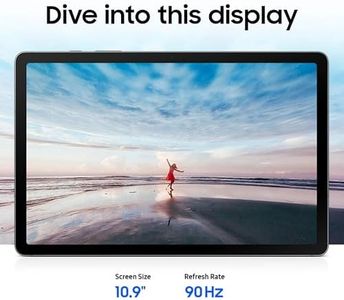
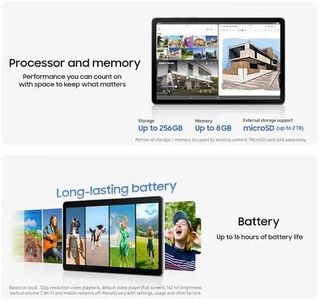
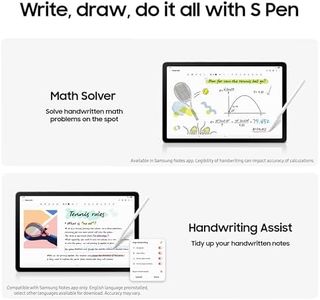
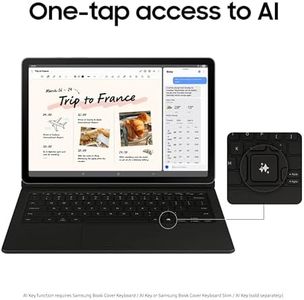
Samsung Galaxy Tab S10 Lite, 8GB RAM, 256GB, 2TB Expand, Long Battery Life, 10.9” LCD, S Pen for Note-Taking, Exynos 1380, Circle to Search, AI Tools, Coral Red
Samsung Galaxy Tab S10 Lite, 8GB RAM, 256GB, 2TB Expand, 10.9” LCD, Gray
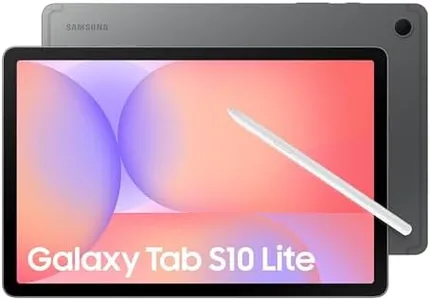


Samsung Galaxy Tab S10 Lite, 8GB RAM, 256GB, 2TB Expand, 10.9” LCD, Gray
Related Products
Up to 23% off



Microsoft Surface Pro 2-in-1 Laptop/Tablet (2024), Windows 11 Copilot+ PC, 13" Touchscreen OLED Display, Snapdragon X Elite (12 Core), 16GB RAM, 256GB Storage, Black, Amazon Exclusive
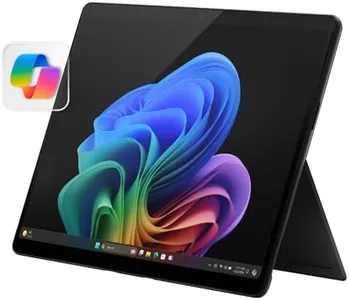
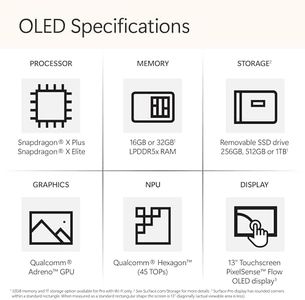



Microsoft Surface Pro 2-in-1 Laptop/Tablet (2024), Windows 11 Copilot+ PC, 13" Touchscreen OLED Display, Snapdragon X Elite (12 Core), 16GB RAM, 256GB Storage, Black, Amazon Exclusive
Samsung Galaxy Tab S10 Lite, 6GB RAM, 128GB, 2TB Expand, 10.9” LCD, Gray


Samsung Galaxy Tab S10 Lite, 6GB RAM, 128GB, 2TB Expand, 10.9” LCD, Gray
Microsoft Surface Pro 7 – 12.3" Touch-Screen - 10th Gen Intel Core i7 - 16GB Memory - 256GB SSD (Latest Model) – Platinum (Renewed)

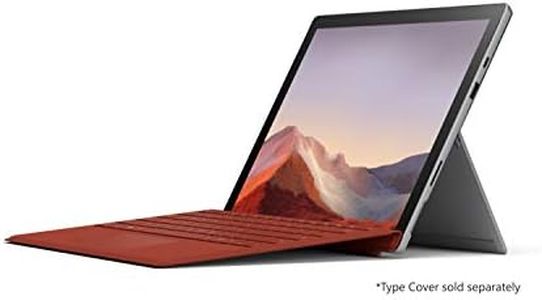
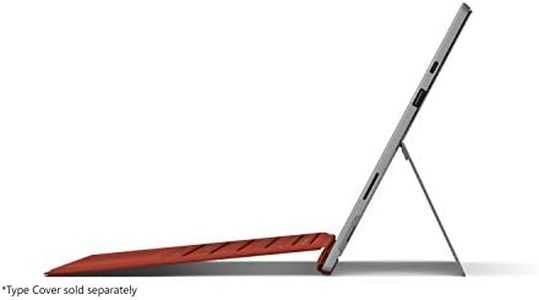
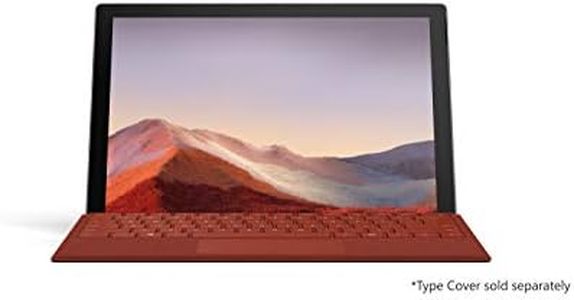
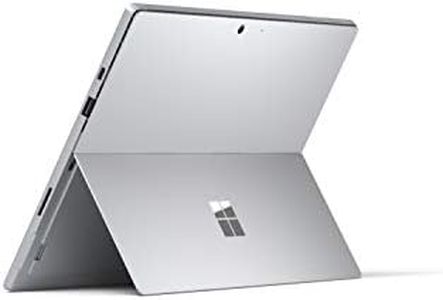
Microsoft Surface Pro 7 – 12.3" Touch-Screen - 10th Gen Intel Core i7 - 16GB Memory - 256GB SSD (Latest Model) – Platinum (Renewed)
Microsoft Surface Go 2-10.5" Touch-Screen - Intel Core m3-8GB Memory - 128GB SSD - WiFi - Platinum Windows 11 PRO (Renewed)
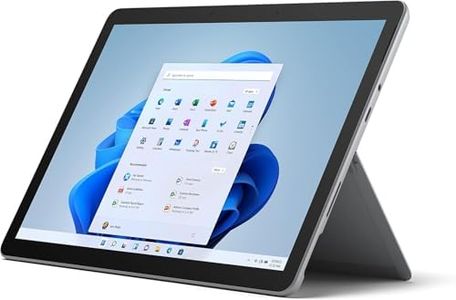
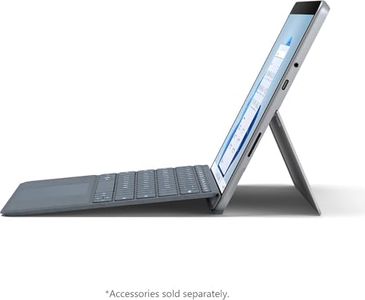
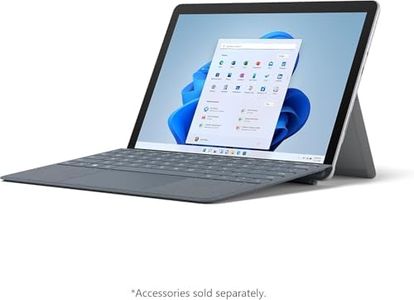
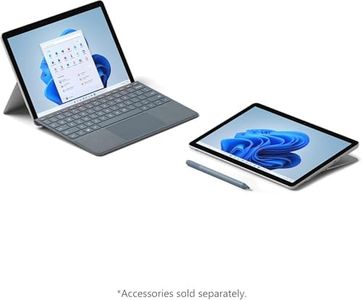
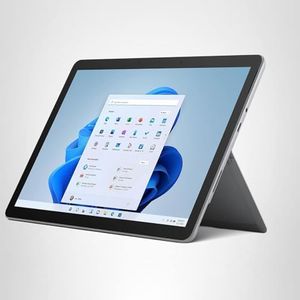
Microsoft Surface Go 2-10.5" Touch-Screen - Intel Core m3-8GB Memory - 128GB SSD - WiFi - Platinum Windows 11 PRO (Renewed)
Lenovo Idea Tab Pro AI Android Tablet, 12.7" 3K QHD 144Hz Touchscreen, MediaTek Dimensity 8300, 128GB Storage + 128GB SD Card, Tab Pen Plus, 11-Hr Long Battery Life, Lightweight for Student & Gaming
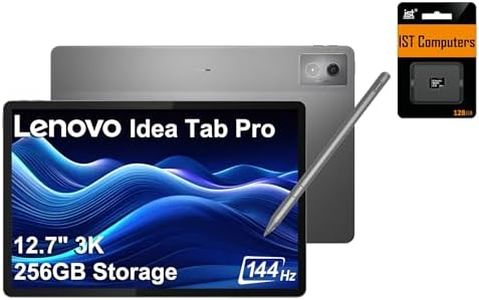



Lenovo Idea Tab Pro AI Android Tablet, 12.7" 3K QHD 144Hz Touchscreen, MediaTek Dimensity 8300, 128GB Storage + 128GB SD Card, Tab Pen Plus, 11-Hr Long Battery Life, Lightweight for Student & Gaming
Our technology thoroughly searches through the online shopping world, reviewing hundreds of sites. We then process and analyze this information, updating in real-time to bring you the latest top-rated products. This way, you always get the best and most current options available.
