10 Best Big Button Phone For Elderly 2026 in the United States
Winner
Panasonic Cordless Phone with Answering Machine, Advanced Call Block, Bilingual Caller ID and High-Contrast Display, Expandable System with 1 Handset Cordless Telephone - KX-TGD830M (Metallic Black)
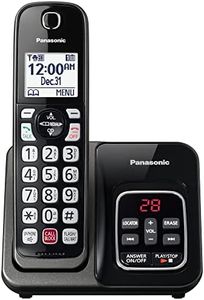
The Panasonic Cordless Phone KX-TGD830M offers several features that are particularly helpful for elderly users. It has a high-contrast, illuminated keypad with large characters, making the buttons easy to see and press, which is beneficial for those with vision or dexterity challenges. The sound quality is clear with adjustable volume, helping users hear calls better. The phone also includes useful safety features like advanced call blocking to reduce scam calls and a one-ring scam alert, which adds peace of mind. Its battery life is solid, providing about 10 hours of talk time and long standby time, so it won’t need frequent charging.
Most important from
11446 reviews
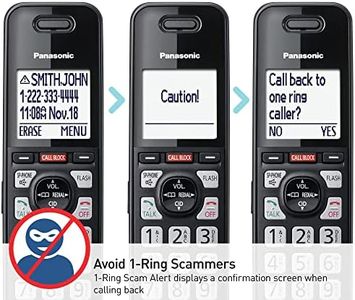
Panasonic Cordless Phone with Advanced Call Block, Link2Cell Bluetooth, One-Ring Scam Alert, and 2-Way Recording, Answering Machine, 4 Handsets - KX-TGF944B (Black)

The Panasonic KX-TGF944B cordless phone offers smart features beneficial for elderly users who are comfortable with some tech upgrades. It supports Bluetooth pairing with up to two cell phones, enabling calls anywhere in the home for added flexibility. Its call blocking system and one-ring scam alert provide valuable protection against unwanted calls, which is especially helpful for seniors. The answering machine includes two-way recording for convenient message playback or saving important conversations.
Most important from
3305 reviews
Panasonic Cordless Phone, Easy to Use with Large Display & Big Buttons, Flashing Favorites Key, Flashlight, Call Block, Volume Boost, Talking Caller ID, House Phones, 3 Handsets - KX-TGU433W
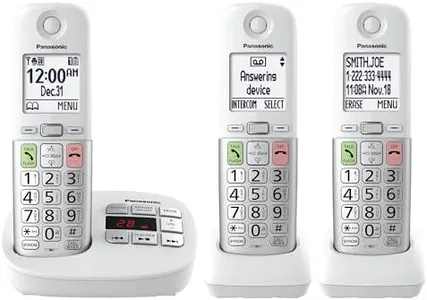
The Panasonic Cordless Phone KX-TGU433W is designed with seniors in mind, offering large buttons and a clear 2.1-inch display that make dialing and reading easier. It includes a handy “Favorites” key that flashes for incoming or missed calls, allowing quick contact with up to three important people, which is great for staying connected with family. Volume Boost improves sound clarity by amplifying the call volume, helping users hear conversations without straining. The built-in flashlight is a thoughtful addition for emergencies or navigating in the dark.
Most important from
2650 reviews
Top 10 Best Big Button Phone For Elderly 2026 in the United States
Winner
Panasonic Cordless Phone with Answering Machine, Advanced Call Block, Bilingual Caller ID and High-Contrast Display, Expandable System with 1 Handset Cordless Telephone - KX-TGD830M (Metallic Black)


Panasonic Cordless Phone with Answering Machine, Advanced Call Block, Bilingual Caller ID and High-Contrast Display, Expandable System with 1 Handset Cordless Telephone - KX-TGD830M (Metallic Black)
Chosen by 1447 this week
Panasonic Cordless Phone with Advanced Call Block, Link2Cell Bluetooth, One-Ring Scam Alert, and 2-Way Recording, Answering Machine, 4 Handsets - KX-TGF944B (Black)


Panasonic Cordless Phone with Advanced Call Block, Link2Cell Bluetooth, One-Ring Scam Alert, and 2-Way Recording, Answering Machine, 4 Handsets - KX-TGF944B (Black)
Panasonic Cordless Phone, Easy to Use with Large Display & Big Buttons, Flashing Favorites Key, Flashlight, Call Block, Volume Boost, Talking Caller ID, House Phones, 3 Handsets - KX-TGU433W

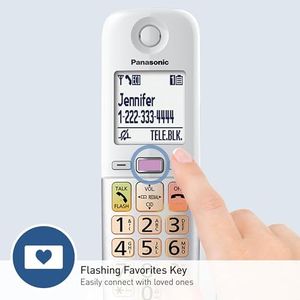


Panasonic Cordless Phone, Easy to Use with Large Display & Big Buttons, Flashing Favorites Key, Flashlight, Call Block, Volume Boost, Talking Caller ID, House Phones, 3 Handsets - KX-TGU433W
Panasonic Cordless Phone, Easy to Use with Large Display & Big Buttons, Flashing Favorites Key, Flashlight, Call Block, Volume Boost, Talking Caller ID, House Phones, 3 Handsets - KX-TGU433B
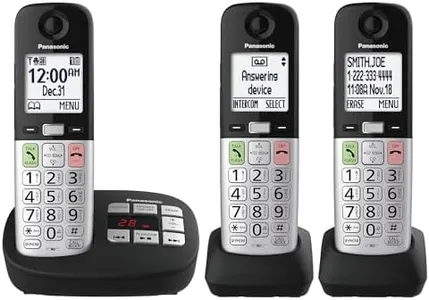


Panasonic Cordless Phone, Easy to Use with Large Display & Big Buttons, Flashing Favorites Key, Flashlight, Call Block, Volume Boost, Talking Caller ID, House Phones, 3 Handsets - KX-TGU433B
Panasonic Cordless Phone, Easy to Use with Large Display & Big Buttons, Flashing Favorites Key, Flashlight, Call Block, Volume Boost, Talking Caller ID, House Phones, 2 Cordless Handsets - KX-TGU432B
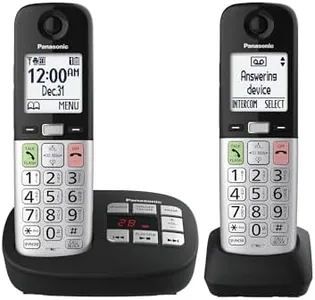

Panasonic Cordless Phone, Easy to Use with Large Display & Big Buttons, Flashing Favorites Key, Flashlight, Call Block, Volume Boost, Talking Caller ID, House Phones, 2 Cordless Handsets - KX-TGU432B
Related Products
Up to 6% off
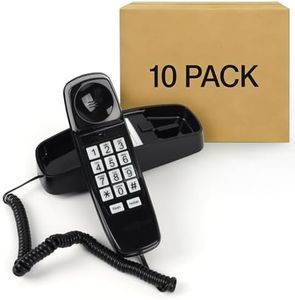
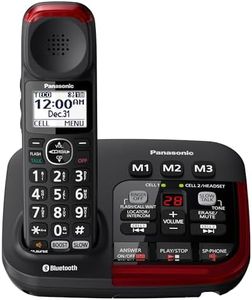

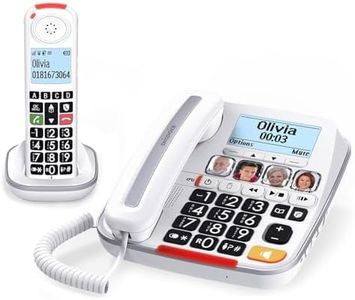
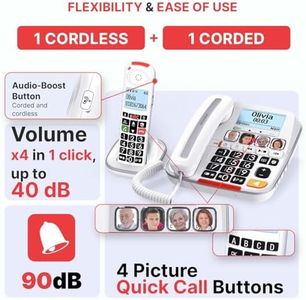
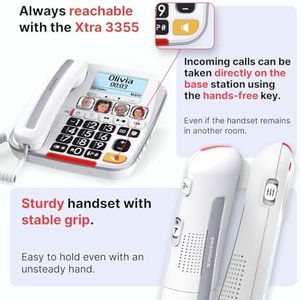
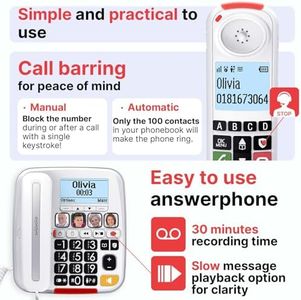
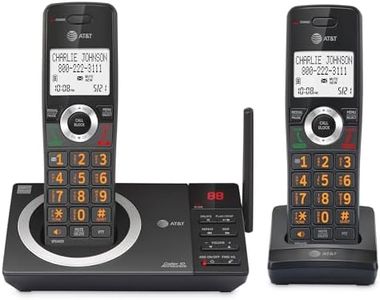


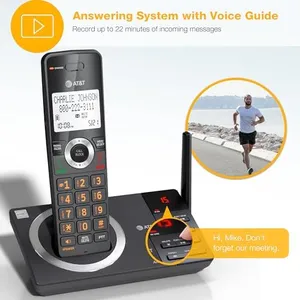

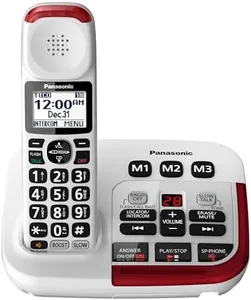

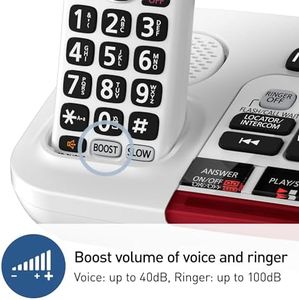


Motorola CD5014 Digital Cordless Telephone Phone with Answering Machine(4 Handsets) DECT 6.0 Long Range System, Big Buttons, Big Backlit Display, Audio Assist, Volume Boost, Block up to 1000 Numbers
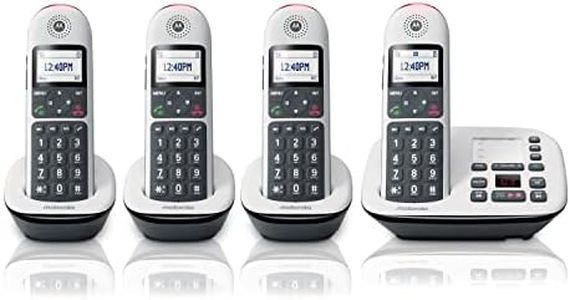
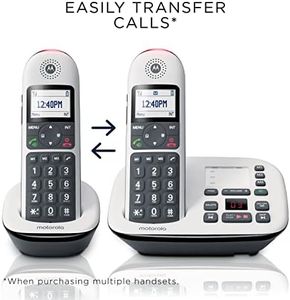
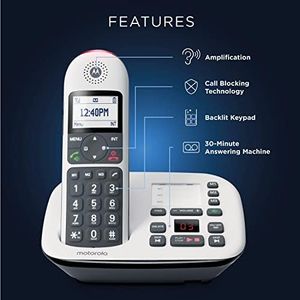
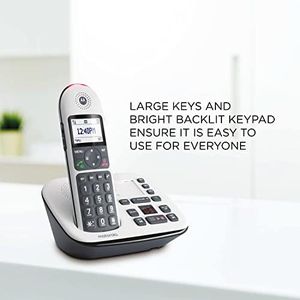
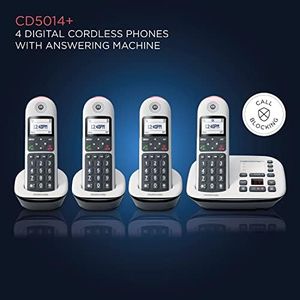
Motorola CD5014 Digital Cordless Telephone Phone with Answering Machine(4 Handsets) DECT 6.0 Long Range System, Big Buttons, Big Backlit Display, Audio Assist, Volume Boost, Block up to 1000 Numbers
Our technology thoroughly searches through the online shopping world, reviewing hundreds of sites. We then process and analyze this information, updating in real-time to bring you the latest top-rated products. This way, you always get the best and most current options available.
