10 Best 4K Monitors 2026 in the United States
Winner
ASUS ProArt Display 27”4K HDR RGB OLED Professional Monitor (PA27DCE-K) - UHD (3840 x 2160), 99% DCI-P3, HLG, ΔE < 1, USB-C PD 80W, Hardware Calibration, Calman Ready, X-rite i1 Display Pro Calibrator
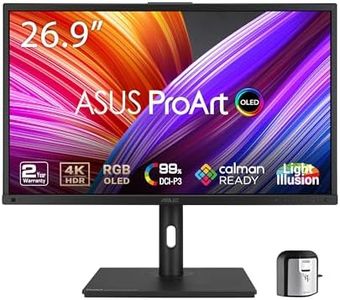
The ASUS ProArt Display PA27DCE-K is a 27-inch 4K OLED monitor designed especially for professionals who need superb color accuracy, such as photographers and video editors. Its OLED panel offers deep blacks and vivid colors thanks to a true 10-bit color depth and an impressive 1,000,000:1 contrast ratio. With 99% coverage of the DCI-P3 color gamut and a very low color error (∆E < 1), it delivers colors that are extremely accurate and reliable for creative work. The monitor supports multiple HDR formats including HDR-10 and HLG, enhancing the viewing experience with lifelike brightness and detail.
Most important from
3 reviews
Hisense 55" Class QD7 Series Mini-LED 4K UHD Smart Fire TV (55QD7QF, 2025 Model) - QLED, HDR10+, Dolby Vision, Dolby Atmos, Game Mode Plus, ALLM, Alexa Built in with Voice Remote, Streaming TV, Black

The Hisense 55" Class QD7 Series Mini-LED 4K UHD Smart TV offers a large 55-inch screen with a sharp 4K resolution, making it great for immersive viewing whether you're watching movies or gaming. Its Mini-LED technology combined with QLED color delivers bright, vibrant images with up to 600 nits peak brightness and deep contrast thanks to full array local dimming. This means you get clear, colorful, and realistic visuals, especially in darker scenes. The refresh rate is 60Hz, which is standard for TVs but lower than some gaming monitors; however, the included Game Mode Plus with Variable Refresh Rate and Auto Low Latency Mode helps reduce lag and screen tearing, improving the gaming experience. AI Smooth Motion with MEMC also helps keep fast action smooth and blur-free.
ASUS ROG Swift 32” 4K OLED Gaming Monitor (PG32UCDMR) ― 4K (3840 x 2160), QD-OLED, 240Hz, 0.03ms, G-SYNC Compatible, 99% DCI-P3, USB-C 90W, DisplayWidget, DisplayPort 2.1, 3 yr Warranty
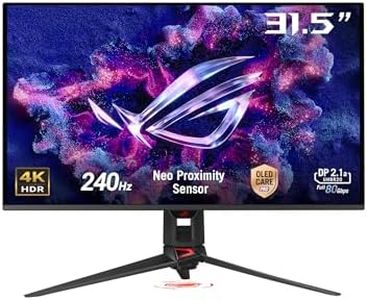
The ASUS ROG Swift PG32UCDMR is a 32-inch 4K gaming monitor featuring a QD-OLED panel that delivers vibrant colors and deep blacks, enhancing the visual experience for games and videos. With an extremely fast 240Hz refresh rate and an ultra-low 0.03ms response time, it is well-suited for fast-paced gaming where smooth visuals and quick reactions are critical. It supports NVIDIA G-SYNC, reducing screen tearing for improved gameplay. The DisplayHDR 400 True Black certification and 99% DCI-P3 color gamut provide impressive HDR visuals and accurate colors, making it suitable for photo and video editing as well.
Most important from
105 reviews
Top 10 Best 4K Monitors 2026 in the United States
Winner
ASUS ProArt Display 27”4K HDR RGB OLED Professional Monitor (PA27DCE-K) - UHD (3840 x 2160), 99% DCI-P3, HLG, ΔE < 1, USB-C PD 80W, Hardware Calibration, Calman Ready, X-rite i1 Display Pro Calibrator
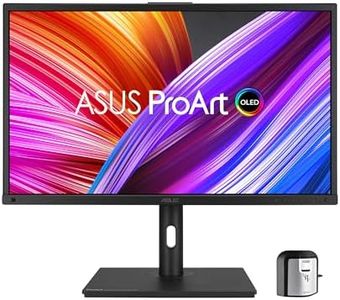
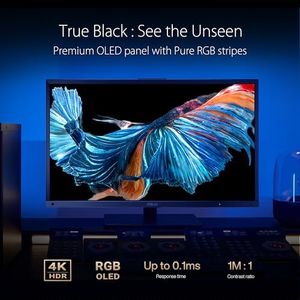
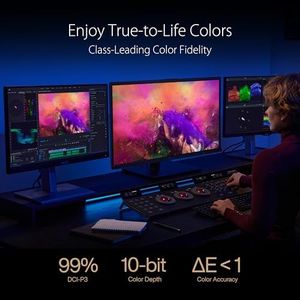
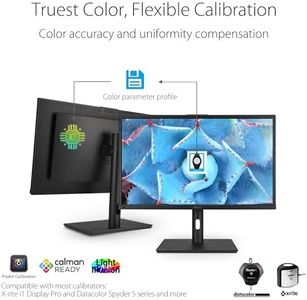
ASUS ProArt Display 27”4K HDR RGB OLED Professional Monitor (PA27DCE-K) - UHD (3840 x 2160), 99% DCI-P3, HLG, ΔE < 1, USB-C PD 80W, Hardware Calibration, Calman Ready, X-rite i1 Display Pro Calibrator
Chosen by 1196 this week
Hisense 55" Class QD7 Series Mini-LED 4K UHD Smart Fire TV (55QD7QF, 2025 Model) - QLED, HDR10+, Dolby Vision, Dolby Atmos, Game Mode Plus, ALLM, Alexa Built in with Voice Remote, Streaming TV, Black

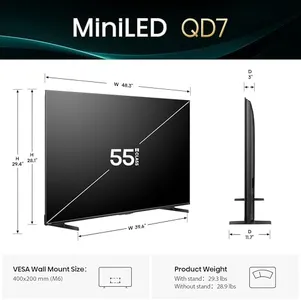
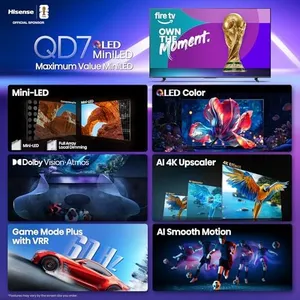

Hisense 55" Class QD7 Series Mini-LED 4K UHD Smart Fire TV (55QD7QF, 2025 Model) - QLED, HDR10+, Dolby Vision, Dolby Atmos, Game Mode Plus, ALLM, Alexa Built in with Voice Remote, Streaming TV, Black
ASUS ROG Swift 32” 4K OLED Gaming Monitor (PG32UCDMR) ― 4K (3840 x 2160), QD-OLED, 240Hz, 0.03ms, G-SYNC Compatible, 99% DCI-P3, USB-C 90W, DisplayWidget, DisplayPort 2.1, 3 yr Warranty
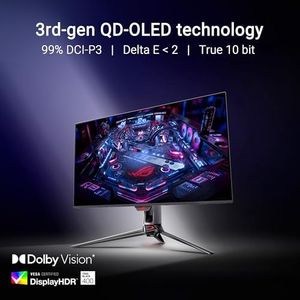


ASUS ROG Swift 32” 4K OLED Gaming Monitor (PG32UCDMR) ― 4K (3840 x 2160), QD-OLED, 240Hz, 0.03ms, G-SYNC Compatible, 99% DCI-P3, USB-C 90W, DisplayWidget, DisplayPort 2.1, 3 yr Warranty
Dell 27 Plus 4K USB-C Monitor - S2725QC - 27-inch 4K (3840 x 2160) 120Hz 16:9 Display, AMD FreeSync Premium, sRGB 99%, Integrated Speakers, 1500:1 Contrast Ratio, Comfortview - Ash White
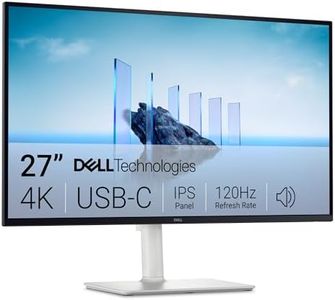

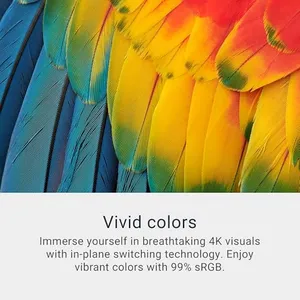
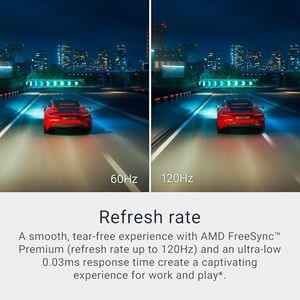
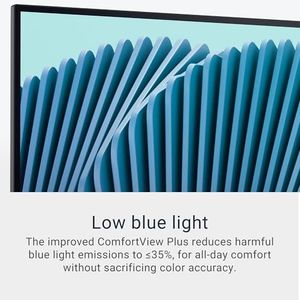
Dell 27 Plus 4K USB-C Monitor - S2725QC - 27-inch 4K (3840 x 2160) 120Hz 16:9 Display, AMD FreeSync Premium, sRGB 99%, Integrated Speakers, 1500:1 Contrast Ratio, Comfortview - Ash White
ASUS ROG Swift PG27UCDM 27 Inch 4K 240Hz OLED Gaming Monitor QD-OLED
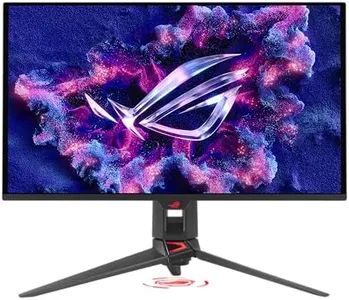
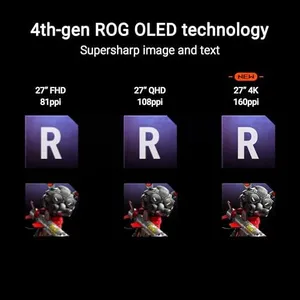
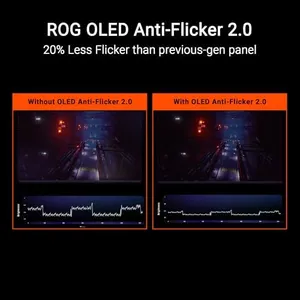
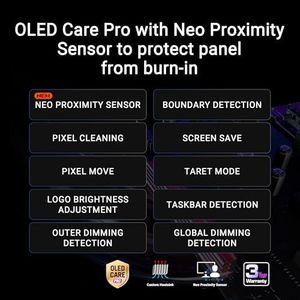

ASUS ROG Swift PG27UCDM 27 Inch 4K 240Hz OLED Gaming Monitor QD-OLED
Related Products




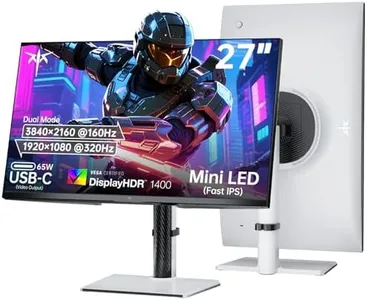



Dell 32 Plus 4K Monitor - S3225QS - 31.5-inch 4K (3840 x 2160) up to 120Hz 16:9 Display, VA Panel, AMD FreeSync Premium, 99% sRGB, 95% DCI-P3, 1500:1 Contrast Ratio, Comfortview - Ash White
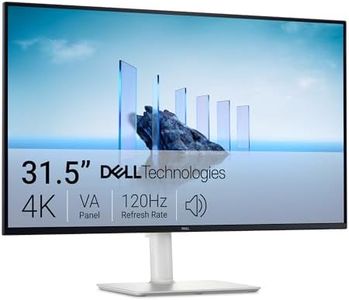

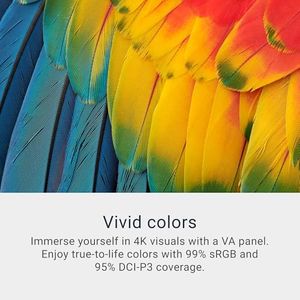
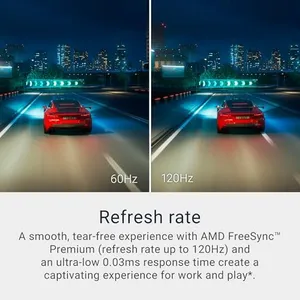
Dell 32 Plus 4K Monitor - S3225QS - 31.5-inch 4K (3840 x 2160) up to 120Hz 16:9 Display, VA Panel, AMD FreeSync Premium, 99% sRGB, 95% DCI-P3, 1500:1 Contrast Ratio, Comfortview - Ash White
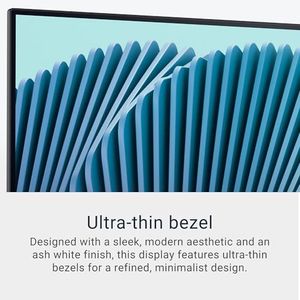
Dell 27 Plus 4K Monitor - S2725QS - 27-inch 4K (3840 x 2160) 120Hz 16:9 Display, IPS Panel, AMD FreeSync Premium, sRGB 99%, Integrated Speakers, 1500:1 Contrast Ratio, Comfortview - Ash White
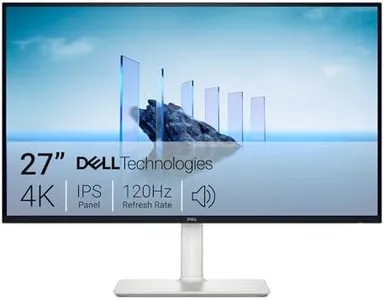

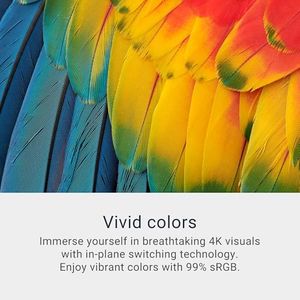
Dell 27 Plus 4K Monitor - S2725QS - 27-inch 4K (3840 x 2160) 120Hz 16:9 Display, IPS Panel, AMD FreeSync Premium, sRGB 99%, Integrated Speakers, 1500:1 Contrast Ratio, Comfortview - Ash White
ASUS ROG Swift 32” 4K OLED Gaming Monitor (PG32UCDM) - UHD (3840 x 2160), QD-OLED, 240Hz, 0.03ms, G-SYNC Compatible, Custom Heatsink, Graphene Film, 99% DCI-P3, True 10-bit, 90W USB-C
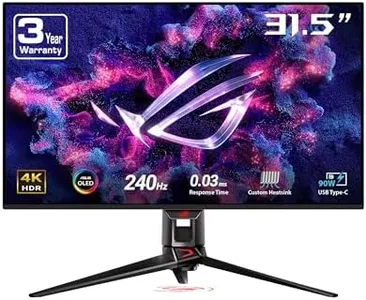


ASUS ROG Swift 32” 4K OLED Gaming Monitor (PG32UCDM) - UHD (3840 x 2160), QD-OLED, 240Hz, 0.03ms, G-SYNC Compatible, Custom Heatsink, Graphene Film, 99% DCI-P3, True 10-bit, 90W USB-C


Our technology thoroughly searches through the online shopping world, reviewing hundreds of sites. We then process and analyze this information, updating in real-time to bring you the latest top-rated products. This way, you always get the best and most current options available.
