10 Best USB-A To USB Type-C Cables 2026 in the United States
Winner
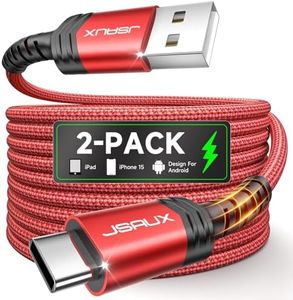
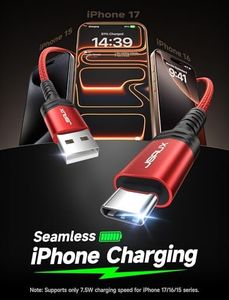
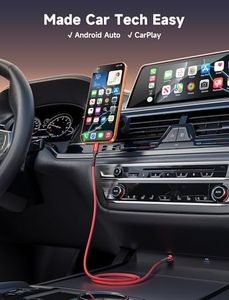
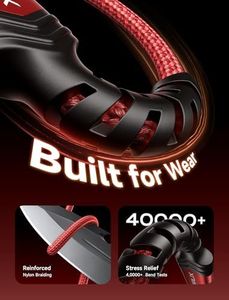
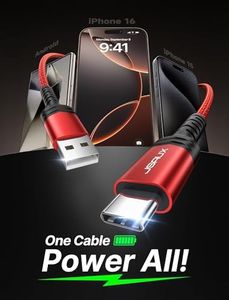
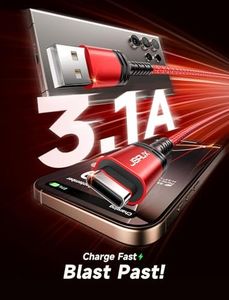
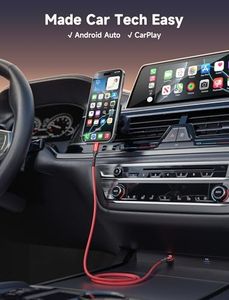
JSAUX USB C Cable [2-Pack 6.6ft], USB A to USB Cord Fast Charging for iPhone Air, iPhone 17, iPhone 17 Pro, iPhone 17 Pro Max, iPhone 16/iPhone 15 Series, Samsung S20 S10, Note 20 10, Car Play - Blue
![JSAUX USB C Cable [2-Pack 6.6ft], USB A to USB Cord Fast Charging for iPhone Air, iPhone 17, iPhone 17 Pro, iPhone 17 Pro Max, iPhone 16/iPhone 15 Series, Samsung S20 S10, Note 20 10, Car Play - Blue](https://images-proxy.bestreviews.guide/VLSDWrxAEz3FL1uyJXGv8zWtjo0=/0x300/https://m.media-amazon.com/images/I/51BozvbN+JL._AC_CX679_.jpg)
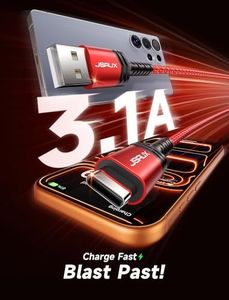
The JSAUX USB C Cable 2-pack offers a good length of 6.6 feet, which is convenient for everyday use whether at home or in the car. It supports fast charging at up to 3.1A and 18 watts, which is roughly 25% faster than many other USB-A to USB-C cables. However, for newer iPhone models, fast charging is capped at 7.5W, so it won’t fully utilize the fastest charging speeds available on those devices.
Most important from
168838 reviews
Omnibar Soft Silicone USB A to USB C Cable (6FT, 2-Pack), Tangle-Free CarPlay Cable for iPhone 17 16 15 Pro Max, Type C Charger Fast Charging Cord for Samsung S26 S25 Ultra, Switch 2, PS5, Lime Green
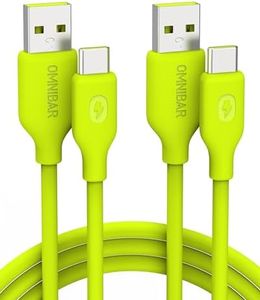
The Omnibar Soft Silicone USB A to USB C Cable (6 feet, 2-pack) is a vibrant, lime green set designed with a soft silicone coating that makes it flexible and resistant to tangling. Its 6-foot length offers good reach for charging or data syncing from different spots like beds, sofas, or cars, which is quite handy. It supports fast charging at up to 15W (3A/5V), which is enough to power most smartphones and accessories reasonably quickly, but it won't match the speeds of some high-wattage fast chargers available today. Data transfer runs at USB 2.0 speeds (up to 480Mbps), suitable for transferring photos, music, and files without much delay, though this is slower compared to USB 3.0 or higher cables if you often transfer large files.
Most important from
28 reviews
Griffin 3FT USB A to USB C Cable - Delivering up to 15W of Fast Charging Power to Your Tablet or Smartphone - Durable Abrasion-Resistant Braided
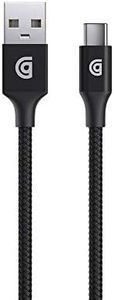
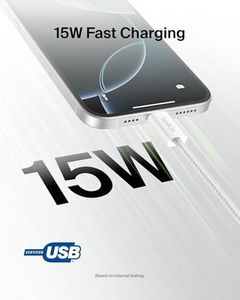
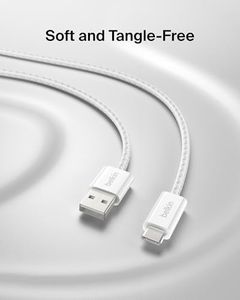
The Griffin 3FT USB A to USB C Cable is a solid choice if you need a reliable cable for everyday charging and data transfer between USB-A chargers or devices and USB-C gadgets like smartphones or tablets. It supports up to 15 watts of fast charging, which is good for many phones and tablets but won’t match faster chargers that offer higher wattage. Data transfer speed is capped at 480 Mbps, which is standard for USB 2.0—suitable for syncing files and everyday use, but not for very large data transfers or high-speed tasks.
Top 10 Best USB-A To USB Type-C Cables 2026 in the United States
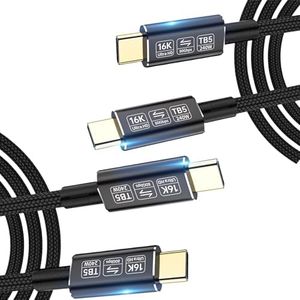
Winner
JSAUX USB C Cable [2-Pack 6.6ft], USB A to USB Cord Fast Charging for iPhone Air, iPhone 17, iPhone 17 Pro, iPhone 17 Pro Max, iPhone 16/iPhone 15 Series, Samsung S20 S10, Note 20 10, Car Play - Blue
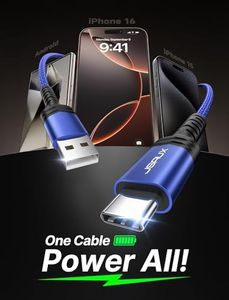
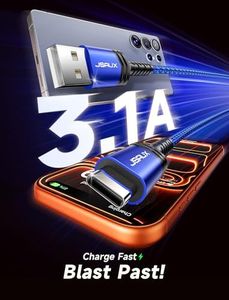
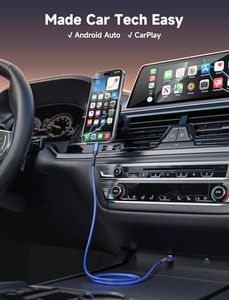
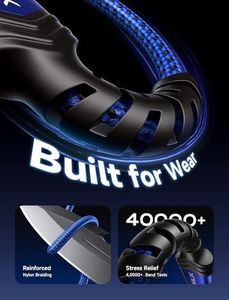
JSAUX USB C Cable [2-Pack 6.6ft], USB A to USB Cord Fast Charging for iPhone Air, iPhone 17, iPhone 17 Pro, iPhone 17 Pro Max, iPhone 16/iPhone 15 Series, Samsung S20 S10, Note 20 10, Car Play - Blue
Chosen by 1263 this week
Omnibar Soft Silicone USB A to USB C Cable (6FT, 2-Pack), Tangle-Free CarPlay Cable for iPhone 17 16 15 Pro Max, Type C Charger Fast Charging Cord for Samsung S26 S25 Ultra, Switch 2, PS5, Lime Green
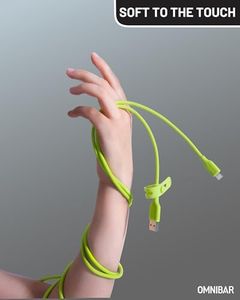
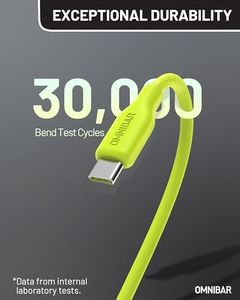
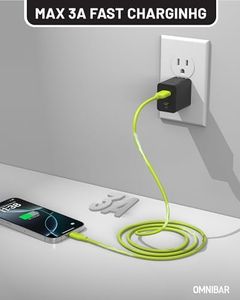
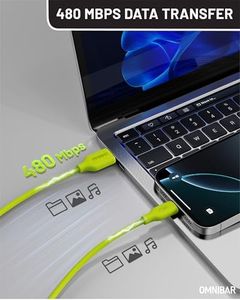
Omnibar Soft Silicone USB A to USB C Cable (6FT, 2-Pack), Tangle-Free CarPlay Cable for iPhone 17 16 15 Pro Max, Type C Charger Fast Charging Cord for Samsung S26 S25 Ultra, Switch 2, PS5, Lime Green
Griffin 3FT USB A to USB C Cable - Delivering up to 15W of Fast Charging Power to Your Tablet or Smartphone - Durable Abrasion-Resistant Braided
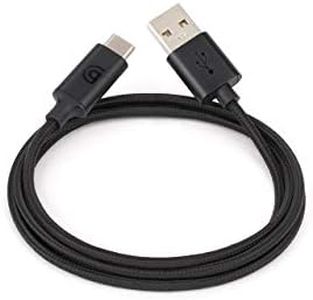
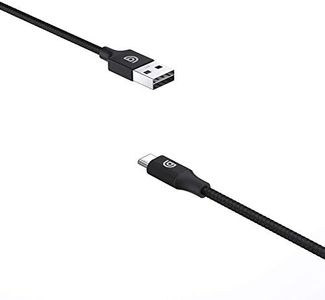
Griffin 3FT USB A to USB C Cable - Delivering up to 15W of Fast Charging Power to Your Tablet or Smartphone - Durable Abrasion-Resistant Braided
Scosche HDCAB10-SP Strikeline Heavy-Duty Premium USB to Type-C Charge & Sync Braided Cable 10-ft. Black/Space Gray
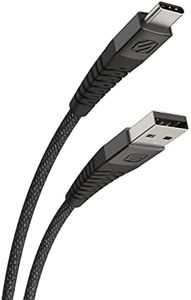
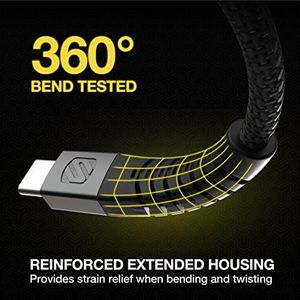
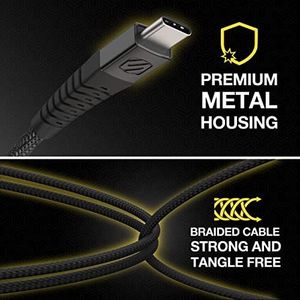
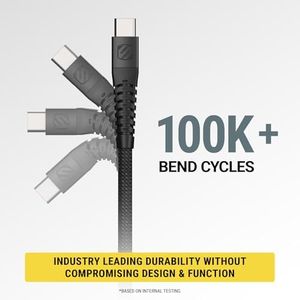
Scosche HDCAB10-SP Strikeline Heavy-Duty Premium USB to Type-C Charge & Sync Braided Cable 10-ft. Black/Space Gray
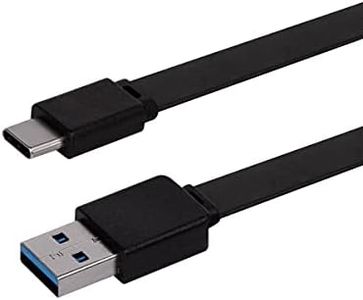
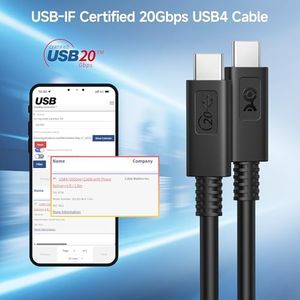
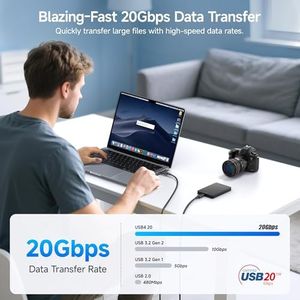
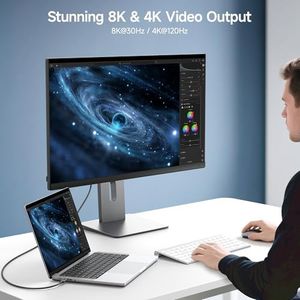
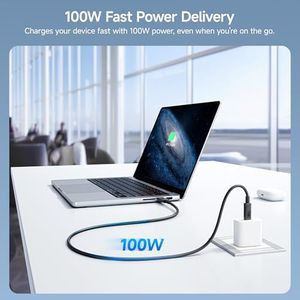
Silkland 2 in 1 10Gbps USB A to USB C Data Cable 3.1/3.0, USB C to USB C 3.2 GEN 2x2 20Gbps Monitor Video Cable, 15W/240W Fast Charging for iPhone 17/16, Samsung S24/23, MacBook/SSD 3.3FT
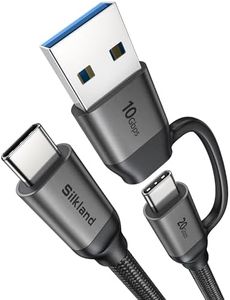
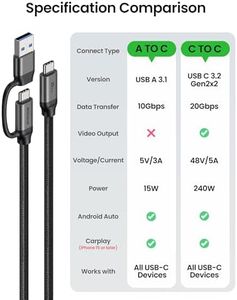
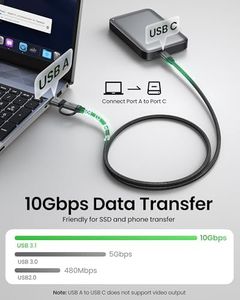
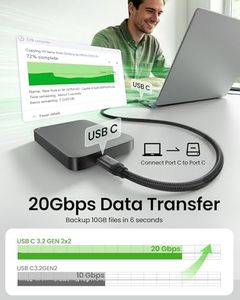
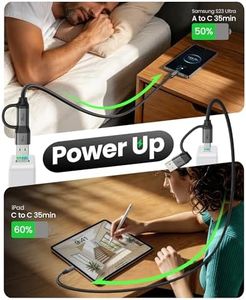
Silkland 2 in 1 10Gbps USB A to USB C Data Cable 3.1/3.0, USB C to USB C 3.2 GEN 2x2 20Gbps Monitor Video Cable, 15W/240W Fast Charging for iPhone 17/16, Samsung S24/23, MacBook/SSD 3.3FT
Related Products

Our technology thoroughly searches through the online shopping world, reviewing hundreds of sites. We then process and analyze this information, updating in real-time to bring you the latest top-rated products. This way, you always get the best and most current options available.
