10 Best Thunderbolt Docking Stations 2026 in the United States
Winner
CalDigit TS4 18 Port Thunderbolt 4 Dock, 98W Charging, 3X TBT4 (40Gb/s), 3X USB-C + 5X USB-A (10Gb/s), 2.5GbE LAN, 8K@30Hz or 2X 6K@60Hz Displays, Mac/Windows/Chrome, Space Gray, 0.8m Certified Cable
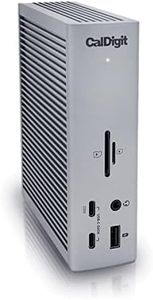
The CalDigit TS4 Thunderbolt 4 Dock is a robust choice for users needing extensive connectivity and power delivery. With an impressive 18 ports, including USB-A/C, 2.5GbE, audio, and DisplayPort 1.4, it meets diverse and demanding workflows. The dock’s 98W charging capacity is powerful enough for larger laptops, making it convenient to charge your device while connected to multiple peripherals with a single cable.
Most important from
1733 reviews
Plugable Thunderbolt 4 Dock with 100W Charging, Thunderbolt Certified, Laptop Docking Station Dual Monitor Single 8K or Dual 4K HDMI for Windows and Mac, 4X USB, Gigabit Ethernet (TBT4-UD5)
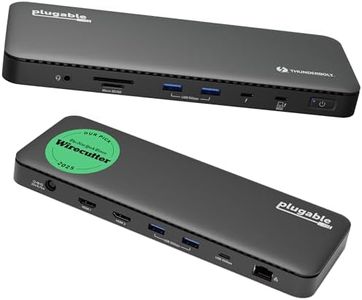
The Plugable Thunderbolt 4 Dock (TBT4-UD5) is a strong choice if you need a versatile and high-performance docking station for both Windows and Mac laptops. It offers 13 ports, including 2 HDMI ports supporting either dual 4K displays at 60Hz or a single 8K display, 6 USB ports (including Thunderbolt 4 downstream with 15W charging), Gigabit Ethernet, and card readers. This broad port selection covers most everyday connectivity needs, making it suitable for professionals who want to connect multiple peripherals and monitors easily.
Most important from
488 reviews
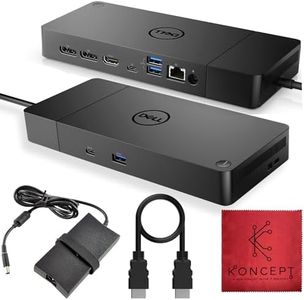
WD22TB4 Dell Thunderbolt 4 Dock 40Gbps USB-C/USB-A 1 Year Warranty - Docking Station with 180W, HDMI, DisplayPort Cables & Cleaning Cloth – Supports Dual/Triple Monitors & 4K Displays
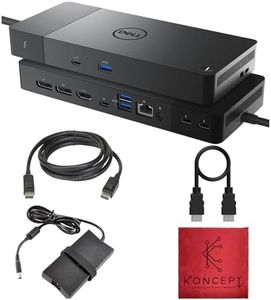
The Dell WD22TB4 Thunderbolt 4 Dock is a solid choice if you need a versatile docking station with plenty of ports. It offers 13 ports in total, including multiple Thunderbolt 4 ports, DisplayPorts, HDMI, USB-C, USB-A, Ethernet, and an audio jack, making it easy to connect various devices like monitors, external drives, and network cables. It delivers up to 130 watts of power, enough to charge most laptops while powering connected accessories, helping keep your workspace tidy with just one cable. For display support, Windows users can connect up to four 4K monitors at 60Hz, which is excellent for multitasking or detailed work. Mac users, especially with M1 or M2 chips, face some limitations and may only run one or two external monitors easily, due to macOS restrictions.
Most important from
106 reviews
Top 10 Best Thunderbolt Docking Stations 2026 in the United States
Winner
CalDigit TS4 18 Port Thunderbolt 4 Dock, 98W Charging, 3X TBT4 (40Gb/s), 3X USB-C + 5X USB-A (10Gb/s), 2.5GbE LAN, 8K@30Hz or 2X 6K@60Hz Displays, Mac/Windows/Chrome, Space Gray, 0.8m Certified Cable
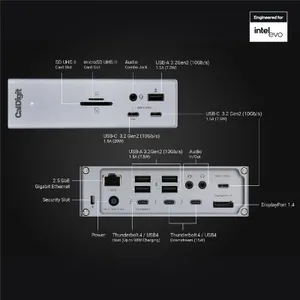
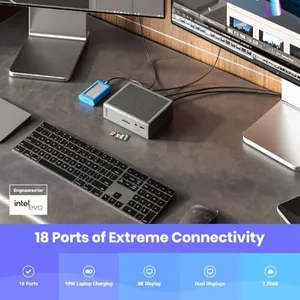


CalDigit TS4 18 Port Thunderbolt 4 Dock, 98W Charging, 3X TBT4 (40Gb/s), 3X USB-C + 5X USB-A (10Gb/s), 2.5GbE LAN, 8K@30Hz or 2X 6K@60Hz Displays, Mac/Windows/Chrome, Space Gray, 0.8m Certified Cable
Chosen by 1411 this week
Plugable Thunderbolt 4 Dock with 100W Charging, Thunderbolt Certified, Laptop Docking Station Dual Monitor Single 8K or Dual 4K HDMI for Windows and Mac, 4X USB, Gigabit Ethernet (TBT4-UD5)
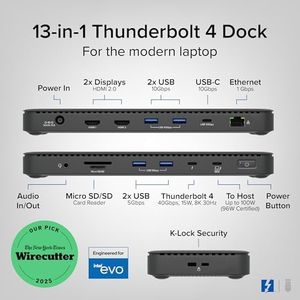
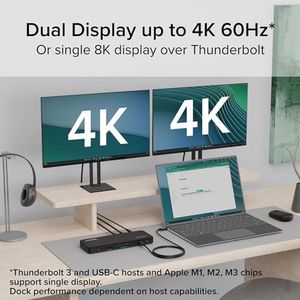
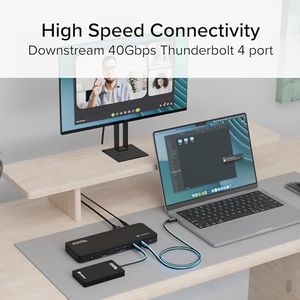
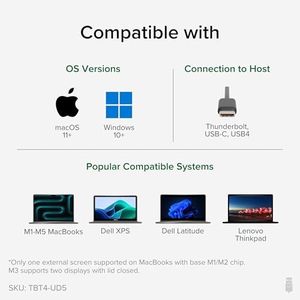
Plugable Thunderbolt 4 Dock with 100W Charging, Thunderbolt Certified, Laptop Docking Station Dual Monitor Single 8K or Dual 4K HDMI for Windows and Mac, 4X USB, Gigabit Ethernet (TBT4-UD5)
WD22TB4 Dell Thunderbolt 4 Dock 40Gbps USB-C/USB-A 1 Year Warranty - Docking Station with 180W, HDMI, DisplayPort Cables & Cleaning Cloth – Supports Dual/Triple Monitors & 4K Displays
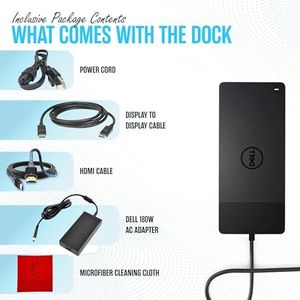
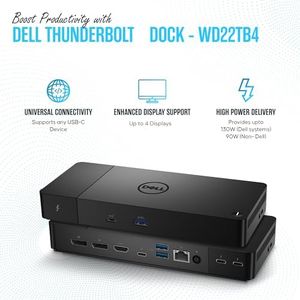
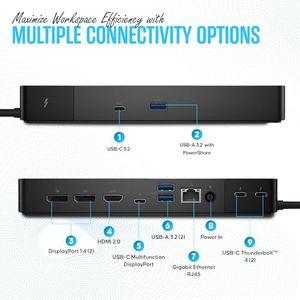

WD22TB4 Dell Thunderbolt 4 Dock 40Gbps USB-C/USB-A 1 Year Warranty - Docking Station with 180W, HDMI, DisplayPort Cables & Cleaning Cloth – Supports Dual/Triple Monitors & 4K Displays
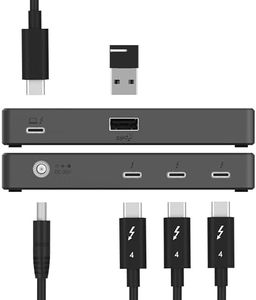
Microsoft Surface Thunderbolt 4 Docking Station - Black (T8H-00001)
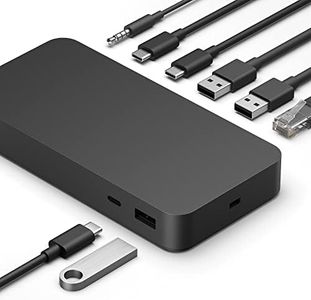

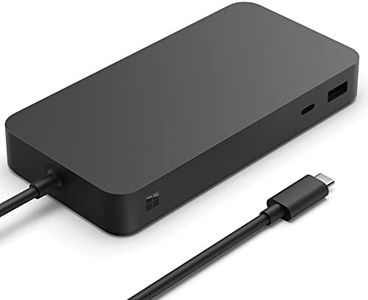

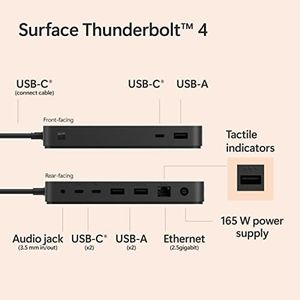
Microsoft Surface Thunderbolt 4 Docking Station - Black (T8H-00001)
Anker Laptop Docking Station, 13-in-1 USB-C Docking Station, Triple Display with 2xHDMI and 1xDP, 10 Gbps USB-C and 5 Gbps USB-A Data, Ethernet, Audio, SD, 85W Charging for Dell, HP, Lenovo and More
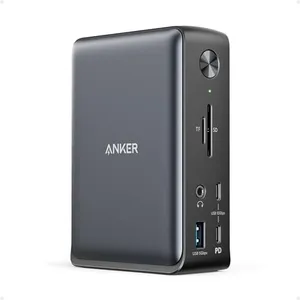
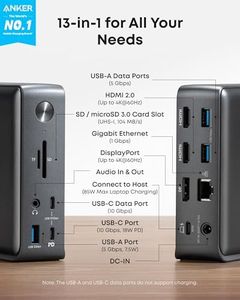
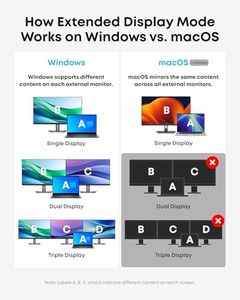
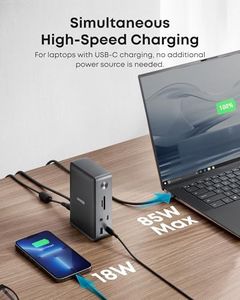
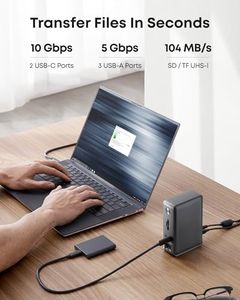
Anker Laptop Docking Station, 13-in-1 USB-C Docking Station, Triple Display with 2xHDMI and 1xDP, 10 Gbps USB-C and 5 Gbps USB-A Data, Ethernet, Audio, SD, 85W Charging for Dell, HP, Lenovo and More
Related Products
Up to 24% off
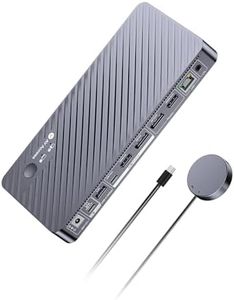
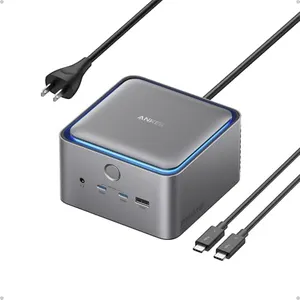
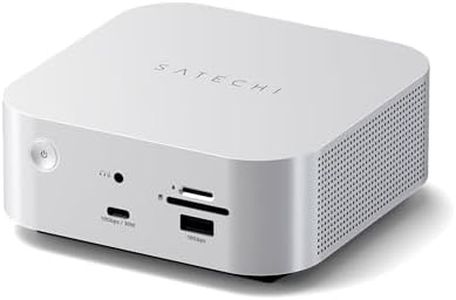
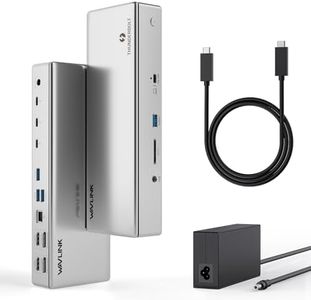

Plugable USB C Triple Display Docking Station | 100W PD, 3x HDMI (1x 4K 30Hz, 2x 1080p 60Hz), 6x USB 5Gbps Ports | Windows, macOS, ChromeOS Compatible - Enhance Productivity with Multi-Monitor Support
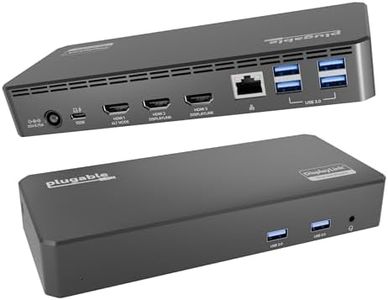
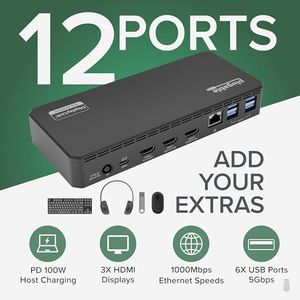

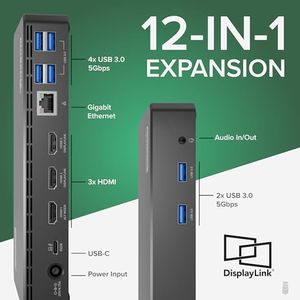
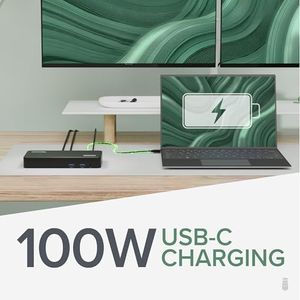
Plugable USB C Triple Display Docking Station | 100W PD, 3x HDMI (1x 4K 30Hz, 2x 1080p 60Hz), 6x USB 5Gbps Ports | Windows, macOS, ChromeOS Compatible - Enhance Productivity with Multi-Monitor Support
HP USB-C Dock G5-11-in-1 Adapter for Both USB-C and Thunderbolt-Enabled Laptops, PCs, & Notebooks - for Charging, Networking, or Data Transfers - Great for Secure & Remote Management,Black
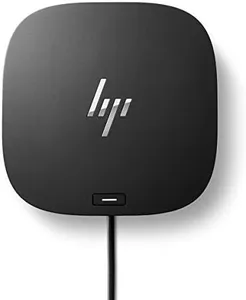
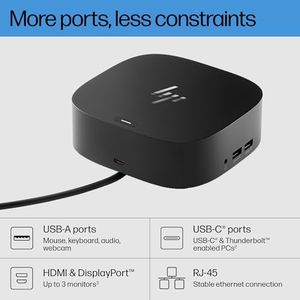
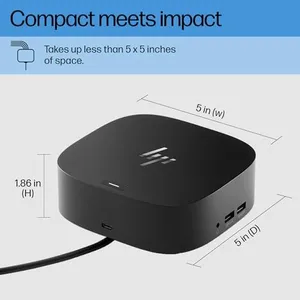
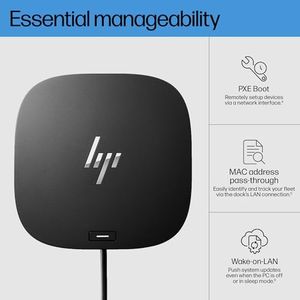
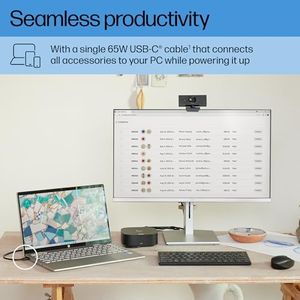
HP USB-C Dock G5-11-in-1 Adapter for Both USB-C and Thunderbolt-Enabled Laptops, PCs, & Notebooks - for Charging, Networking, or Data Transfers - Great for Secure & Remote Management,Black

Our technology thoroughly searches through the online shopping world, reviewing hundreds of sites. We then process and analyze this information, updating in real-time to bring you the latest top-rated products. This way, you always get the best and most current options available.
