10 Best Computer Cameras For Streaming 2026 in the United States
Winner
Razer Kiyo Pro Ultra 4K Webcam: Large Sensor - Auto Light Correction - Built-in Mic and Shutter - Pro Grade Content Creation, Streaming, Gaming, Video Calls - Works with OBS, Xsplit, PC, Zoom, Teams
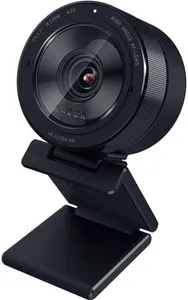
The Razer Kiyo Pro Ultra is a high-quality webcam designed for streaming, gaming, and professional video calls. It shines with its 4K resolution and a large 1/1.2" Sony STARVIS 2 sensor, which captures more light and detail than many typical webcams. This means you get sharp, vibrant images with true-to-life colors, thanks to HDR technology. Its custom F/1.7 aperture lens and large pixel size help deliver clear video even in low-light environments, making it a good pick if your room isn’t brightly lit. The camera also features AI-powered autofocus and face tracking, which keeps your image sharp and well-exposed without needing you to adjust settings constantly.
Most important from
233 reviews
Razer Kiyo V2 Streaming Webcam: 4K 30 FPS, 1080p 60 FPS - AI Powered Auto-Framing - Built-in Microphone - Ultrawide Angle Lens - Privacy Cover - Works with OBS, Xsplit, Discord, Zoom, Teams - Pink
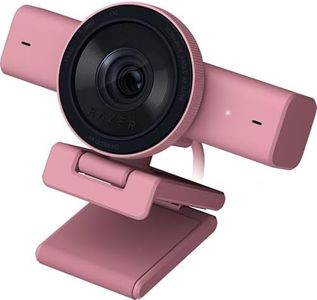
The Razer Kiyo V2 is a strong choice for streamers looking for clear, high-quality video. It offers 4K resolution at 30 frames per second or 1080p at 60 frames per second, so your video can be both sharp and smooth. The ultrawide lens lets you show more of your space without distortion. One standout feature is the AI-powered auto-framing which keeps you centered in the shot, making your streams look professional without extra effort. It also performs well in low light thanks to automatic exposure and noise reduction, so your image stays clear even in dim rooms.
Most important from
142 reviews
Razer Kiyo Pro Webcam for Streaming, Gaming, Video Calls: Full HD 1080p 60FPS - Adaptive Light Sensor - HDR Enabled - Wide Angle Lens with Adjustable FOV - Works with OBS, Xsplit, Twitch, Zoom, Teams
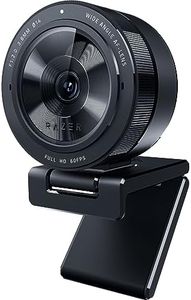
The Razer Kiyo Pro is a strong choice for anyone looking for a high-quality webcam primarily for streaming, gaming, or video calls. It offers uncompressed Full HD 1080p video at a smooth 60 frames per second, which means your video will look clear and fluid without lag or blurriness. The adjustable field of view (103°, 90°, and 80°) lets you control how much of your background or surroundings appear, making it flexible whether you want just your face or a bit more space visible.
Most important from
5709 reviews
Top 10 Best Computer Cameras For Streaming 2026 in the United States
Winner
Razer Kiyo Pro Ultra 4K Webcam: Large Sensor - Auto Light Correction - Built-in Mic and Shutter - Pro Grade Content Creation, Streaming, Gaming, Video Calls - Works with OBS, Xsplit, PC, Zoom, Teams


Razer Kiyo Pro Ultra 4K Webcam: Large Sensor - Auto Light Correction - Built-in Mic and Shutter - Pro Grade Content Creation, Streaming, Gaming, Video Calls - Works with OBS, Xsplit, PC, Zoom, Teams
Chosen by 1277 this week
Razer Kiyo V2 Streaming Webcam: 4K 30 FPS, 1080p 60 FPS - AI Powered Auto-Framing - Built-in Microphone - Ultrawide Angle Lens - Privacy Cover - Works with OBS, Xsplit, Discord, Zoom, Teams - Pink
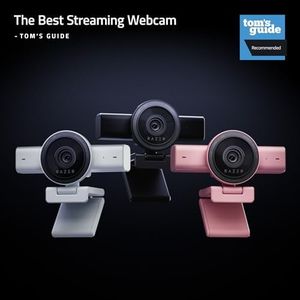



Razer Kiyo V2 Streaming Webcam: 4K 30 FPS, 1080p 60 FPS - AI Powered Auto-Framing - Built-in Microphone - Ultrawide Angle Lens - Privacy Cover - Works with OBS, Xsplit, Discord, Zoom, Teams - Pink
Razer Kiyo Pro Webcam for Streaming, Gaming, Video Calls: Full HD 1080p 60FPS - Adaptive Light Sensor - HDR Enabled - Wide Angle Lens with Adjustable FOV - Works with OBS, Xsplit, Twitch, Zoom, Teams
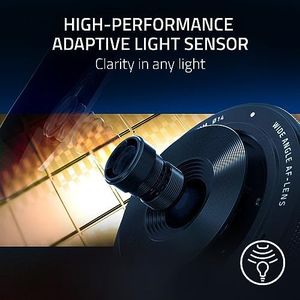
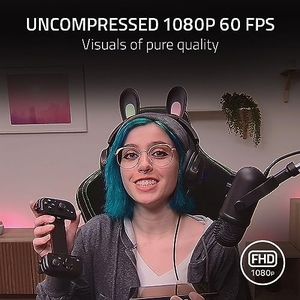
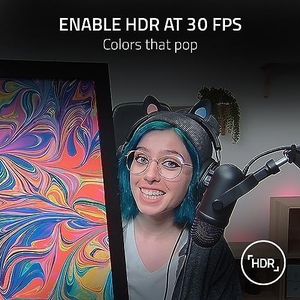
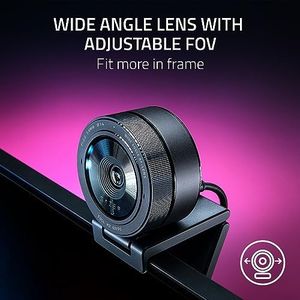
Razer Kiyo Pro Webcam for Streaming, Gaming, Video Calls: Full HD 1080p 60FPS - Adaptive Light Sensor - HDR Enabled - Wide Angle Lens with Adjustable FOV - Works with OBS, Xsplit, Twitch, Zoom, Teams
Insta360 Link 2 Pro – 4K PTZ Webcam for PC/Mac, 1/1.3” Sensor, Low-Light, AI Tracking, HDR, Directional Noise-Canceling Mics, Supports Stream Deck, Zoom, Teams, Twitch for Streaming or Meetings
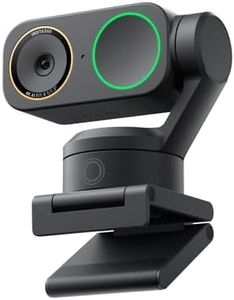
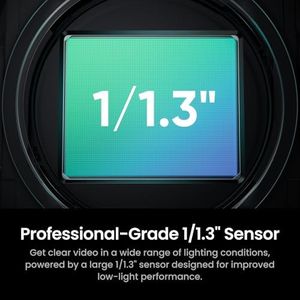
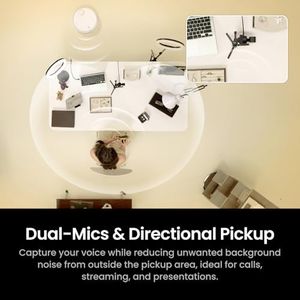


Insta360 Link 2 Pro – 4K PTZ Webcam for PC/Mac, 1/1.3” Sensor, Low-Light, AI Tracking, HDR, Directional Noise-Canceling Mics, Supports Stream Deck, Zoom, Teams, Twitch for Streaming or Meetings
Elgato Facecam 4K, 4K60 Studio Webcam, DSLR-Like Control
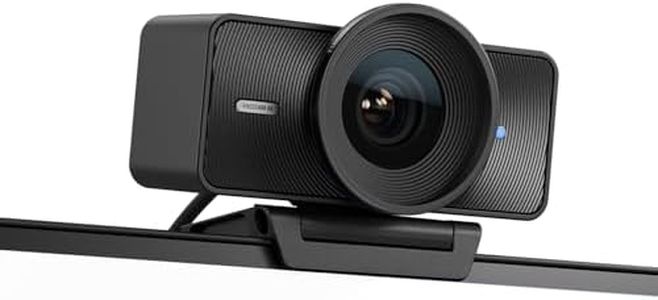
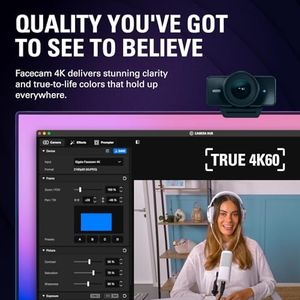


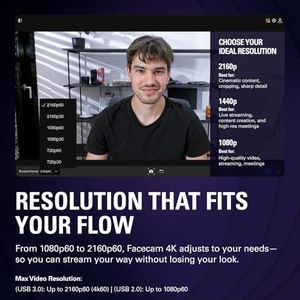
Elgato Facecam 4K, 4K60 Studio Webcam, DSLR-Like Control
Related Products
Up to 10% off
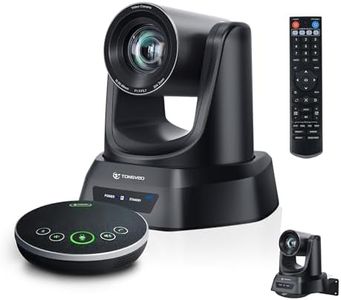
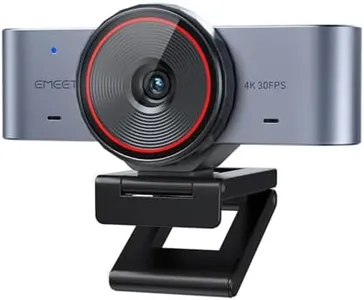
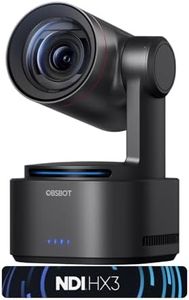
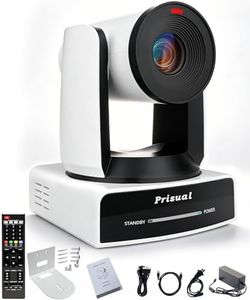
EMEET PIXY Dual-Camera AI-Powered PTZ Camera 4K, AI Tracking, PDAF&AI Autofocus 0.2s, 1/2.55'' Sony Sensor, 3 Mics, Presets, Gesture Control, 4K Webcam for Streaming and OBS/Twitch/Switch 2 Compatible
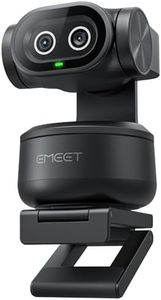
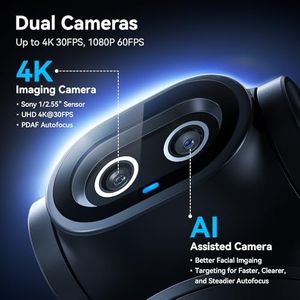

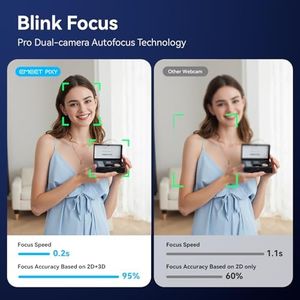

EMEET PIXY Dual-Camera AI-Powered PTZ Camera 4K, AI Tracking, PDAF&AI Autofocus 0.2s, 1/2.55'' Sony Sensor, 3 Mics, Presets, Gesture Control, 4K Webcam for Streaming and OBS/Twitch/Switch 2 Compatible
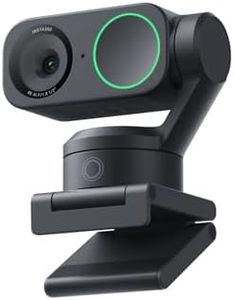
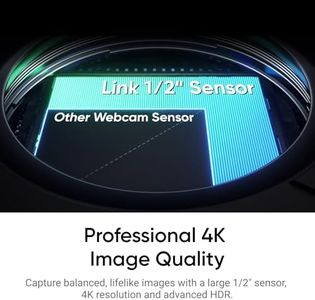



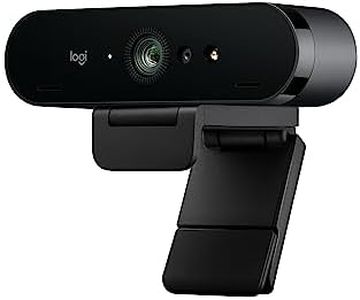
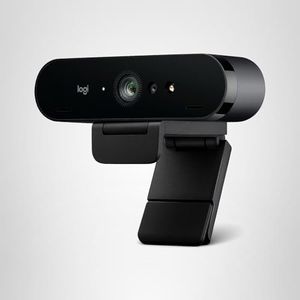
Logitech MX Brio Ultra HD 4K Webcam for Collaboration and Streaming, 1080p 60 FPS, Show Mode, Works with Microsoft Teams, Zoom, Google Meet, Nintendo Switch 2, Graphite
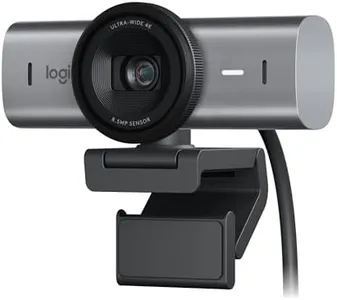
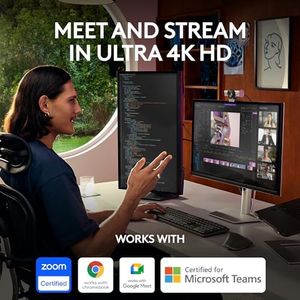
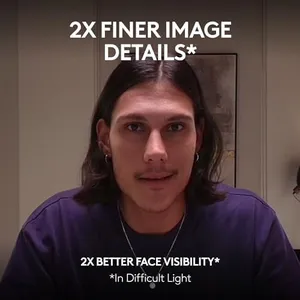
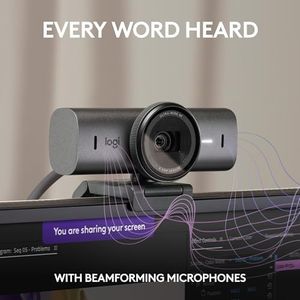
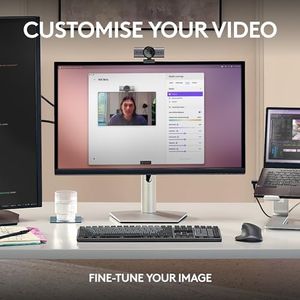
Logitech MX Brio Ultra HD 4K Webcam for Collaboration and Streaming, 1080p 60 FPS, Show Mode, Works with Microsoft Teams, Zoom, Google Meet, Nintendo Switch 2, Graphite
Insta360 Link 2C Pro Creator Bundle – 4K Webcam for PC/Mac, 1/1.3” Sensor, Low-Light, Auto Framing, HDR, Directional Noise-Canceling Mics, Supports Stream Deck, Zoom, Teams, Twitch for Streaming
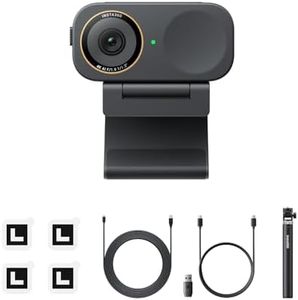
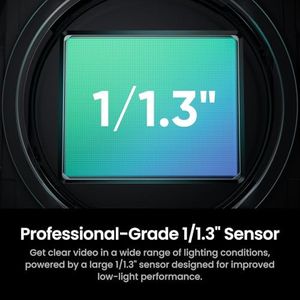
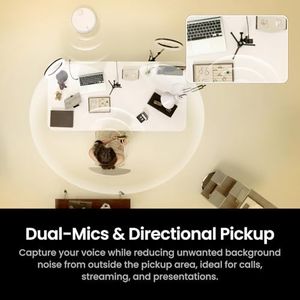


Insta360 Link 2C Pro Creator Bundle – 4K Webcam for PC/Mac, 1/1.3” Sensor, Low-Light, Auto Framing, HDR, Directional Noise-Canceling Mics, Supports Stream Deck, Zoom, Teams, Twitch for Streaming
Our technology thoroughly searches through the online shopping world, reviewing hundreds of sites. We then process and analyze this information, updating in real-time to bring you the latest top-rated products. This way, you always get the best and most current options available.
