10 Best Chromebooks With Large Display 2026 in the United States
Winner
Samsung Galaxy Chromebook Go Laptop (14" LED, Intel Celeron N4500, 64GB eMMC + 256GB SD Card) Home & Student, 12-Hr Long Battery, Spill-Resistant, Webcam, Lightweight, Wi-Fi 6, IST HUB, Chrome OS
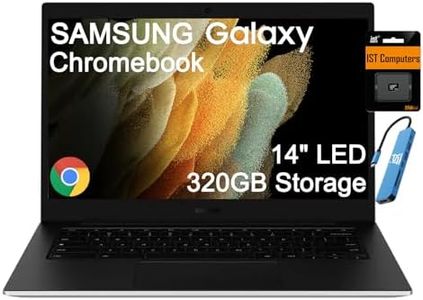
The Samsung Galaxy Chromebook Go is a solid choice if you're looking for a Chromebook with a larger 14-inch screen that’s easy on the eyes thanks to its anti-glare coating. Its display resolution is 1366x768 pixels, which is on the lower side for this size, so while it’s fine for everyday tasks like browsing, video calls, and streaming, it won’t deliver very sharp or detailed images compared to higher-resolution screens. Inside, the Intel Celeron N4500 processor and 4 GB of RAM are suitable for basic multitasking such as web browsing, working on documents, and using online learning apps, but it might struggle with heavier programs or many tabs open at once.
Most important from
672 reviews
ASUS 2026 15" FHD IPS Chromebook, Intel Processor Up to 2.80GHz, 4GB DDR4, 128GB Storage, HDMI, Super-Fast WiFi, Chrome OS, Pastel Blue, Renewed
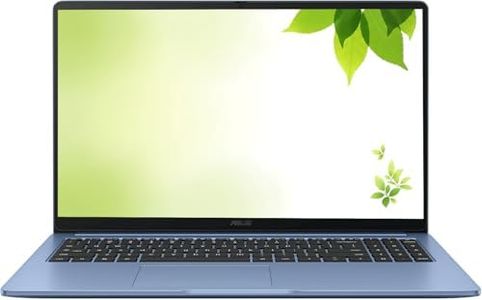
The ASUS 2026 Chromebook offers a spacious 15-inch Full HD (1920x1080) IPS display, which is great for anyone wanting a large screen for web browsing, streaming, or schoolwork. The screen quality provides clear and vibrant visuals, which is a strong point for this Chromebook category. It runs on a 10th Gen Intel Celeron processor with speeds up to 2.8 GHz, paired with 4GB of DDR4 RAM. This setup is suitable for everyday tasks like browsing, document editing, and media consumption but may feel limited with heavier multitasking or demanding apps.
Most important from
113 reviews
ASUS Chromebook Flip CX1 Convertible Laptop, 14" FHD NanoEdge 360-degree Touchscreen, Intel Celeron N4500 Processor, 128GB eMMC Storage, 8GB RAM, ChromeOS, Transparent Silver, CX1400FKA-AS88FT
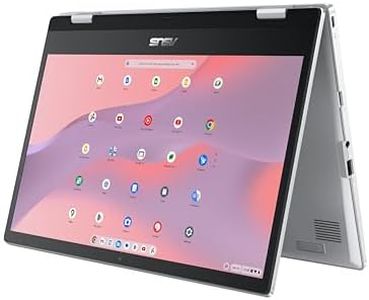
The ASUS Chromebook Flip CX1 offers a solid option for those looking for a Chromebook with a large 14-inch Full HD touchscreen display. Its 1920x1080 resolution provides clear and vibrant visuals, making it comfortable for both work and entertainment. The Intel Celeron N4500 processor is modest but capable of handling everyday tasks such as browsing, streaming, and using Google apps smoothly, especially with 8GB of RAM helping multitasking. Storage is 128GB eMMC, which is decent for cloud-focused users but might feel limited if you plan to store many files offline.
Most important from
565 reviews
Top 10 Best Chromebooks With Large Display 2026 in the United States
Winner
Samsung Galaxy Chromebook Go Laptop (14" LED, Intel Celeron N4500, 64GB eMMC + 256GB SD Card) Home & Student, 12-Hr Long Battery, Spill-Resistant, Webcam, Lightweight, Wi-Fi 6, IST HUB, Chrome OS
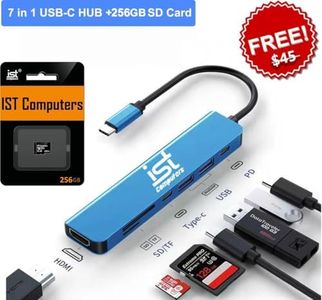
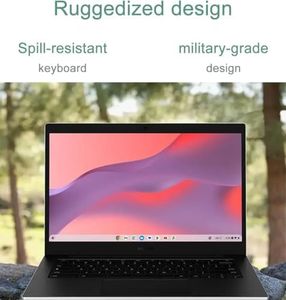
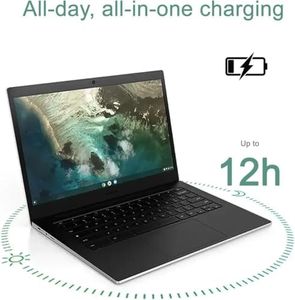
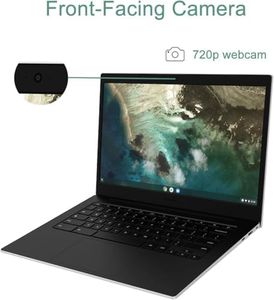
Samsung Galaxy Chromebook Go Laptop (14" LED, Intel Celeron N4500, 64GB eMMC + 256GB SD Card) Home & Student, 12-Hr Long Battery, Spill-Resistant, Webcam, Lightweight, Wi-Fi 6, IST HUB, Chrome OS
Chosen by 1138 this week
ASUS 2026 15" FHD IPS Chromebook, Intel Processor Up to 2.80GHz, 4GB DDR4, 128GB Storage, HDMI, Super-Fast WiFi, Chrome OS, Pastel Blue, Renewed
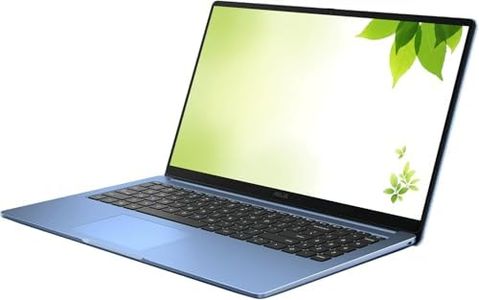
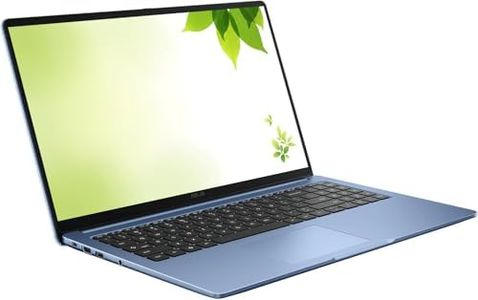
ASUS 2026 15" FHD IPS Chromebook, Intel Processor Up to 2.80GHz, 4GB DDR4, 128GB Storage, HDMI, Super-Fast WiFi, Chrome OS, Pastel Blue, Renewed
ASUS Chromebook Flip CX1 Convertible Laptop, 14" FHD NanoEdge 360-degree Touchscreen, Intel Celeron N4500 Processor, 128GB eMMC Storage, 8GB RAM, ChromeOS, Transparent Silver, CX1400FKA-AS88FT
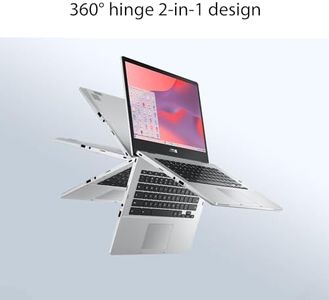
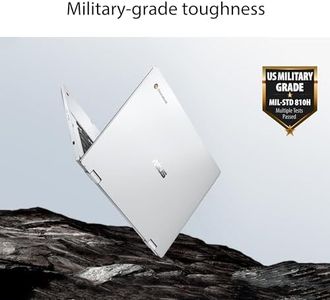
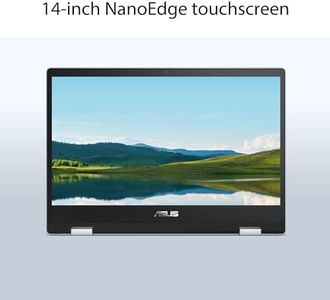
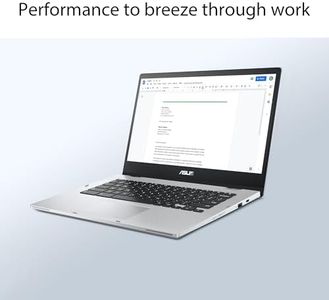
ASUS Chromebook Flip CX1 Convertible Laptop, 14" FHD NanoEdge 360-degree Touchscreen, Intel Celeron N4500 Processor, 128GB eMMC Storage, 8GB RAM, ChromeOS, Transparent Silver, CX1400FKA-AS88FT
Acer Chromebook Plus 516 CB516-1H-31UE-US 16" Laptop, Intel Core i3, 8GB RAM, 128GB SSD, ChromeOS – Refurbished
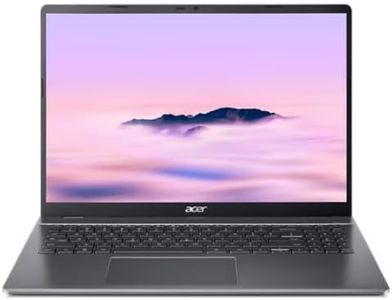
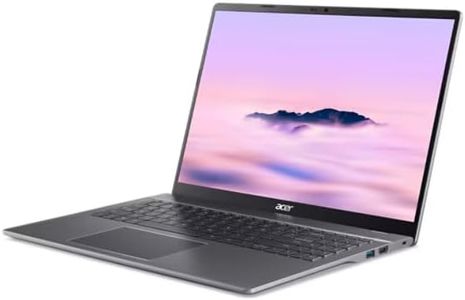
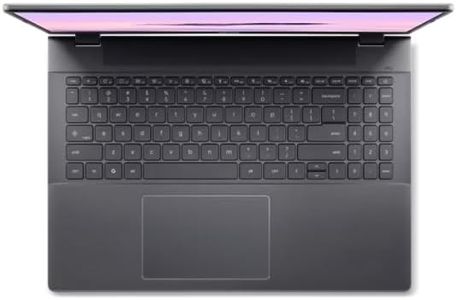


Acer Chromebook Plus 516 CB516-1H-31UE-US 16" Laptop, Intel Core i3, 8GB RAM, 128GB SSD, ChromeOS – Refurbished
ASUS Chromebook CX1, 15.6" FHD NanoEdge Display, Intel Celeron N4500 Processor, 128GB eMMC Storage, 4GB RAM, ChromeOS, Mineral Gray, CX1500CKA-SS48F
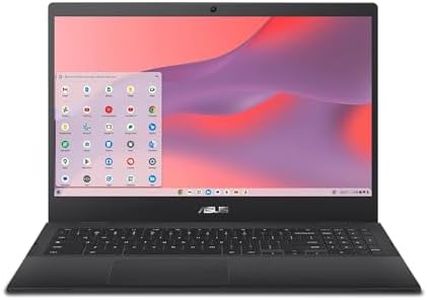
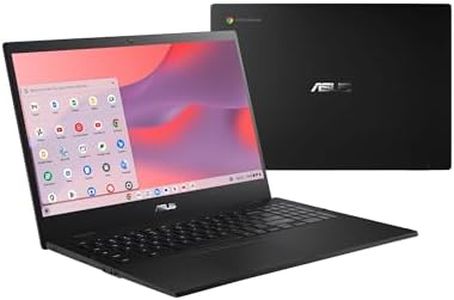



ASUS Chromebook CX1, 15.6" FHD NanoEdge Display, Intel Celeron N4500 Processor, 128GB eMMC Storage, 4GB RAM, ChromeOS, Mineral Gray, CX1500CKA-SS48F
Related Products


ASUS Chromebook Plus CX34 Laptop with Google AI, 14" Display (1920x1080), Intel® Core™ i3-1215U Processor, 8GB RAM, 256GB UFS Storage, ChromeOS, White, CX3402CBA-DH386-WH
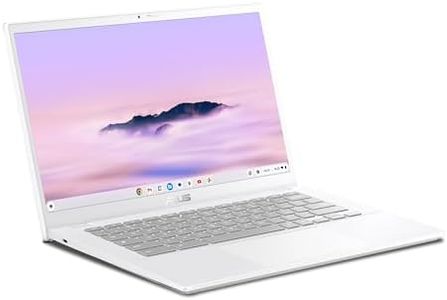


ASUS Chromebook Plus CX34 Laptop with Google AI, 14" Display (1920x1080), Intel® Core™ i3-1215U Processor, 8GB RAM, 256GB UFS Storage, ChromeOS, White, CX3402CBA-DH386-WH
Acer Chromebook Plus 514 Laptop (14" FHD+ Touchscreen, Intel 8-Core i3-N355, 8GB RAM, 512GB SSD) Education, K12, Students & Business, 1080p Webcam, Backlit, Lightweight, Long Battery Life, Chrome OS
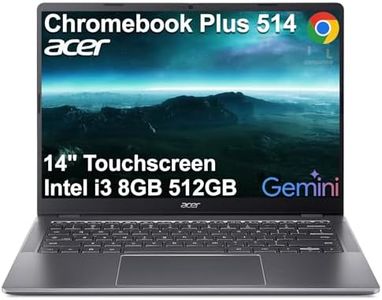
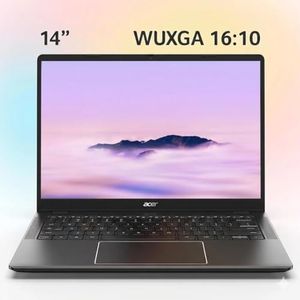
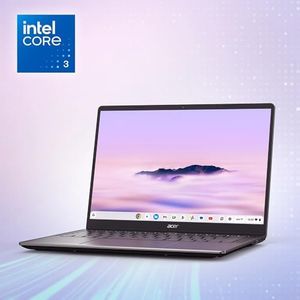
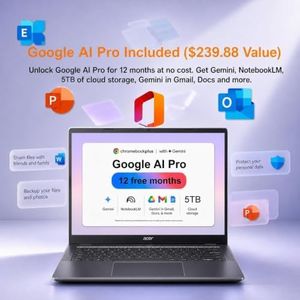
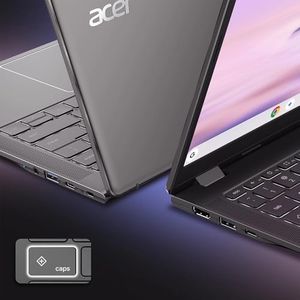
Acer Chromebook Plus 514 Laptop (14" FHD+ Touchscreen, Intel 8-Core i3-N355, 8GB RAM, 512GB SSD) Education, K12, Students & Business, 1080p Webcam, Backlit, Lightweight, Long Battery Life, Chrome OS
Acer Chromebook Plus 514 Laptop (14" FHD+ Touchscreen, Intel 8-Core i3-N355, 8GB RAM, 512GB SSD) Education, K12, Students & Business, 1080p Webcam, Backlit KB, Lightweight, Google AI, Chrome OS
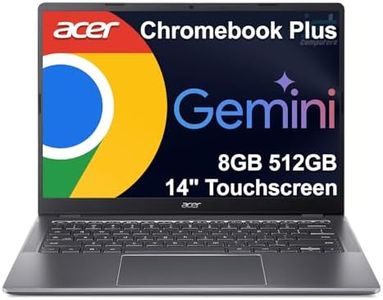
Acer Chromebook Plus 514 Laptop (14" FHD+ Touchscreen, Intel 8-Core i3-N355, 8GB RAM, 512GB SSD) Education, K12, Students & Business, 1080p Webcam, Backlit KB, Lightweight, Google AI, Chrome OS
acer Chromebook Plus Spin 514 2-in-1 14" Touchscreen Laptop, 13th Gen Intel 10-Core i5-1334U (Beat i7-1250U), 8GB LPDDR5X, 512GB Pcle 4.0 SSD, Backlit KB, DTS Audio, Chrome OS, W/128GB PSD & Stylus
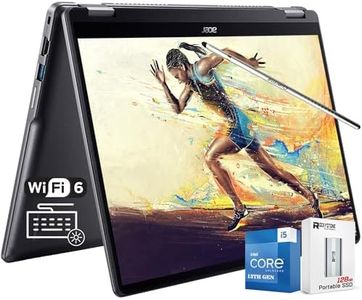
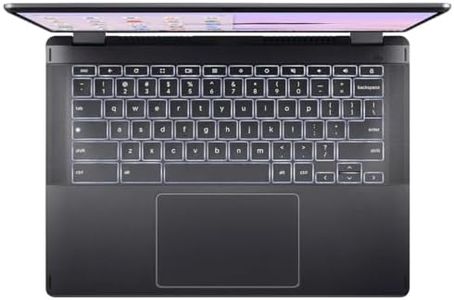
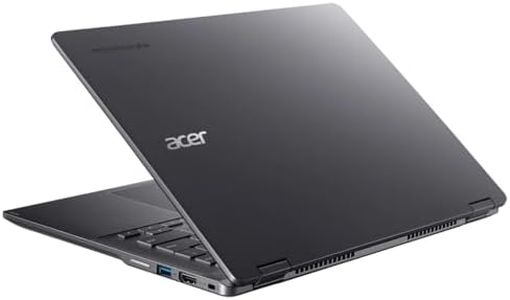
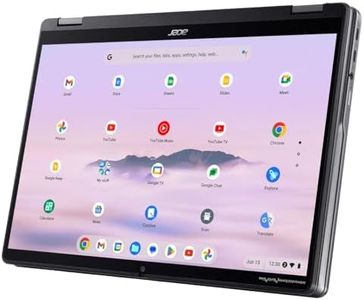
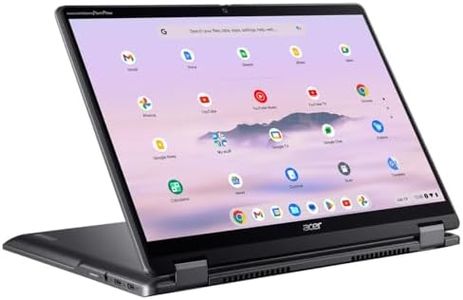
acer Chromebook Plus Spin 514 2-in-1 14" Touchscreen Laptop, 13th Gen Intel 10-Core i5-1334U (Beat i7-1250U), 8GB LPDDR5X, 512GB Pcle 4.0 SSD, Backlit KB, DTS Audio, Chrome OS, W/128GB PSD & Stylus
Acer CB315-4H-C8XU Chromebook Laptop | Intel Celeron N4500 | 15.6" Full HD IPS Display | 4GB LPDDR4X | 64GB eMMC | Intel Wi-Fi 6 | DTS Audio | USB Type-C | Chrome OS (Renewed)
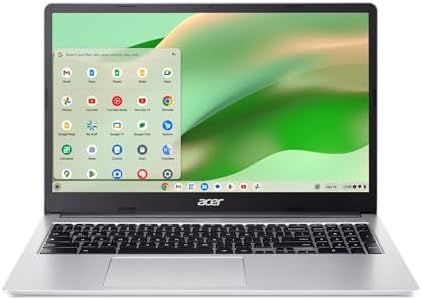


Acer CB315-4H-C8XU Chromebook Laptop | Intel Celeron N4500 | 15.6" Full HD IPS Display | 4GB LPDDR4X | 64GB eMMC | Intel Wi-Fi 6 | DTS Audio | USB Type-C | Chrome OS (Renewed)
Our technology thoroughly searches through the online shopping world, reviewing hundreds of sites. We then process and analyze this information, updating in real-time to bring you the latest top-rated products. This way, you always get the best and most current options available.
