10 Best 49 Inch Ultra Wide Monitors 2026 in the United States
Winner
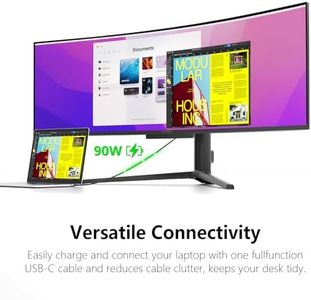
INNOCN 49" 49Q1S OLED Curved Gaming Monitor 5120 x 1440p 240Hz, 0.03ms, USB Type C 90W, HDMI 2.1, DisplayPort, USB Hub, Surrounding Speakers, Adaptive-Sync, Height Adjustable Stand, Black
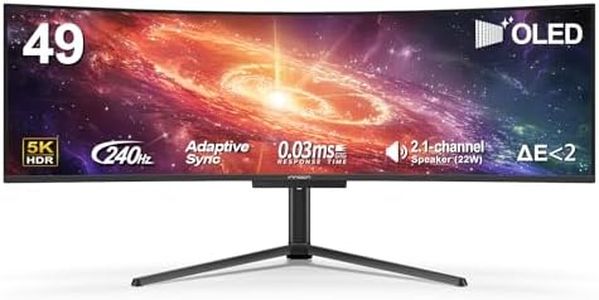
The INNOCN 49Q1S is a large 49-inch ultrawide curved gaming monitor that uses an OLED panel, offering excellent picture quality with deep blacks and vibrant colors. Its resolution of 5120 x 1440 at a 32:9 aspect ratio is perfect for immersive gaming and multitasking, showing much more content horizontally than standard monitors. The refresh rate of 240Hz combined with a very fast 0.03ms response time means smooth, blur-free gameplay, ideal for fast-paced games. It supports Adaptive-Sync, which helps avoid screen tearing during gaming sessions. The 1800R curve helps reduce eye strain and draws you into the screen, making long hours more comfortable.
Most important from
57 reviews
INNOCN 49" OLED 5K2K 5120 x 1440p 144Hz Ultrawide Curved Gaming Monitor, 0.03ms, USB C 90W, HDMI 2.1, DisplayPort, KVM, PIP/PBP, USB Hub, Speakers, Adaptive-Sync, Adjustable Stand, Black
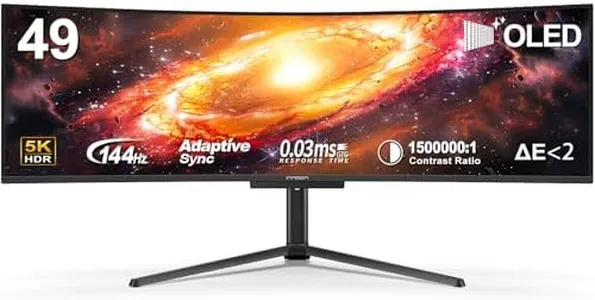
The INNOCN 49" OLED Ultrawide Curved Gaming Monitor is an excellent choice for gamers and content creators seeking an immersive and expansive screen experience. Its standout feature is the 5120 x 1440p resolution coupled with a 144Hz refresh rate, ensuring clear and smooth visuals for both gaming and professional tasks. The OLED panel provides vibrant and accurate colors, while the 32:9 aspect ratio offers a much wider visual field compared to standard monitors, enhancing your multitasking capabilities and gaming experience.
Most important from
112 reviews
Amzfast 49 Inch Curved Monitor 120Hz DQHD (5120x1440) Ultrawide Gaming Monitor, 120% sRGB, 1500R, 1ms MPRT, HDR, Adaptive Sync, PIP/PBP, Height Adjustable, HDMI 2.0/DP 1.4, VESA 75x75, AMZG49C7U
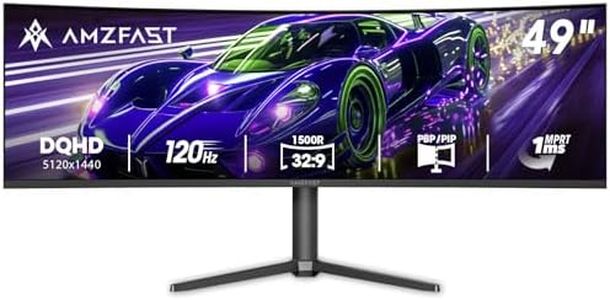
The Amzfast 49 Inch Curved Monitor is a strong choice if you're looking for an ultra-wide display that boosts both gaming and productivity. Its 5120x1440 Dual QHD resolution across a large 49-inch screen with a 32:9 aspect ratio means you get a lot of screen space—ideal for multitasking or immersive gaming. The 1500R curved VA panel offers good color consistency from wide viewing angles and a wraparound feel for games, especially FPS and RPG titles.
Most important from
1708 reviews
Top 10 Best 49 Inch Ultra Wide Monitors 2026 in the United States
Winner
INNOCN 49" 49Q1S OLED Curved Gaming Monitor 5120 x 1440p 240Hz, 0.03ms, USB Type C 90W, HDMI 2.1, DisplayPort, USB Hub, Surrounding Speakers, Adaptive-Sync, Height Adjustable Stand, Black
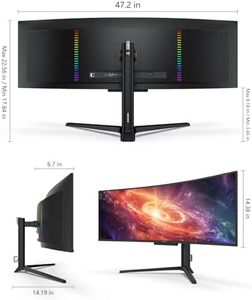
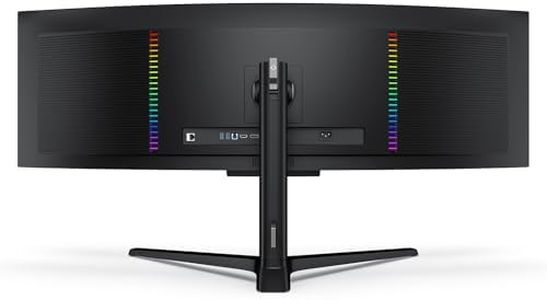
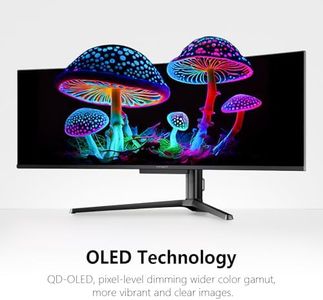
INNOCN 49" 49Q1S OLED Curved Gaming Monitor 5120 x 1440p 240Hz, 0.03ms, USB Type C 90W, HDMI 2.1, DisplayPort, USB Hub, Surrounding Speakers, Adaptive-Sync, Height Adjustable Stand, Black
Chosen by 1388 this week
INNOCN 49" OLED 5K2K 5120 x 1440p 144Hz Ultrawide Curved Gaming Monitor, 0.03ms, USB C 90W, HDMI 2.1, DisplayPort, KVM, PIP/PBP, USB Hub, Speakers, Adaptive-Sync, Adjustable Stand, Black
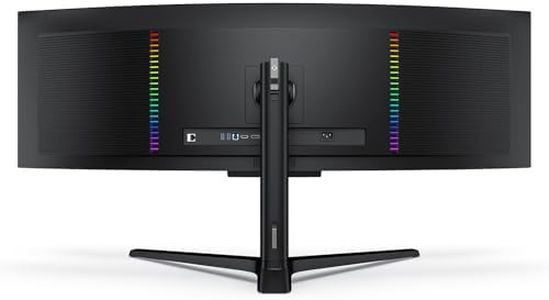
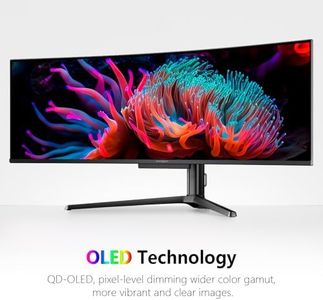
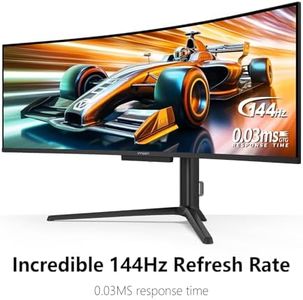
INNOCN 49" OLED 5K2K 5120 x 1440p 144Hz Ultrawide Curved Gaming Monitor, 0.03ms, USB C 90W, HDMI 2.1, DisplayPort, KVM, PIP/PBP, USB Hub, Speakers, Adaptive-Sync, Adjustable Stand, Black
Amzfast 49 Inch Curved Monitor 120Hz DQHD (5120x1440) Ultrawide Gaming Monitor, 120% sRGB, 1500R, 1ms MPRT, HDR, Adaptive Sync, PIP/PBP, Height Adjustable, HDMI 2.0/DP 1.4, VESA 75x75, AMZG49C7U
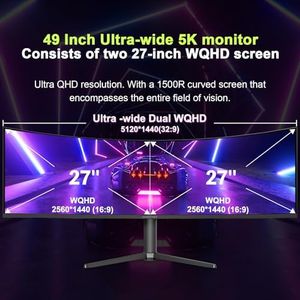
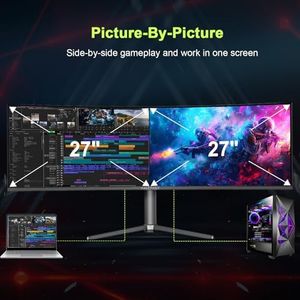
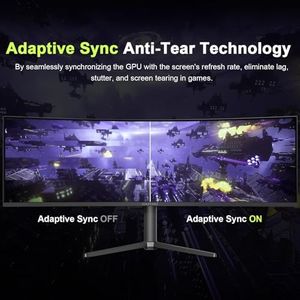
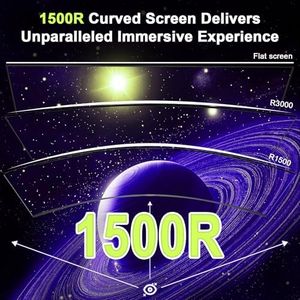
Amzfast 49 Inch Curved Monitor 120Hz DQHD (5120x1440) Ultrawide Gaming Monitor, 120% sRGB, 1500R, 1ms MPRT, HDR, Adaptive Sync, PIP/PBP, Height Adjustable, HDMI 2.0/DP 1.4, VESA 75x75, AMZG49C7U
Samsung 49” Business Curved Ultrawide Dual QHD Computer Monitor, USB-C, DisplayPort, HDMI, 120Hz, VESA DisplayHDR 400, Built-in Speakers, Height Adjustable Stand, Eye Care, LS49C954UANXZA, 2024
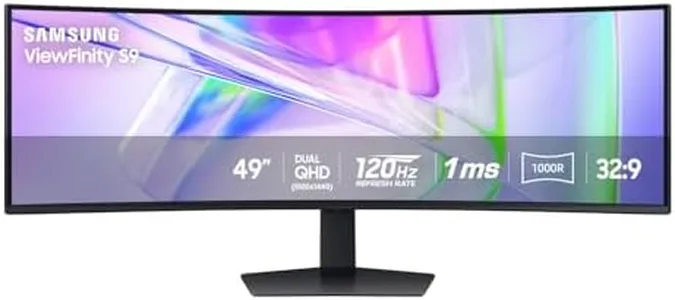
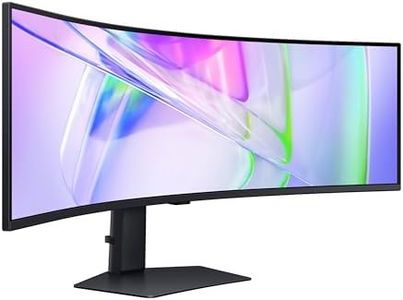
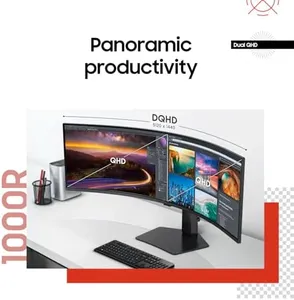
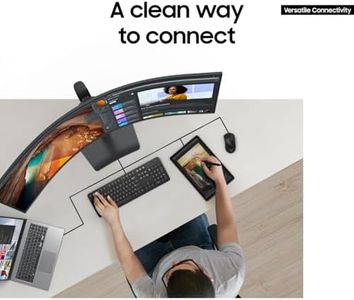
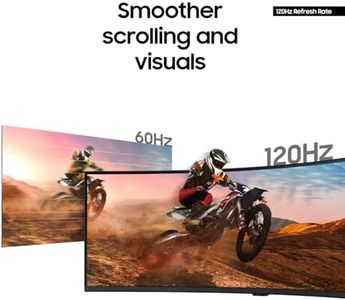
Samsung 49” Business Curved Ultrawide Dual QHD Computer Monitor, USB-C, DisplayPort, HDMI, 120Hz, VESA DisplayHDR 400, Built-in Speakers, Height Adjustable Stand, Eye Care, LS49C954UANXZA, 2024
INNOCN 49" Curved Monitor Ultrawide Gaming 5K2K 120Hz 32:9 QHD 5120 x 1440P Computer Monitor, R1800, 99% sRGB, HDR400, USB Type C, DisplayPort, HDMI, Built-in Speakers, Height/Tilt Adjustable - 49C1R
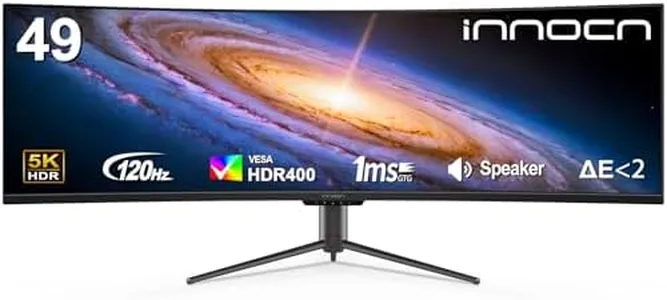
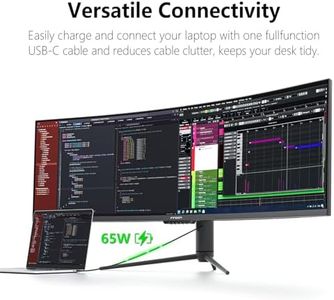
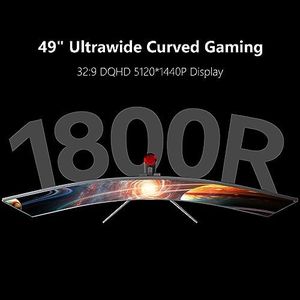
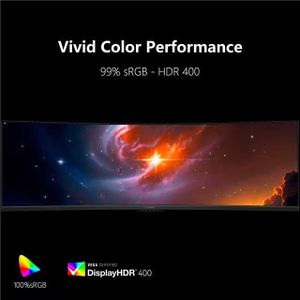
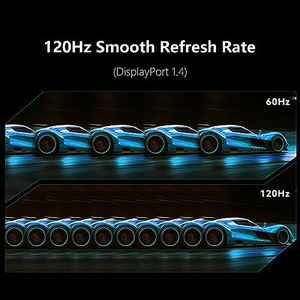
INNOCN 49" Curved Monitor Ultrawide Gaming 5K2K 120Hz 32:9 QHD 5120 x 1440P Computer Monitor, R1800, 99% sRGB, HDR400, USB Type C, DisplayPort, HDMI, Built-in Speakers, Height/Tilt Adjustable - 49C1R
Related Products
Up to 5% off


INNOCN 49" Curved Gaming Monitor 144Hz Ultrawide 32:9 WDFHD 3840 x 1080P, R1800, 99% sRGB, HDR400, USB Type C, DisplayPort, HDMI, Built-in Speakers, Height/Tilt Adjustable - 49C1G
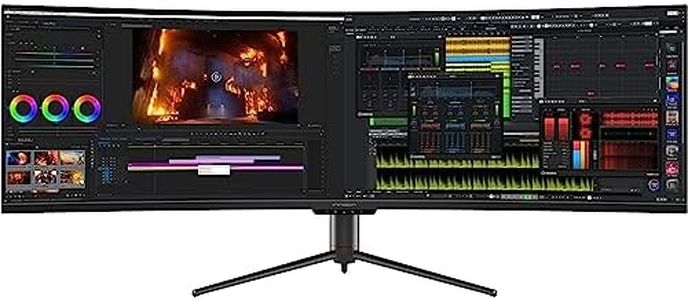
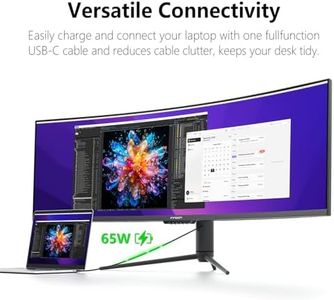
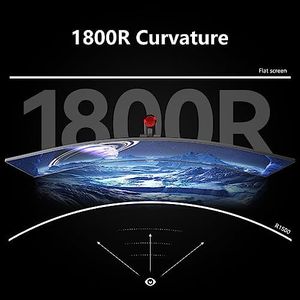
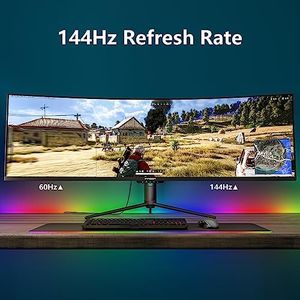
INNOCN 49" Curved Gaming Monitor 144Hz Ultrawide 32:9 WDFHD 3840 x 1080P, R1800, 99% sRGB, HDR400, USB Type C, DisplayPort, HDMI, Built-in Speakers, Height/Tilt Adjustable - 49C1G
Samsung 57" Odyssey Neo G9 (G95NC) Series Dual 4K UHD 1000R Curved Gaming Monitor, 240Hz, 1ms with DisplayPort 2.1, Quantum Mini-LED, DisplayHDR 1000, AMD FreeSync Premium Pro, LS57CG952NNXZA
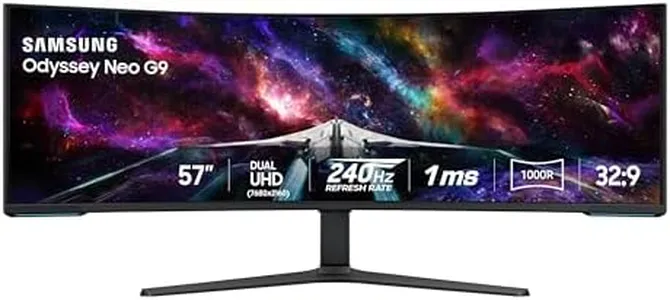
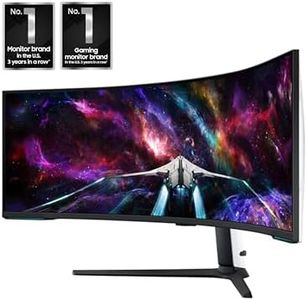

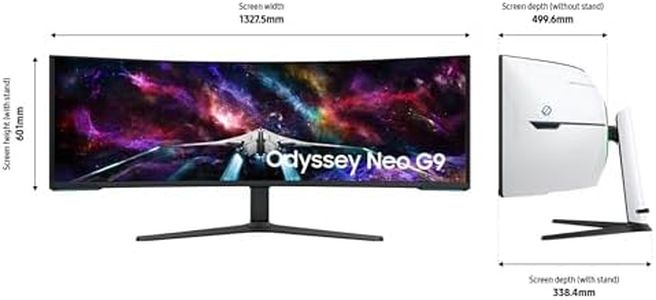
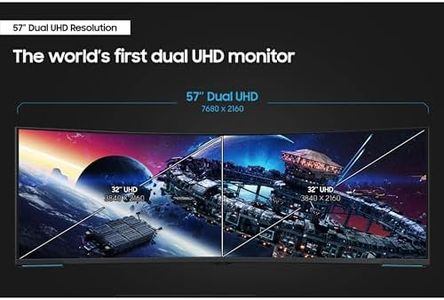
Samsung 57" Odyssey Neo G9 (G95NC) Series Dual 4K UHD 1000R Curved Gaming Monitor, 240Hz, 1ms with DisplayPort 2.1, Quantum Mini-LED, DisplayHDR 1000, AMD FreeSync Premium Pro, LS57CG952NNXZA
Samsung 49" Odyssey G93SC Series Curved Gaming Monitor, QD-OLED, 240Hz, 0.03ms, DQHD, G-Sync Compatible, FreeSync Premium Pro, Adjustable Stand
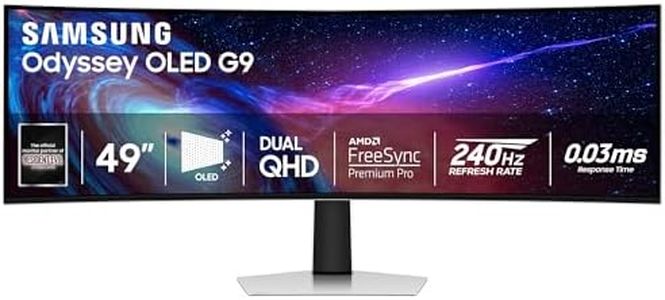
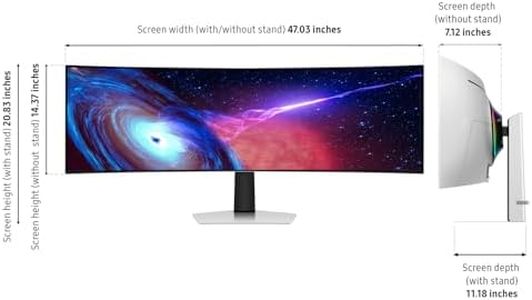
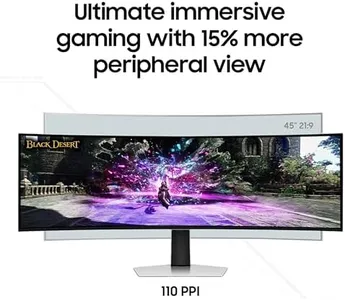
Samsung 49" Odyssey G93SC Series Curved Gaming Monitor, QD-OLED, 240Hz, 0.03ms, DQHD, G-Sync Compatible, FreeSync Premium Pro, Adjustable Stand
CRUA 49" Curved Gaming Monitor | DQHD(5120 * 1440), 144Hz/165Hz, 1500R, 32:9, AMD FreeSync, 120% sRGB, Height Adjustable Ultra-Wide Screen Monitors, HDMI 2.1 & DP 1.4, Wall Mount Install- Black
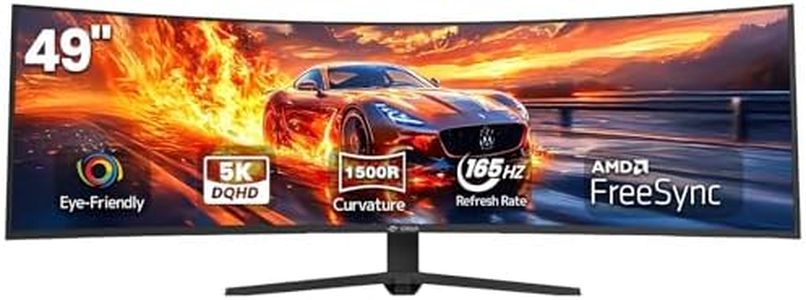
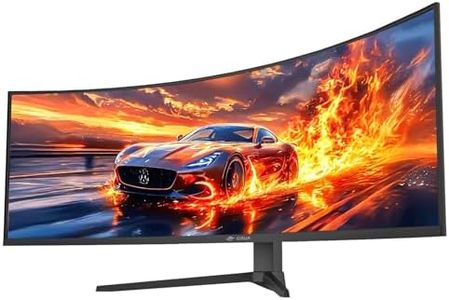
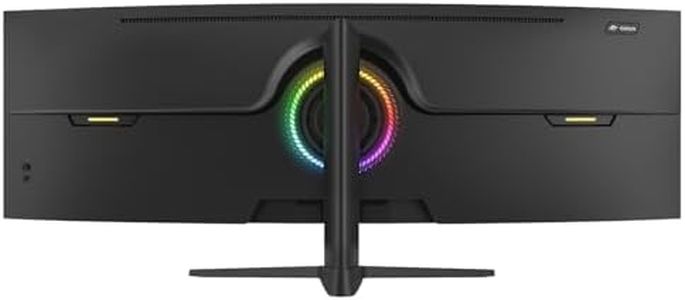
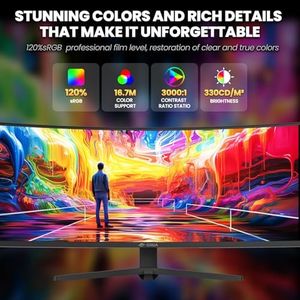
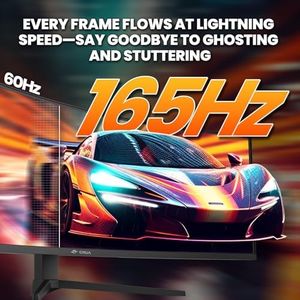
CRUA 49" Curved Gaming Monitor | DQHD(5120 * 1440), 144Hz/165Hz, 1500R, 32:9, AMD FreeSync, 120% sRGB, Height Adjustable Ultra-Wide Screen Monitors, HDMI 2.1 & DP 1.4, Wall Mount Install- Black
INNOCN 49" 240Hz Curved Monitor Ultrawide Gaming QHD 5120 x 1440P Computer Monitor, R1800, 99% sRGB, HDR400, USB Type C, DisplayPort, HDMI, Built-in Speakers, Height/Tilt Adjustable - 49C1S
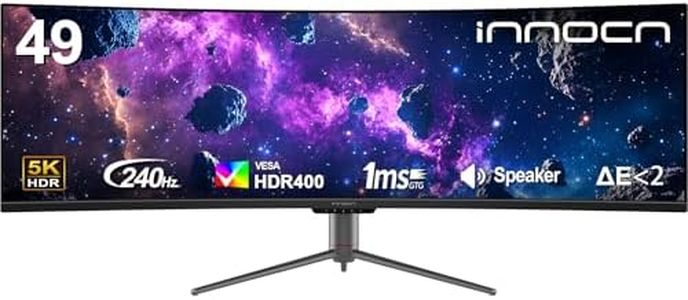
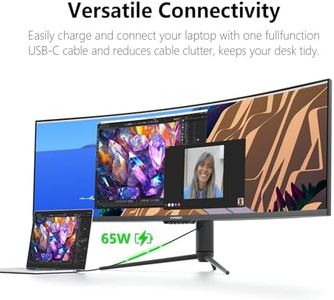
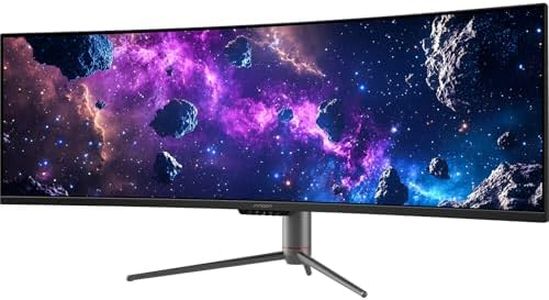
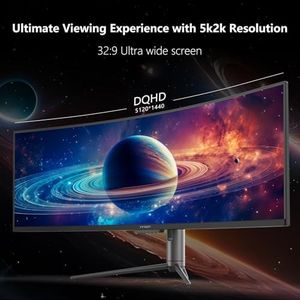
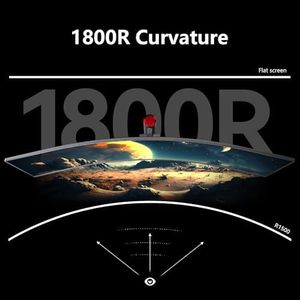
INNOCN 49" 240Hz Curved Monitor Ultrawide Gaming QHD 5120 x 1440P Computer Monitor, R1800, 99% sRGB, HDR400, USB Type C, DisplayPort, HDMI, Built-in Speakers, Height/Tilt Adjustable - 49C1S
Our technology thoroughly searches through the online shopping world, reviewing hundreds of sites. We then process and analyze this information, updating in real-time to bring you the latest top-rated products. This way, you always get the best and most current options available.
